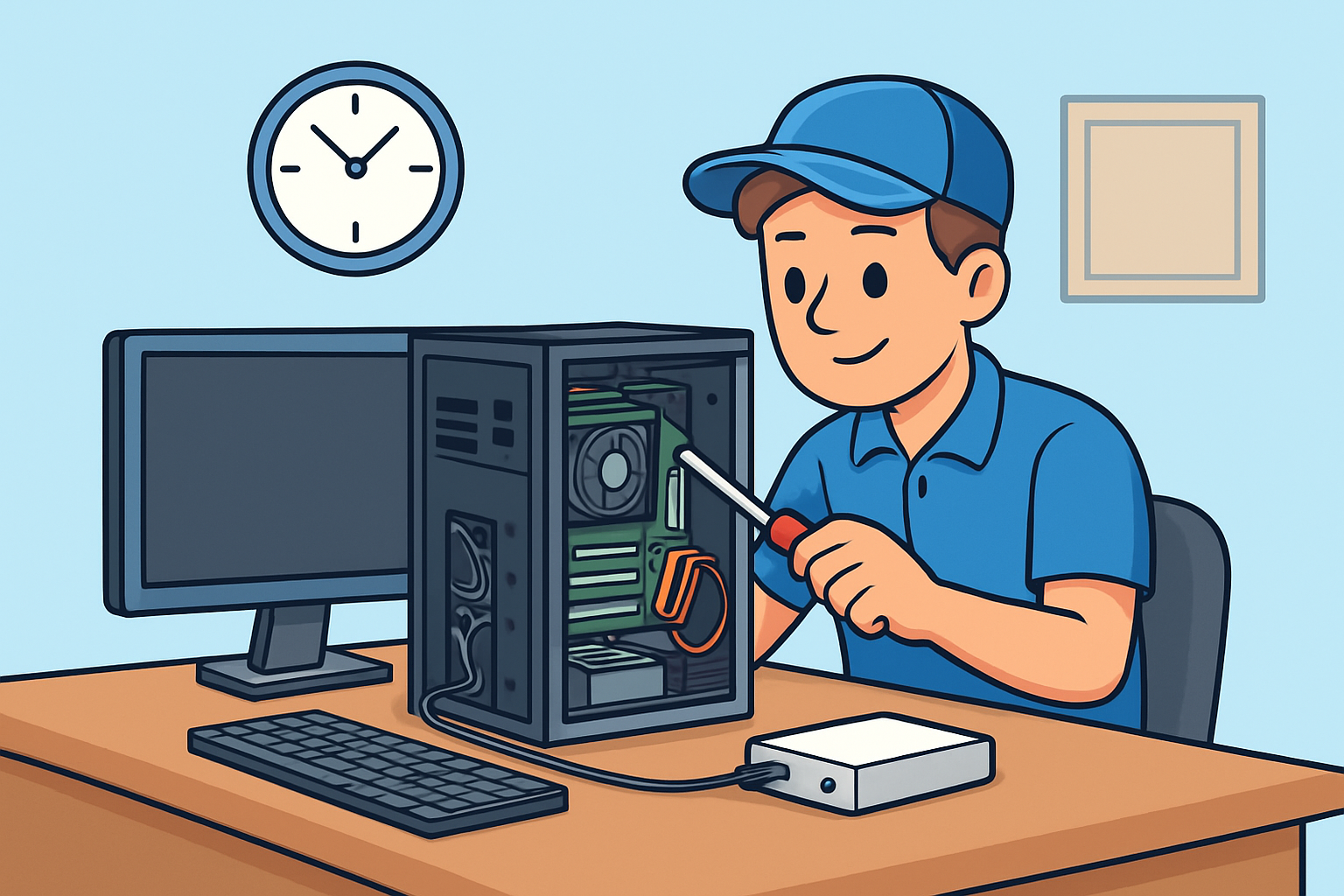
This Week at Twin Cities PC Repair: Tips, Tales & Tech Insights
Patrick Jensen (Owner)
This Week at Twin Cities PC Repair: Tips, Tales & Tech Insights – 9/29/2025
Welcome Note
Hello, Twin Cities community! We hope your week has been smooth (at least until your computer gave you headaches). Here at Twin Cities PC Repair, we believe in keeping you informed, empowered, and (fingers crossed) error-free. Below are what’s happening this week, along with a few tips and insights for your tech.
🖥️ Featured Tip of the Week
Back Up Before You Crack (Open the Case, That Is)
One thing we can’t stress enough: always back up your data before doing any hardware changes or repairs. Whether it’s a hard drive swap, SSD upgrade, or cleaning internal components, unexpected failures can happen. Use an external drive, cloud backup, or network storage to keep your photos, documents, and important files safe.
Bonus tip: verify your backup by opening a few files from it occasionally — you don’t want to discover it’s corrupt when you really need it.
🔍 Recent Highlights from the Shop
Client Spotlight – SSD Upgrade for Speed
This week, we upgraded a local small business owner’s aging laptop from a 5400 RPM HDD to a 1TB NVMe SSD. The end result? Boot times dropped from ~60 seconds to ~10 seconds. The client was stunned — “I didn’t know my machine could be this fast,” they said.
Fun (but stressful) Recovery
We had a case where someone accidentally spilled coffee on their desktop. Thankfully, the client shut off the PC immediately, brought it in, and we managed to salvage the motherboard and data. A reminder: always power off and unplug first if liquid gets in.
Network Troubles
A customer’s home WiFi was dropping repeatedly. After diagnostics, we found a failing router and interference from a new neighbor’s network. Swapping to a dual-band mesh system and choosing less crowded channels solved the problem.
💡 Tech Insight of the Week: Why Your PC Slows Over Time
Over months and years, many things accumulate to slow your machine:
Bloatware and unwanted software installed in the background
Fragmented storage (especially on traditional hard drives)
Dust and heat buildup in key components
Outdated drivers or firmware
Operating system updates not optimized
If you’ve noticed your PC dragging lately, come by and we’ll run a “speed-revival” tune-up — cleaning, updates, optimizations, and hardware checks.
✅ Quick Checklist for Your PC This Week
Check your backups — make sure they are working.
Delete programs you no longer need.
Clean dust out of fans, vents, and intakes (when safe and powered off).
Update your OS, drivers, and key software.
Monitor your disk usage; a nearly full drive often slows things down.
Thanks for reading! If you’re in the Twin Cities area and your computer’s acting up, feel free to book a device drop-off or drop by. We’d be happy to help.
Have a great (and glitch-free) week ahead,
Twin Cities PC Repair
We use cookies to ensure that we give you the best experience on our website. If you continue to use this site we will assume that you are happy with it.