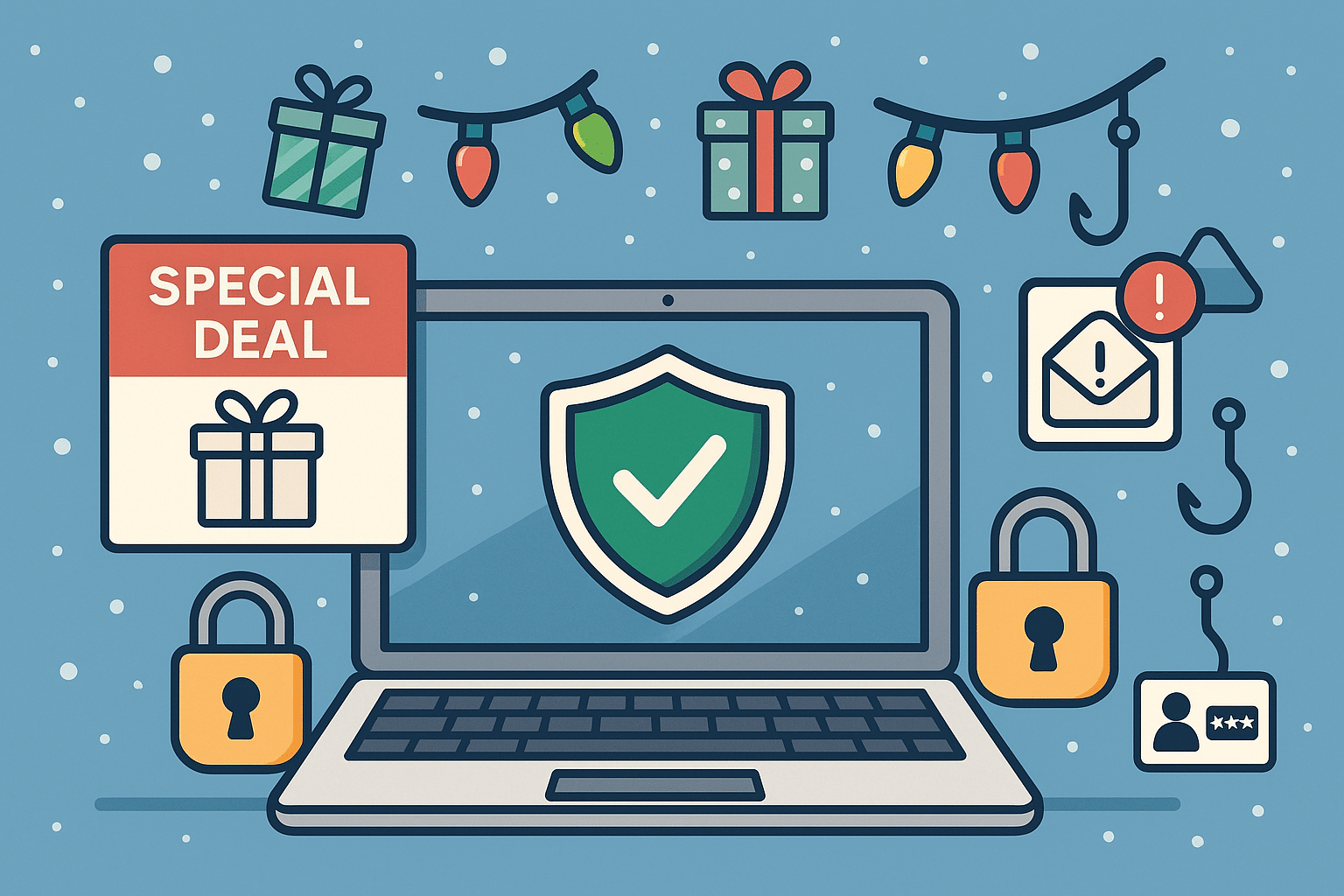
The holiday season is a peak time for shopping, gifting, and unfortunately… tech scams. Cybercriminals take advantage of busy holiday shoppers who are clicking quickly and trusting too easily. From fake shopping websites to phishing emails pretending to be order confirmations, threat actors are working overtime to steal money and personal information.
At Twin Cities PC Repair, we want to help you enjoy the season safely. Here’s what to watch out for — and how to protect yourself.
🚫 Common Tech Scams During the Holidays
1️⃣ Fake Online Stores Scammers create websites that look almost identical to popular retailers — same layout, same branding, but your order never arrives. If a deal looks too good to be true, it usually is.
2️⃣ Fake Delivery Alerts Emails or text messages claiming an issue with a package delivery — often asking you to click a link to “fix it.” Instead, the link installs malware or steals login info.
3️⃣ Gift Card Scams Fraudsters may pressure you into paying for products or resolving account issues using gift cards. No legitimate company will request this method of payment.
4️⃣ Tech Support & Device Pop-Up Scams A sudden warning pops up saying your computer is infected — urging you to call a number. These scammers often try to gain remote access or demand payment to “fix” a fake problem.
5️⃣ Charity & Social Media Giveaways Fake holiday fundraisers and “you’ve won!” messages trick users into providing personal or financial information. Always verify a charity through trusted platforms.
🛡️ How to Protect Yourself Online
✔ Shop only on verified websites Check for HTTPS, look up reviews, and confirm the retailer’s customer service contact information.
✔ Enable multi-factor authentication Even if a password is stolen, scammers can’t access your accounts.
✔ Never click suspicious links Go directly to the retailer’s website instead of using embedded links in emails or texts.
✔ Monitor your accounts Review credit card charges and bank statements frequently during the holiday season.
✔ Avoid public Wi-Fi for shopping If you must connect, use a reputable VPN to encrypt sensitive data.
✔ Ask before you pay When in doubt, call your local trusted tech support — don’t rely on strangers online.
🎁 Keep Your Devices Secure
Holiday deals often include new phones, tablets, and computers. Before you use them:
🔹 Install updates immediately 🔹 Enable built-in security features 🔹 Use strong, unique passwords 🔹 Set up parental controls for kids’ devices
If you need assistance, we’re here to help ensure your new tech starts with safety first.
🎅 Final Thoughts
The holidays should be filled with joy, not stress. With a little caution and security know-how, you can keep scammers far away from your celebrations. If something doesn’t feel right — don’t click! Reach out to your trusted local professionals for guidance.
We use cookies to ensure that we give you the best experience on our website. If you continue to use this site we will assume that you are happy with it.