The Ups and Downs of VPN Services: Are They Worth It for Twin Cities Residents? – 2/23/2026
If you’ve spent any time online lately, you’ve probably seen ads for VPN services promising total privacy, complete anonymity, and protection from hackers. But are VPNs really necessary? And are they always the right solution?
At Twin Cities PC Repair in Bloomington, MN, we regularly get questions from customers in Burnsville, Eden Prairie, Eagan, and across the Minneapolis–St. Paul metro about whether they should be using a VPN. The truth? VPN services have both advantages and limitations. Let’s break down the ups and downs so you can make an informed decision.
What Is a VPN?
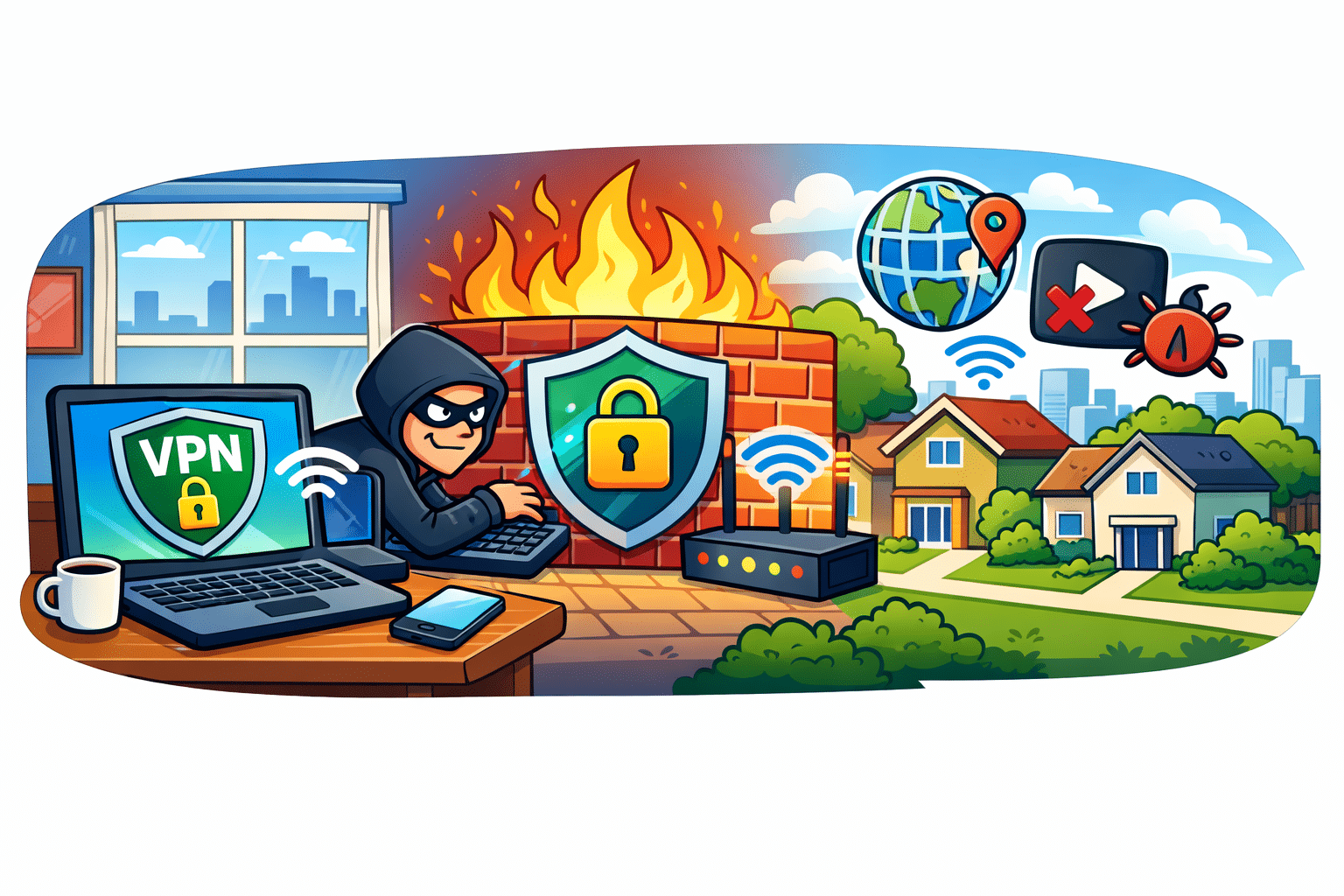
A Virtual Private Network (VPN) encrypts your internet connection and routes your traffic through a remote server. This masks your IP address and helps protect your browsing activity from being easily monitored.
Each offers slightly different features, pricing models, and privacy policies.
The Upsides of VPN Services
1. Enhanced Privacy on Public Wi-Fi
If you’re working from a coffee shop in downtown Minneapolis or checking email at MSP Airport, a VPN adds a layer of encryption that protects your data from potential snoopers on public Wi-Fi networks.
2. IP Address Masking
A VPN hides your home IP address. This makes it harder for websites, advertisers, and bad actors to track your location and browsing habits.
3. Remote Work Security
Many businesses in the Twin Cities require VPN connections for employees accessing internal company networks from home. In this case, a VPN is not optional — it’s required for secure operations.
4. Bypassing Geo Restrictions
Some users leverage VPNs to access region-locked content or pricing. While this may be convenient, it’s important to understand the terms of service for any platform you use.
The Downsides of VPN Services
While VPNs sound like a silver bullet for privacy, they are not perfect.
1. Slower Internet Speeds
Because your traffic is routed through another server — sometimes across the country or overseas — you may notice slower download and upload speeds. This can impact streaming, gaming, and video calls.
2. False Sense of Complete Anonymity
A VPN does NOT make you invisible online. Websites can still track you through cookies, browser fingerprinting, and logged-in accounts. If you’re signed into Google or Facebook, your activity is still tied to your account.
3. Questionable Free VPNs
Free VPN services often monetize users in ways you may not expect. Some log your browsing data. Others inject ads. In cybersecurity, “free” often comes with tradeoffs.
4. Not Protection Against Malware
A VPN does not replace antivirus software. It won’t stop you from clicking a phishing link, downloading malware, or falling victim to a scam.
Do Twin Cities Home Users Really Need a VPN?
For most residential customers in Bloomington, Burnsville, and surrounding areas, the need depends on usage habits:
You might benefit from a VPN if:
You frequently use public Wi-Fi
You travel often
You work remotely
You prioritize privacy
You may not need one if:
You primarily use a secure home Wi-Fi network
You already practice safe browsing habits
You maintain updated antivirus and firewall protection
In many cases, improving your home network security, enabling two-factor authentication, and keeping Windows updated provides more practical protection than a VPN subscription alone.
Our Recommendation at Twin Cities PC Repair
At Twin Cities PC Repair, we don’t push unnecessary subscriptions. Instead, we evaluate your specific setup and security needs.
We help clients:
Secure home Wi-Fi routers
Remove malware infections
Optimize slow internet performance
Set up reputable VPN services correctly
Avoid tech support scams
If you’re unsure whether a VPN makes sense for your situation, we’re happy to walk you through the pros and cons.
Final Thoughts
VPN services can be valuable tools — but they are not magic shields. They are one layer of a broader cybersecurity strategy.
If you’re in Bloomington, Burnsville, Eagan, Eden Prairie, or anywhere in the Twin Cities metro area and want help setting up secure internet protection, reach out to Twin Cities PC Repair today.
Residential Sales & Support — Local, Honest, Reliable.
Why computer memory prices are so high (and whether there’s a “memory shortage”) – 2/11/2026
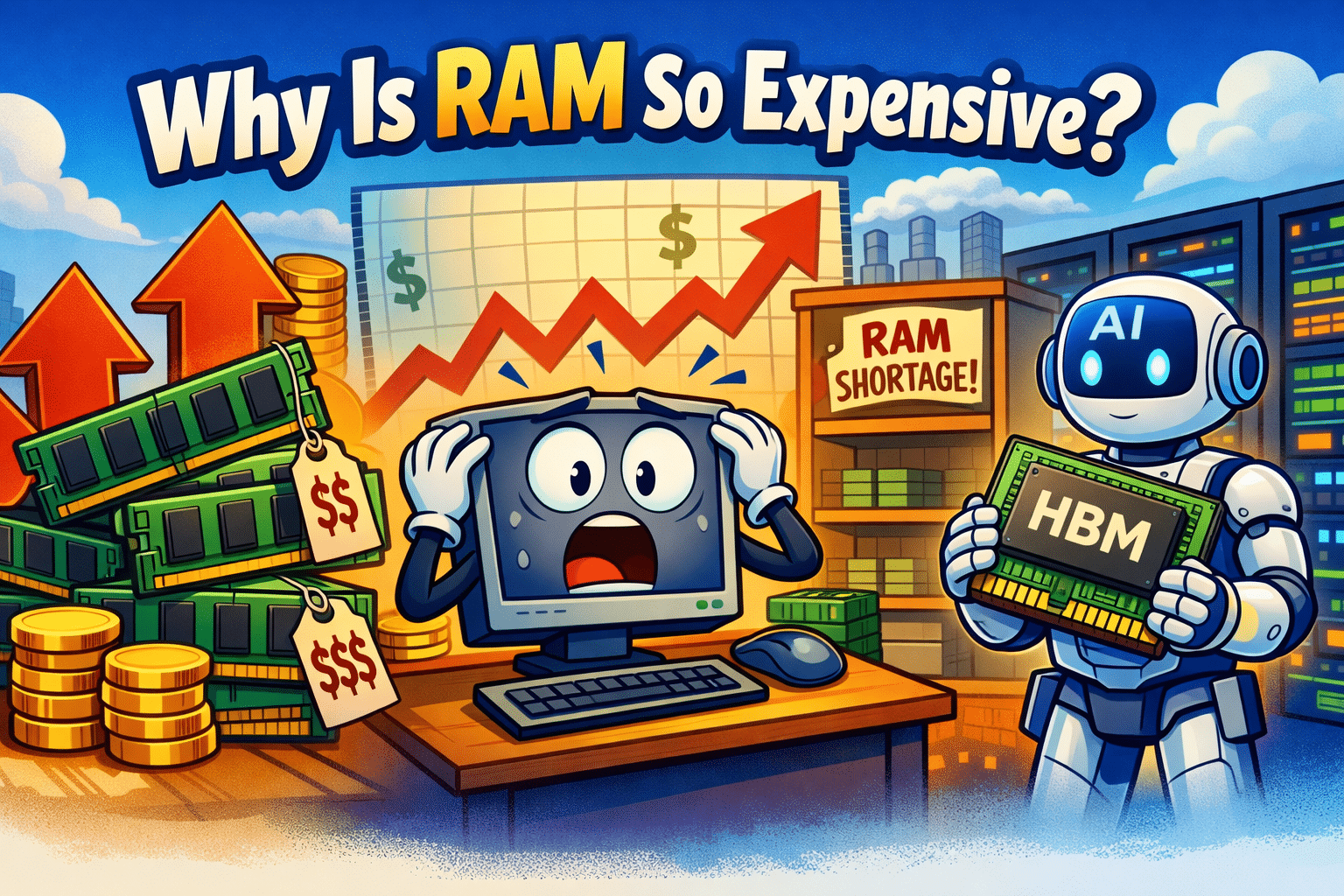
If you’ve priced out DDR4/DDR5 kits lately (or tried to build a gaming PC on a budget), you’ve probably asked the same thing: Why is RAM suddenly so expensive again? The short version is that memory is a global commodity market, and right now the forces pushing demand up and supply down are hitting at the same time—especially because of AI.
1) AI is consuming the “best” memory capacity—and reshaping the whole market
The biggest driver isn’t regular consumer PCs. It’s data centers and AI infrastructure. Modern AI accelerators need high-bandwidth memory (HBM) and huge volumes of server DRAM, and hyperscalers (the big cloud companies) are signing large contracts that lock up supply. Analysts have noted that the AI memory boom is squeezing availability for “legacy” and conventional DRAM products, which pushes prices higher across the board. (S&P Global)
Even if you’re buying normal desktop RAM, this matters because memory manufacturers allocate their limited production and packaging capacity toward the most profitable segments. When the industry prioritizes server and AI-related memory, the leftover supply for consumer channels tightens. TrendForce specifically pointed to AI and data center demand worsening the supply-demand imbalance and increasing suppliers’ pricing power. (TrendForce)
2) DRAM pricing is spiking at the contract level, not just retail markups
Retail prices can jump for lots of reasons (inventory, distributors, panic buying), but what’s different in this cycle is that contract pricing expectations are extremely aggressive. TrendForce upgraded its outlook and said conventional DRAM contract prices for 1Q 2026 could rise around 90–95% quarter-over-quarter, a massive revision upward. (TrendForce)
That kind of upstream move almost always finds its way into what consumers pay—sometimes immediately, sometimes after retailers burn through older inventory.
3) It takes years to add new memory capacity
When prices surge, people assume manufacturers can just “make more.” But bringing new wafer capacity online (or converting lines) is slow and capital-intensive. Industry commentary around the current AI-driven memory cycle emphasizes that new DRAM capacity takes a long time to build and ramp, which limits how quickly prices can normalize. (MarketWatch)
So even if manufacturers are increasing spending, supply doesn’t instantly appear.
4) The market is concentrated—and suppliers have more pricing discipline than in the past
DRAM is dominated by a small number of major producers. In tight markets, fewer suppliers can mean more disciplined supply behavior (less “flood the market” behavior), which supports higher pricing. TrendForce has also described suppliers strategically managing pricing and allocation amid low inventories and strong demand. (TrendForce)
5) DDR5 transition effects can add friction (and cost)
As the industry shifts platforms, there are periods where demand concentrates on certain densities and speeds (and certain chips/bins), and the supply chain doesn’t always match perfectly. Add in the fact that laptop memory (LPDDR) and server memory demand can outcompete DIY desktop demand, and you get sporadic shortages for the specific kits people actually want.
So… is there a memory shortage?
There isn’t one simple “everything is out of RAM” shortage like a natural disaster shutting down multiple fabs. But in practical terms, yes—there is a shortage of available conventional DRAM supply at prices consumers were used to, because AI/data-center demand is absorbing capacity and pushing contract prices sharply higher. (TrendForce)
What this means for regular PC owners (and what to do)
If you need RAM now (a failing stick, a client machine, a business PC), buy what you need and move on—waiting can backfire during fast spikes.
If you’re building a new PC, consider whether 32GB is truly necessary today vs. 16GB now and a planned upgrade later.
Keep an eye on reputable pricing indexes and avoid “panic scalper” listings (these pop up quickly in memory cycles). (Tom’s Hardware)
If you’re in Bloomington or the Twin Cities and you’re trying to decide whether upgrading RAM is worth it (or you’re not sure what your PC can actually support), Twin Cities PC Repair can help you choose compatible memory and install/test it properly—so you don’t waste money chasing the wrong kit during a volatile pricing cycle.
Recommended Memory and Essential Components for a High-Performance Gaming PC in the Twin Cities – 2/9/2026
If you’re a PC gamer in Bloomington, MN or anywhere in the Twin Cities, having the right hardware makes all the difference. Whether you’re playing competitive shooters, open-world RPGs, or running a dual-monitor streaming setup, your gaming experience depends heavily on your system’s memory and core components. At Twin Cities PC Repair, we help local gamers build and upgrade systems that deliver smooth performance without wasting money on unnecessary parts.
This guide breaks down recommended RAM, storage, CPU, GPU, and supporting components for modern PC gaming—based on real-world performance, not marketing hype.
How Much Memory (RAM) Do Gamers Really Need?
Memory is one of the most misunderstood components in gaming PCs. In 2026, 16GB of RAM is the absolute minimum for modern games, but it’s no longer the sweet spot.
Recommended Gaming RAM:
16GB DDR4/DDR5 – Entry-level gaming, esports titles, older games
32GB DDR5 – Modern AAA games, multitasking, streaming, modding
64GB DDR5 – Heavy content creation, VR, future-proof builds
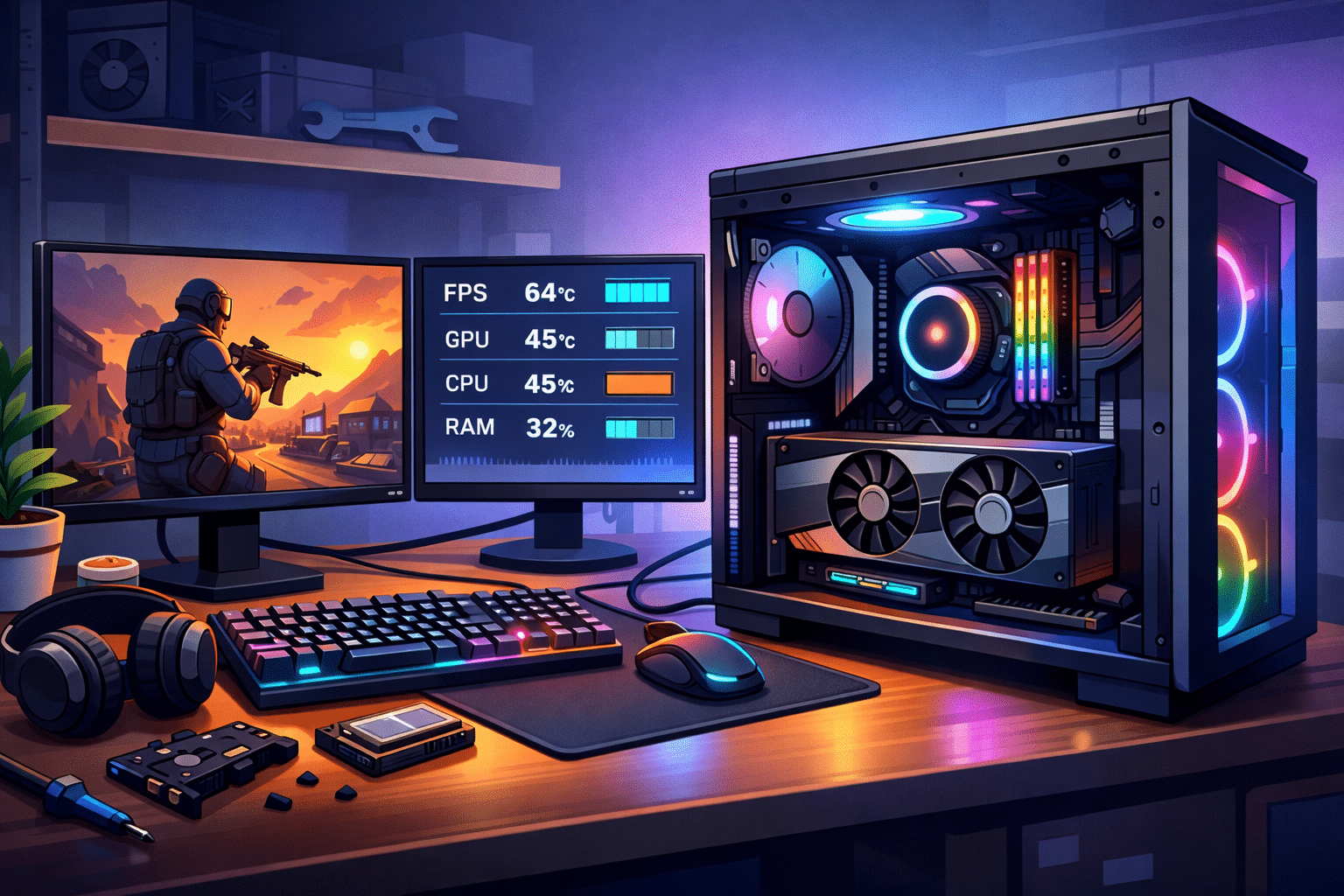
For most gamers in the Twin Cities, 32GB of DDR5 RAM offers the best balance of performance and longevity. Newer titles regularly exceed 16GB when background apps, launchers, and Windows processes are running.
RAM Speed & Configuration Matters
Use dual-channel memory (2 sticks, not 1)
DDR5 speeds of 5600–6000 MHz are ideal for gaming
Avoid mixing different RAM brands or speeds
Storage: SSDs Are Non-Negotiable
If you’re still gaming on a mechanical hard drive, you’re leaving performance on the table.
Best Storage Setup for Gaming PCs:
1TB NVMe SSD (Primary) – Operating system + favorite games
2TB SSD or HDD (Secondary) – Game libraries, recordings, files
NVMe SSDs drastically reduce load times and eliminate stuttering in open-world games. Many modern games are optimized assuming SSD speeds—especially on Windows 11.
CPU: The Brains Behind the Frames
Your processor impacts frame rates, load times, and system stability.
Recommended Gaming CPUs:
Mid-range (Best Value): Modern 6–8 core CPUs
High-end: 8–12 core CPUs for streaming and multitasking
Clock speed matters more than raw core count for gaming, but pairing a strong CPU with fast RAM ensures consistent performance—especially in CPU-heavy titles like strategy games and simulators.
Graphics Card (GPU): Where Most of Your Budget Goes
The GPU has the biggest impact on gaming performance.
General GPU Recommendations:
8GB VRAM minimum for 1080p gaming
12GB+ VRAM for 1440p and future-proofing
16GB VRAM for high-resolution textures and modded games
Many Twin Cities gamers upgrade GPUs but forget that insufficient RAM or an older CPU can bottleneck performance. Balance is key.
Supporting Components Gamers Overlook
A great gaming PC isn’t just about flashy parts.
Don’t Skip These:
Power Supply: Quality 750W–850W PSU for stability
Cooling: Proper airflow or liquid cooling prevents thermal throttling
Motherboard: Must support RAM speeds and future upgrades
Cheap power supplies and poor cooling are common causes of crashes and shortened hardware lifespan—issues we see daily at our Bloomington repair shop.
Local Gaming PC Upgrades & Builds in Bloomington, MN
Every gamer’s setup is different. Whether you’re upgrading memory, replacing a failing SSD, or building a custom gaming PC from scratch, Twin Cities PC Repair offers local, honest advice and professional installation—without the big-box store pressure.
We specialize in:
Gaming PC upgrades
RAM & SSD installations
Custom gaming builds
Performance troubleshooting
Windows 11 gaming optimization
If you’re in Bloomington, Minneapolis, Eden Prairie, Richfield, or anywhere in the Twin Cities, stop guessing and get expert help from a local shop that understands gaming hardware.
Looking to upgrade your gaming PC?
Contact Twin Cities PC Repair today, and let’s build or upgrade a system that actually fits how you game.
Computer Liquid Spills: What to Do Immediately (and How Twin Cities PC Repair Can Help) – 2/5/2026
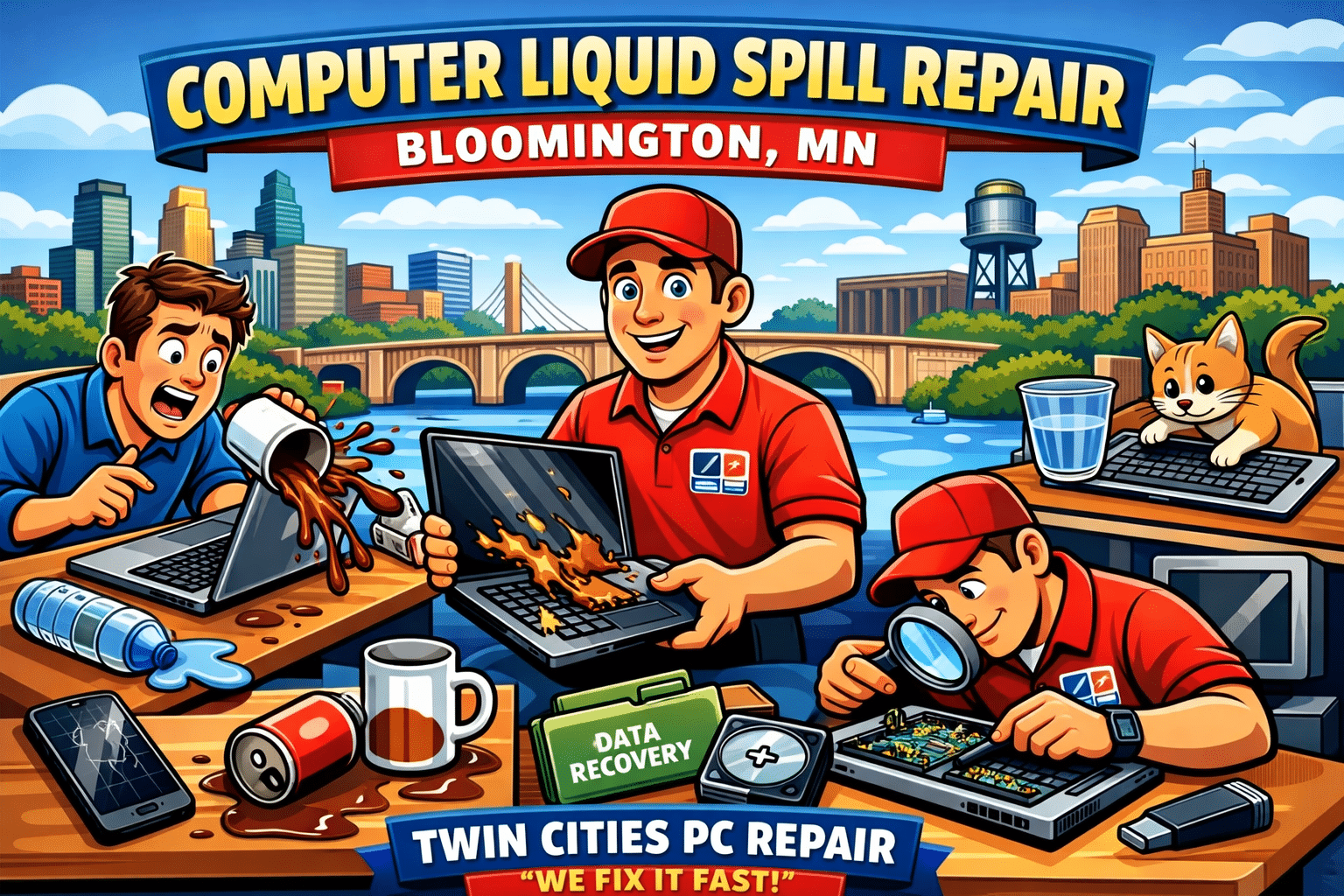
Few things are more panic-inducing than watching coffee, water, or soda spill across your laptop or desktop keyboard. In homes and offices throughout Bloomington, Minneapolis, St. Paul, and the surrounding Twin Cities metro, liquid spills are one of the most common—and potentially destructive—computer accidents we see. The good news? A spill doesn’t always mean your computer is permanently damaged, especially if you act quickly and bring it to a trusted local repair shop.
Why Liquid Spills Are So Dangerous for Computers
Modern computers are packed with delicate components, tight circuitry, and high-density boards. When liquid enters a device, it can cause:
Immediate short circuits
Corrosion of internal components
Sticky residue that interferes with keys and connectors
Long-term damage that worsens over time
Even plain water can corrode internal parts if it isn’t properly cleaned and dried. Sugary drinks, coffee, alcohol, or energy drinks are even more damaging because they leave behind residue that continues to eat away at components long after the spill occurs.
What to Do Immediately After a Computer Liquid Spill
If you spill liquid on your computer, time is critical. Follow these steps right away:
Power it off immediately – Don’t try to save files or shut down normally.
Unplug everything – Charger, USB devices, external monitors, and accessories.
Turn the device upside down – This helps prevent liquid from spreading deeper inside.
Do NOT use a hair dryer or heat gun – Heat can warp components and lock in corrosion.
Do NOT turn it back on “to test it” – This is one of the most common causes of permanent damage.
Bring it to a professional repair shop as soon as possible
Many computers that “seem fine” after a spill develop problems days or weeks later due to unseen corrosion. Early professional cleaning can make the difference between a repair and a full replacement.
Why DIY Fixes Often Make Things Worse
It’s tempting to search YouTube for a quick fix, but liquid damage is one area where DIY repairs frequently backfire. Opening modern laptops without proper tools can damage connectors, and surface drying does nothing to remove corrosion under chips, keyboards, or ports.
We often see Twin Cities customers come in after attempting a DIY fix, only to find the damage spread further because the device was powered on too soon.
How Twin Cities PC Repair Can Help
At Twin Cities PC Repair, liquid spill cleanup and recovery is something we handle regularly for residential and small business customers across Bloomington, Minneapolis, St. Paul, and nearby suburbs.
Our professional liquid damage service includes:
Safe disassembly of laptops and desktops
Ultrasonic or manual board cleaning (when applicable)
Removal of corrosive residue
Component-level inspection
Keyboard, battery, or port replacement if needed
Honest assessment if a device is not cost-effective to repair
We work on Windows laptops, desktops, gaming PCs, and many Apple systems, and we always explain your options clearly—no pressure, no guesswork.
Common Liquid Spill Scenarios We See Locally
Coffee spills during work-from-home days
Water bottles leaking in backpacks
Kids knocking over juice or milk
Pets causing desk accidents
Beer or soda spills during gaming sessions
Snow or rain moisture from winter commutes in Minnesota
If it’s happened in the Twin Cities, we’ve probably seen it—and fixed it.
Is Data Recovery Possible After a Spill?
In many cases, yes. Even if a computer won’t power on, the internal storage device may still be recoverable. Twin Cities PC Repair can evaluate your system and determine whether files, photos, and documents can be safely recovered or transferred to a new computer.
Local, Trusted Computer Repair You Can Count On
When a liquid spill happens, working with a local Twin Cities repair shop matters. You get faster service, honest answers, and someone who understands the urgency of getting your computer back up and running.
If you’re in Bloomington, Minneapolis, St. Paul, Richfield, Edina, or surrounding areas, Twin Cities PC Repair is here to help with fast diagnostics and professional spill recovery.
Don’t Wait—Liquid Damage Gets Worse Over Time
If your computer has suffered a liquid spill—even days ago—don’t wait for it to fail completely. Early intervention can save you hundreds of dollars and prevent data loss.
Buying Refurbished Computers: A Smart, Affordable, and Sustainable Choice
When it’s time to replace or upgrade a computer, many people assume their only option is buying brand-new. But there’s a smarter alternative that more consumers and businesses are turning to every year: refurbished computers. When done right, refurbished PCs offer excellent performance, major cost savings, and peace of mind—without sacrificing reliability.
If you’re shopping for a desktop or laptop and want the best value for your money, here’s what you should know before buying refurbished.
What Is a Refurbished Computer?
A refurbished computer is a pre-owned system that has been professionally inspected, tested, cleaned, and restored to full working condition. These machines often come from businesses, schools, or leasing programs where systems were regularly maintained and replaced on a schedule—not because they failed, but because they were upgraded.
Unlike “used” computers sold as-is, properly refurbished PCs are evaluated component-by-component, upgraded when needed, and verified to meet performance and stability standards.
Why Buy Refurbished Instead of New?
1. Significant Cost Savings Refurbished computers typically cost 30–60% less than brand-new systems with similar specifications. That means you can afford more RAM, a larger SSD, or a higher-end processor—without blowing your budget.
2. Proven Business-Class Hardware Many refurbished PCs are business-grade systems originally built to last longer than consumer models. These machines are designed for daily use, better cooling, and long-term reliability.
3. Performance Where It Matters For everyday tasks like web browsing, email, office work, streaming, accounting software, or even light design work, refurbished systems perform just as well as new ones. With modern SSDs and adequate RAM, most users won’t notice a difference at all.
4. Better for the Environment Buying refurbished helps reduce electronic waste and extends the life of perfectly good hardware. It’s a smart, eco-friendly choice that keeps computers out of landfills and reduces the demand for new manufacturing.
Common Myths About Refurbished PCs
“Refurbished computers are outdated.” Not true. Many refurbished systems are only a few years old and fully compatible with modern operating systems and software.
“They aren’t reliable.” In reality, professionally refurbished PCs are often more reliable than brand-new consumer machines because they’ve been tested extensively before resale.
“No support if something goes wrong.” This depends on where you buy. That’s why purchasing from a trusted local repair shop matters.
What to Look for When Buying Refurbished
Before purchasing a refurbished computer, make sure it includes:
A solid-state drive (SSD) for speed and reliability
Adequate RAM (16GB is ideal for most users)
A clean installation of Windows
Hardware testing and quality control
Local support if you need help later
Buy Refurbished Locally from Someone You Trust
This is where Twin Cities PC Repair comes in. In addition to repairs and upgrades, Twin Cities PC Repair sells professionally refurbished desktop and laptop computers that are fully tested, optimized, and ready to use right out of the box.
Each refurbished PC is carefully inspected, cleaned, upgraded where necessary, and configured for reliability and performance—so customers know exactly what they’re getting. Even better, you’re buying from a local shop that stands behind the systems it sells and is available if you ever need help.
Buying a refurbished computer is one of the smartest tech decisions you can make—especially when you buy from a trusted local expert. You get dependable performance, real savings, and local support, all while making a more sustainable choice.
If you’re in the Twin Cities area and looking for a reliable, affordable computer, refurbished PCs from Twin Cities PC Repair are worth a serious look.
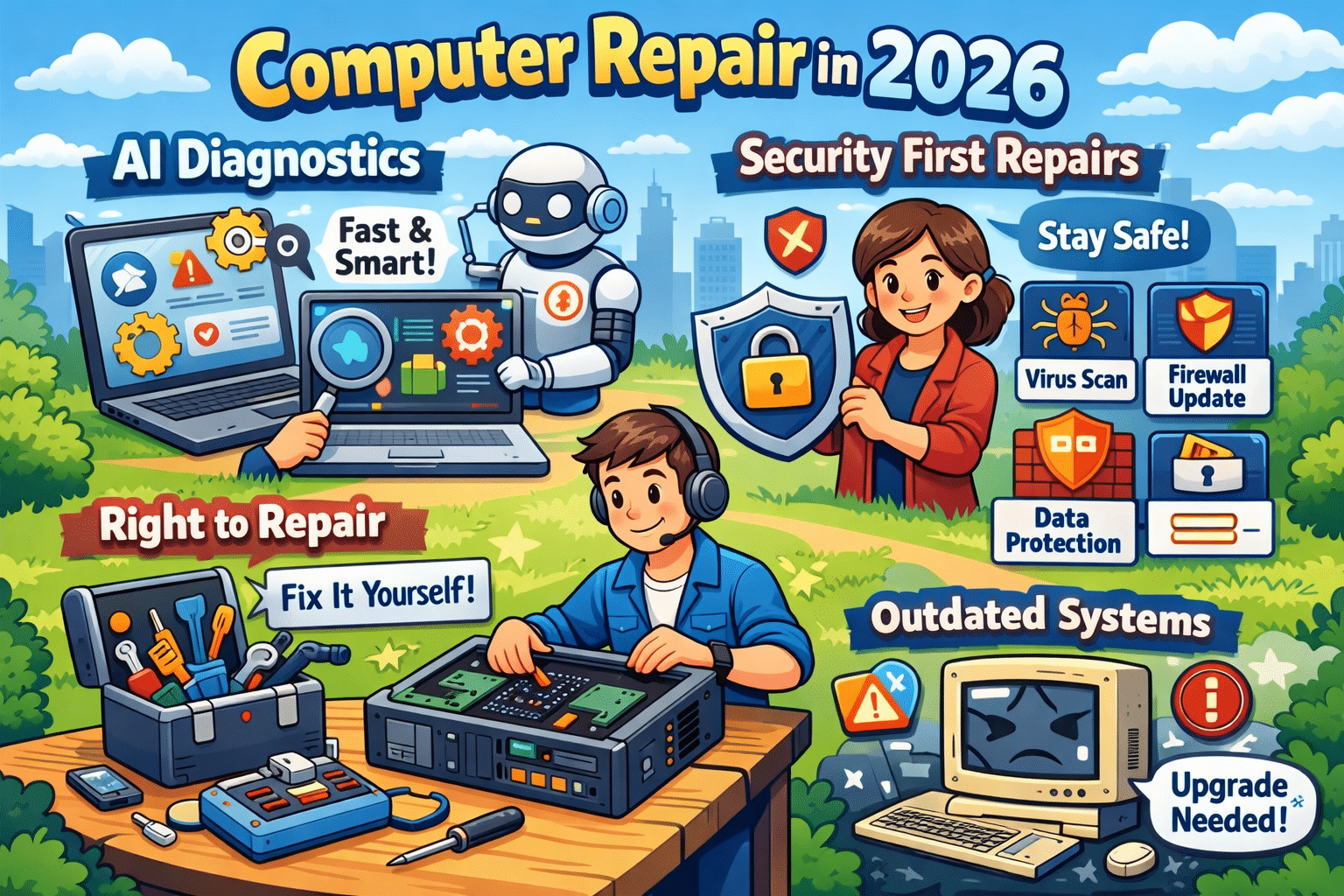
Why AI-Powered Diagnostics and Security-First Repairs Are the Future of Computer Repair in 2026 – 2/2/2026
Computer repair has changed dramatically over the last few years. In 2026, fixing a slow or malfunctioning computer isn’t just about swapping parts or reinstalling Windows. Two major trends now shape the industry: AI-powered diagnostics and a security-first repair approach. Together, they’re transforming how problems are found, fixed, and prevented.
Whether you’re a business owner, remote worker, or home user, understanding these changes can help you make smarter decisions about maintaining and protecting your computer.
AI-Powered Diagnostics: Faster and More Accurate Repairs
Traditional computer troubleshooting relies heavily on manual testing and technician experience. While that still matters, AI-driven diagnostic tools now play a major role in speeding up the repair process.
AI diagnostic systems analyze:
System performance patterns
Error logs and crash data
Hardware behavior such as heat and voltage fluctuations
By comparing this data against thousands of past repair cases, AI can pinpoint the most likely cause of an issue in minutes instead of hours. This allows technicians to focus on fixing the problem, not hunting for it.
Another major advantage is predictive maintenance. AI can detect early warning signs of failure — like a hard drive nearing the end of its lifespan or a power supply becoming unstable — before the computer completely breaks down. This proactive approach saves users from unexpected downtime and costly emergency repairs.
Security-First Repairs: No Longer Optional
Cybersecurity is no longer a separate service — it’s now a core part of modern computer repair. Malware, ransomware, phishing attacks, and fileless threats continue to increase every year, and an unsecured system is an easy target.
A proper repair in 2026 should always include:
Full malware and ransomware scans
Operating system and software updates
Security patch installation
Firewall and protection verification
Even a simple repair, such as replacing a hard drive or fixing startup issues, can expose vulnerabilities if security steps are skipped. Many infections go unnoticed until sensitive data is compromised or performance is severely impacted.
That’s why today’s technicians must be just as knowledgeable about security best practices as they are about hardware and software.
Why Outdated Systems Are a Major Risk
Older computers and outdated operating systems are one of the biggest sources of security problems. Once software stops receiving updates, known vulnerabilities remain permanently open to attackers.
Common risks include:
Unsupported versions of Windows
Old browsers and plugins
Legacy antivirus software
In many cases, repairs also involve advising customers when an upgrade makes more sense than another temporary fix. A secure, updated system is often faster, more reliable, and far safer than continuing to patch aging hardware.
Right-to-Repair: More Options for Consumers
The growing Right-to-Repair movement is also influencing computer repair in 2026. These laws encourage manufacturers to make parts, tools, and repair documentation available to independent repair shops and consumers.
For customers, this means:
More repair choices
Faster turnaround times
Lower repair costs
For local repair businesses, it levels the playing field and allows them to compete with large manufacturers and big-box service centers.
Final Thoughts: Repairing for the Future
Modern computer repair is no longer reactive — it’s predictive, security-focused, and data-driven. AI diagnostics help technicians find problems faster and prevent future failures, while security-first repairs protect users from growing cyber threats.
If you want your computer to last longer, perform better, and stay protected, working with a repair service that understands these trends is more important than ever. In 2026, a proper repair doesn’t just fix what’s broken — it keeps your technology safe and ready for what’s next.
Need your device looked at? Book your device drop-off HERE!
We use cookies to ensure that we give you the best experience on our website. If you continue to use this site we will assume that you are happy with it.


Recent Comments