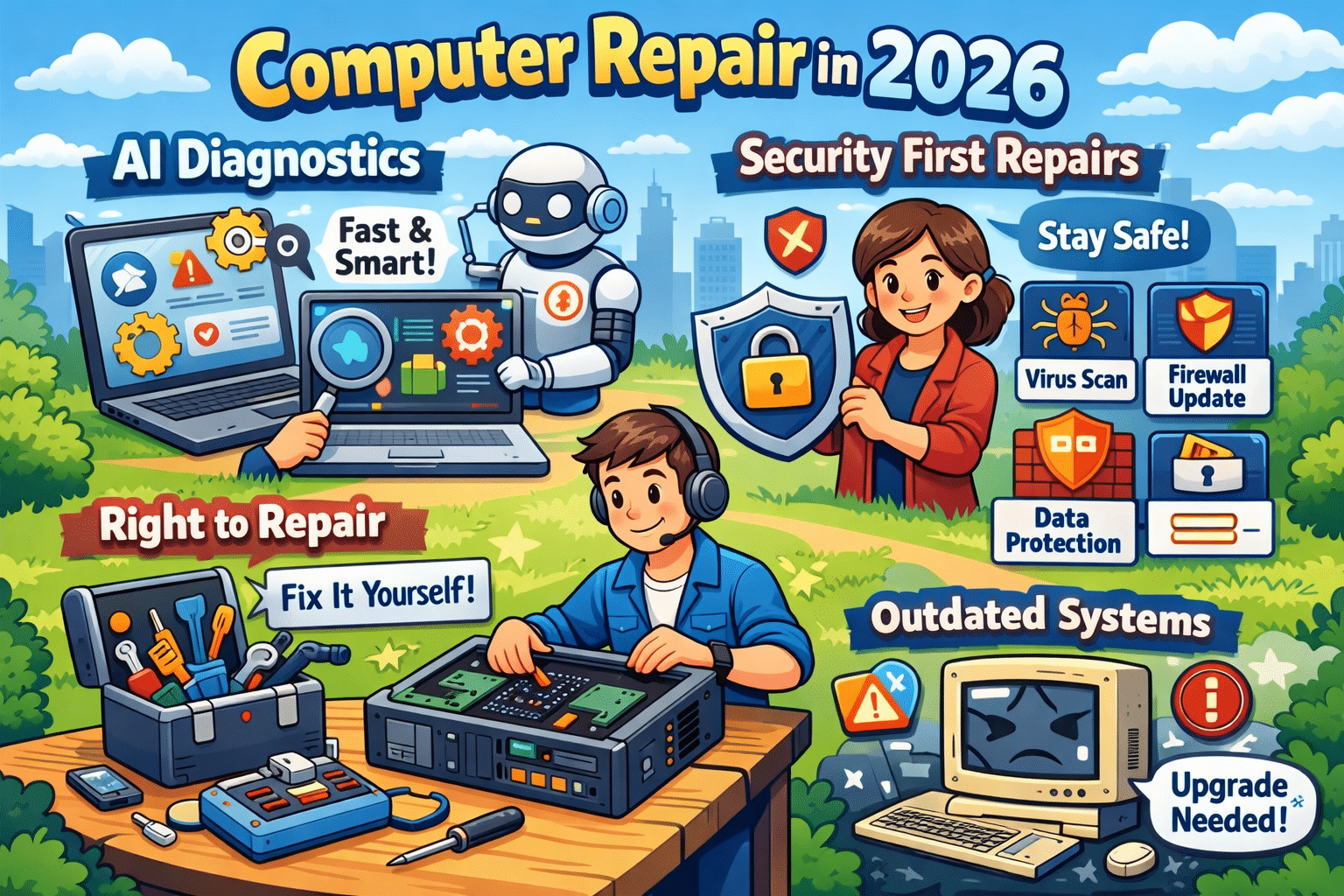
Why AI-Powered Diagnostics and Security-First Repairs Are the Future of Computer Repair in 2026
Patrick Jensen (Owner)
Why AI-Powered Diagnostics and Security-First Repairs Are the Future of Computer Repair in 2026 – 2/2/2026
Computer repair has changed dramatically over the last few years. In 2026, fixing a slow or malfunctioning computer isn’t just about swapping parts or reinstalling Windows. Two major trends now shape the industry: AI-powered diagnostics and a security-first repair approach. Together, they’re transforming how problems are found, fixed, and prevented.
Whether you’re a business owner, remote worker, or home user, understanding these changes can help you make smarter decisions about maintaining and protecting your computer.
AI-Powered Diagnostics: Faster and More Accurate Repairs
Traditional computer troubleshooting relies heavily on manual testing and technician experience. While that still matters, AI-driven diagnostic tools now play a major role in speeding up the repair process.
AI diagnostic systems analyze:
System performance patterns
Error logs and crash data
Hardware behavior such as heat and voltage fluctuations
By comparing this data against thousands of past repair cases, AI can pinpoint the most likely cause of an issue in minutes instead of hours. This allows technicians to focus on fixing the problem, not hunting for it.
Another major advantage is predictive maintenance. AI can detect early warning signs of failure — like a hard drive nearing the end of its lifespan or a power supply becoming unstable — before the computer completely breaks down. This proactive approach saves users from unexpected downtime and costly emergency repairs.
Security-First Repairs: No Longer Optional
Cybersecurity is no longer a separate service — it’s now a core part of modern computer repair. Malware, ransomware, phishing attacks, and fileless threats continue to increase every year, and an unsecured system is an easy target.
A proper repair in 2026 should always include:
Full malware and ransomware scans
Operating system and software updates
Security patch installation
Firewall and protection verification
Even a simple repair, such as replacing a hard drive or fixing startup issues, can expose vulnerabilities if security steps are skipped. Many infections go unnoticed until sensitive data is compromised or performance is severely impacted.
That’s why today’s technicians must be just as knowledgeable about security best practices as they are about hardware and software.
Why Outdated Systems Are a Major Risk
Older computers and outdated operating systems are one of the biggest sources of security problems. Once software stops receiving updates, known vulnerabilities remain permanently open to attackers.
Common risks include:
Unsupported versions of Windows
Old browsers and plugins
Legacy antivirus software
In many cases, repairs also involve advising customers when an upgrade makes more sense than another temporary fix. A secure, updated system is often faster, more reliable, and far safer than continuing to patch aging hardware.
Right-to-Repair: More Options for Consumers
The growing Right-to-Repair movement is also influencing computer repair in 2026. These laws encourage manufacturers to make parts, tools, and repair documentation available to independent repair shops and consumers.
For customers, this means:
More repair choices
Faster turnaround times
Lower repair costs
For local repair businesses, it levels the playing field and allows them to compete with large manufacturers and big-box service centers.
Final Thoughts: Repairing for the Future
Modern computer repair is no longer reactive — it’s predictive, security-focused, and data-driven. AI diagnostics help technicians find problems faster and prevent future failures, while security-first repairs protect users from growing cyber threats.
If you want your computer to last longer, perform better, and stay protected, working with a repair service that understands these trends is more important than ever. In 2026, a proper repair doesn’t just fix what’s broken — it keeps your technology safe and ready for what’s next.
Need your device looked at? Book your device drop-off HERE!
We use cookies to ensure that we give you the best experience on our website. If you continue to use this site we will assume that you are happy with it.