As Windows 10 approaches its end of support (October 2025), many of our customers are asking: “Can my current computer handle Windows 11?” It’s a critical question for both home and business users, and Twin Cities PC Repair is here to help you navigate the transition smoothly.
Why Are Hardware Requirements Stricter for Windows 11?
Windows 11 brings enhanced security, improved performance, and new features, but it also requires newer hardware to support these advancements. Microsoft has implemented strict hardware requirements to ensure better protection against modern cybersecurity threats and to deliver a more reliable user experience.
Key Hardware Requirements for Windows 11:
Processor: 8th Generation Intel Core or newer, or select AMD Ryzen 2000 series or newer CPUs
Graphics Card: DirectX 12 compatible with WDDM 2.0 driver
Display: 9″ or larger with HD resolution (720p)
Why Upgrade?
Running unsupported hardware not only prevents you from upgrading to Windows 11, but it also exposes your system to potential security vulnerabilities once Windows 10 support ends. Upgrading ensures you stay protected, receive important updates, and take advantage of the latest features and performance improvements.
What Are Your Options?
Upgrade Existing Hardware (if eligible): Some systems may only need minor upgrades (such as adding TPM 2.0 support, increasing RAM, or replacing storage drives).
Purchase New Hardware: In many cases, particularly with older 6th and 7th generation Intel systems, replacing your PC may be the most cost-effective long-term solution.
We Can Help!
At Twin Cities PC Repair, we offer free hardware evaluations to determine if your system is Windows 11 ready. If upgrades or replacements are needed, we can provide affordable options tailored to your needs and budget.
Don’t Wait Until the Last Minute!
With the deadline approaching, now is the perfect time to assess your systems and plan ahead. Avoid downtime and unexpected costs by contacting us today.
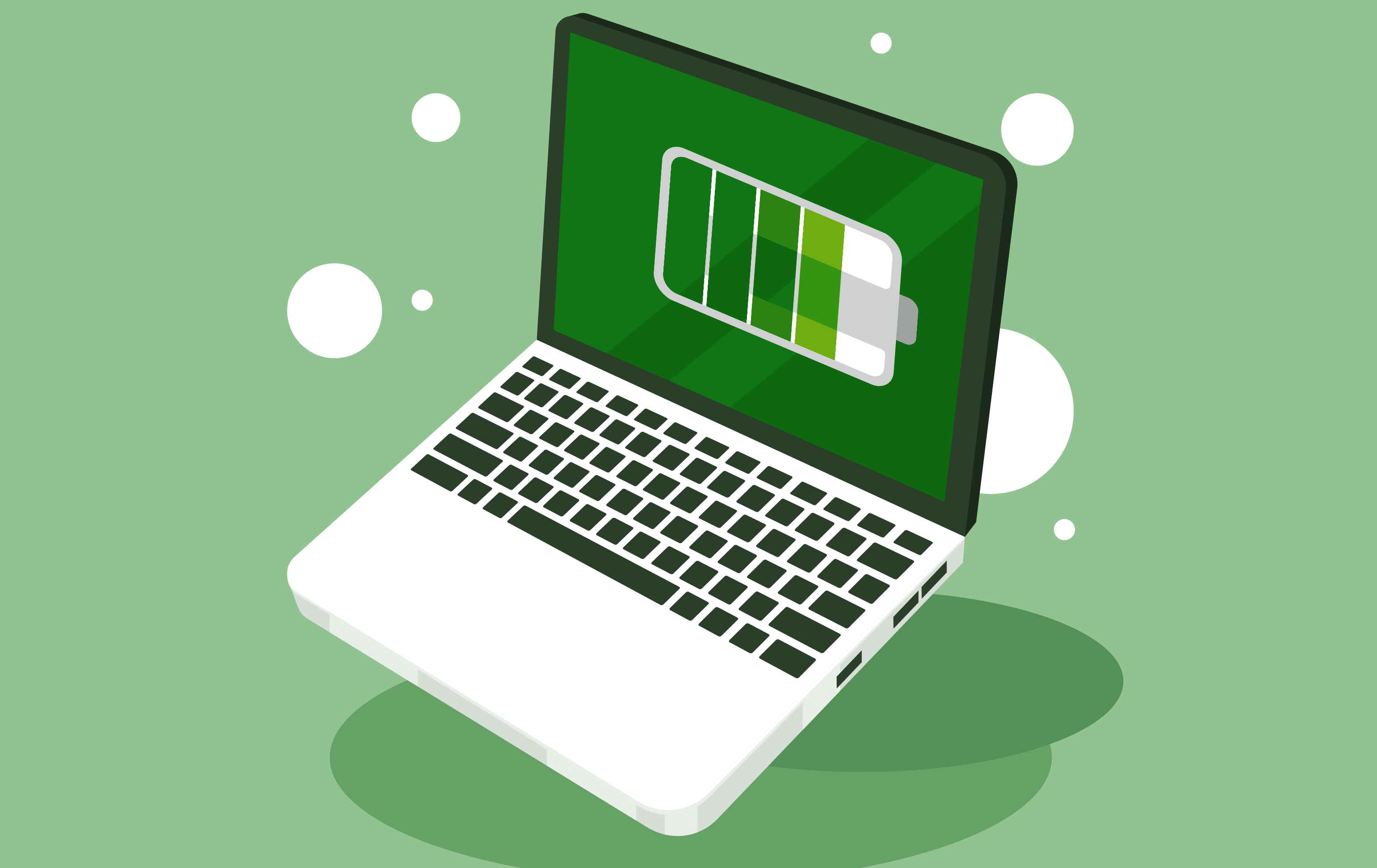
Laptop battery… Is it time to replace? – Your laptop computer may feel like a lifeline. It has everything important on it, both personal and professional! Regrettably, the time does come when you need to replace it. Yet, some computer problems could be solved instead by replacing the laptop battery.
Some computers now come with a variation on the car dashboard indicator light. You may see a red X on the icon that shows you the power level for your battery. Those with computer models with Windows 7 and up get a message saying, “consider replacing your battery.” But not all of us have this useful warning, in which case you’ll want to be on the lookout for these sure signs that battery replacement is needed.
#1 You Have to Charge the Computer Often
When you buy a battery-powered device the marketing boasts of the many hours it can hold its charge. Expect a fully charged laptop battery to last six hours (depending on the programs used). But as the laptop battery ages, it doesn’t hold its charge for as long.
You might plug it in overnight and wake up to find it still has charging to do. Your solution may be to keep your laptop plugged in at all times, but this cuts into the very mobility a laptop promises, plus, it can be a fire risk.
#2 Your Lap Is Heating Up
You’re working away on your tasks and the computer becomes an unexpected warming blanket in your lap. That didn’t used to happen! Now, your battery is having to work harder to power applications. This causes your computer to overheat, which can strain your computer. Plus, it can be a fire risk (yep, that again).
#3 Your Laptop Keeps Shutting Down
This one is going to get you worried really quickly. You’ll be seeing the dollar signs associated with buying a new computer in your eyes. This may be a sign instead that your battery needs to be replaced. A bad battery doesn’t hold charge for very long, and your computer will unexpectedly power off.
#4 Time Is Not on Your Side
You know your laptop is more than five years old. Don’t be surprised if you experience power issues. Did you know that laptop batteries are typically meant to last only 400 charges? That’s one or two years! So, your laptop battery might already have been living on borrowed time for years.
Be Nice to Your Laptop Battery
Before you buy a new computer, think about whether it could be the battery instead. Laptop batteries are not manufactured for eternal recharging. You might think you’re doing the right thing by keeping it plugged into a wall charger all of the time, but you’re actually doing your battery a favor by unplugging it every once in a while.
One other suggestion: don’t let the computer get below 20% charge before plugging it back in. This can help preserve battery life.
With many of today’s laptops, batteries are no longer accessible and replacing a laptop battery isn’t always straightforward. Don’t worry. We can find the right battery for your laptop and replace it for you. Contact us today at (651) 456-8655 or visit our Contact page.
We use cookies to ensure that we give you the best experience on our website. If you continue to use this site we will assume that you are happy with it.


Recent Comments