Honoring Veterans + This Week’s PC Tips, Fixes & Deals Twin Cities PC Repair — Weekly Newsletter
Residential Sales & Support
Veterans Day Message
To all who have served—thank you. Your courage and sacrifice protect the freedoms we enjoy every day. As a small gesture of appreciation, veterans and active-duty service members can take 10% off labor through November. Just mention “Veterans Day” at check-in and show your military ID to the receptionist.
What we’re seeing in the shop this week
Slow/“spinning wheel” Windows PCs: Usually fixed by removing startup bloat and checking drive health. If your computer takes more than 90 seconds to boot, it’s time for a tune-up.
Cracked laptop screens & loose hinges: We can special-order parts with fast turnaround.
Wi-Fi range issues at home: Mesh systems and correct router placement do wonders—ask us for a quick plan tailored to your floor layout.
Data rescue from failing drives: If your drive is clicking or disappearing, power it down and bring it in—every hour of use can make recovery harder.
60-second Tech Tip: The 3-2-1 Backup
Keep 3 copies of your important files on 2 different types of storage, with 1 copy off-site (cloud counts).
Easiest path: an external SSD for local copies + a reputable cloud backup that runs automatically.
Once set up, test a restore of one file so you know it works.
Scam/Phishing Alert (Pass it on!)
If a pop-up or caller claims to be Microsoft/Apple and asks for remote access or gift cards, it’s a scam. Close the window, don’t call the number, and give us a shout—we’ll remove the malware and secure your browser.
This Week’s Specials
Just mention the special you are interested in!
PC Tune-Up & Malware Cleanup: $127.50 (regular $170)
Laptop Battery Replacement: 10% off parts and labor
Home Wi-Fi Optimization Visit: $20 off with newsletter mention
Veterans & active duty: 10% off labor through November.
Quick How-To: Speed up startup
Press Ctrl+Shift+Esc → Startup apps tab.
Disable anything you don’t recognize or don’t need at boot (you can re-enable later).
Restart and time your boot—under a minute is the goal.
Need a new machine? We’ll match you to the right one.
Tell us your budget and what you do (web, Office, photos, gaming, bookkeeping). We’ll recommend a system that’s fast today and stays fast for years, then migrate your files/settings so you’re ready on day one.
Book a visit / Get help fast
Drop-off:Book online or walk-ins are welcome during business hours
Email:helpdesk@pcgoodguys.com Address: 7900 International Dr., Suite 300, Bloomington, MN 55425 Hours: Monday-Friday 9:00 AM-5:00 PM
Thanks for trusting Twin Cities PC Repair — Residential Sales & Support.
See you next week, and to our veterans: we’re grateful for you—today and every day.
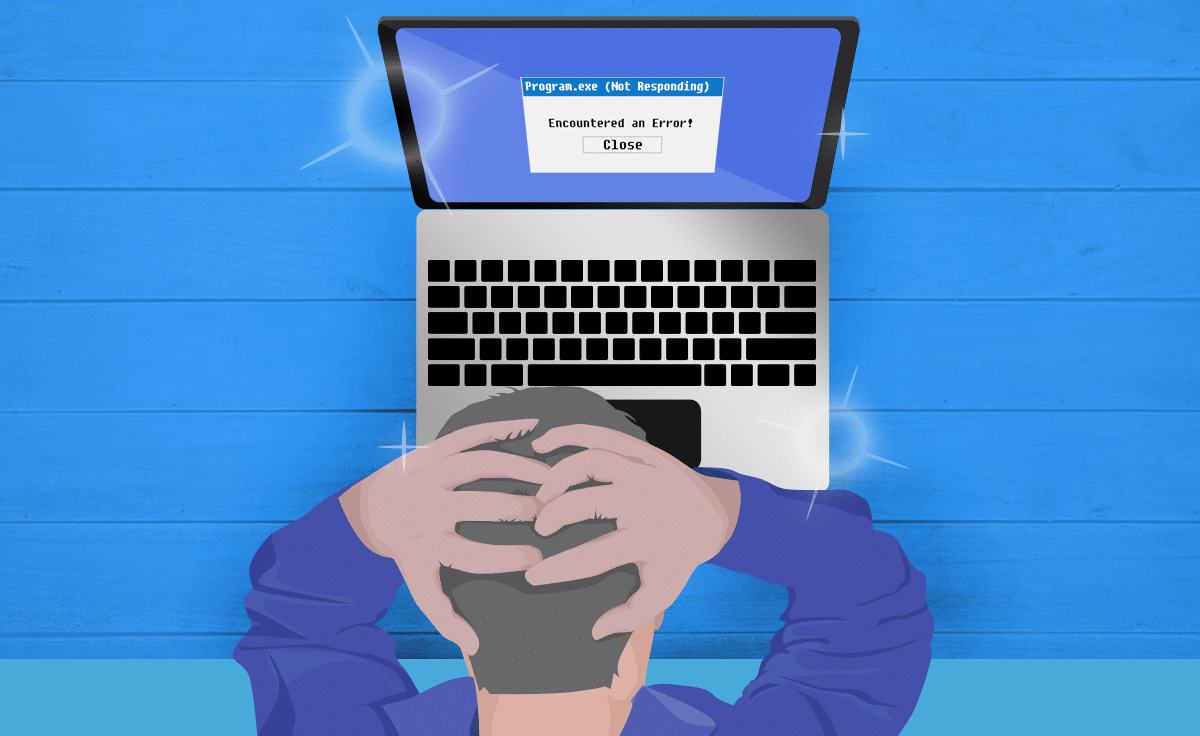
Why is My Brand New Laptop So Slow? Your old computer is beginning to slow down. So, you invest in a shiny new laptop. The clouds part and the sun shines down on this bright and lovely new device. Everything will be faster and easier. Only, from the first day, the new laptop is lagging. Why is it running so slow? One of these might be the reason.
#1 Not enough computing power.
In many cases, the laptop doesn’t have enough RAM (Random Access Memory). RAM is the computer’s main memory. This helps your computer do more at once. Information from the operating system, application programs and data are kept here, when in use, for quicker processing.
RAM is like the computer’s short-term memory, while the hard drive is the long-term memory. Just as the human brain can’t hold everything in short-term memory, RAM can get overloaded too. When this happens on your laptop, the computer processor needs to go to the hard drive. This slows things down.
Resolution: You might see 4GB, 8GB, 16GB or more of RAM available. How much you need is going to depend on what you plan on doing with the computer. For a laptop with Windows 10, we recommend at least 8GB of RAM, but 16GB is more comfortable for a better experience.
Not all laptops will let you access the RAM. When you can, though, upgrading memory can be quick and affordable.
#2 Mechanical hard drive.
Often a single part is letting you down. With a less expensive computer, manufacturers skimp. While it’s less common these days, some laptops will come with a mechanical hard drive. You might think of this like a record player with a needle reading the vinyl album. Since something is moving to find data, the laptop runs slower than it would with a Solid State Drive (SSD), which has no moving parts.
Resolution: In many cases, a mechanical hard drive can be easily upgraded to an SSD. However, some super slim laptops have limited or more advanced upgradability.
#3 Bloatware.
Retailers like to tout all the bells and whistles that come with their laptops. So, when you turn on your laptop for the first time, you may notice there’s already a lot of software preloaded. Much of it you’ll probably never use. Maybe there are toolbars you don’t need, games you’ll never use, or stock widgets that you couldn’t care less about. These examples of bloatware slow down your computer.
The third-party applications are a revenue source for the manufacturer, but don’t always help you. Microsoft, for instance, sells a line of computers that come without any pre-installed third-party software. Computerworld reported those PCs “start up 104% faster, shut down 35% faster and have 28 minutes more battery life.”
Resolution: When you get a new laptop, check out the pre-installed software before you add your own. Determine what the existing software will do, and uninstall anything that you won’t want.
If your laptop is slow on the first startup, this may be due to system updates. For instance, a Windows 10 automatic update to bolster the security of the computer. You can’t do much about these, but look on the bright side, your laptop security is current!
Improved speed is a main reason to invest in a new laptop. Don’t let a lagging laptop disrupt your productivity. We can help with a slow running laptop.
We use cookies to ensure that we give you the best experience on our website. If you continue to use this site we will assume that you are happy with it.


Recent Comments