Computer Liquid Spills: What to Do Immediately (and How Twin Cities PC Repair Can Help) – 2/5/2026
Few things are more panic-inducing than watching coffee, water, or soda spill across your laptop or desktop keyboard. In homes and offices throughout Bloomington, Minneapolis, St. Paul, and the surrounding Twin Cities metro, liquid spills are one of the most common—and potentially destructive—computer accidents we see. The good news? A spill doesn’t always mean your computer is permanently damaged, especially if you act quickly and bring it to a trusted local repair shop.
Why Liquid Spills Are So Dangerous for Computers
Modern computers are packed with delicate components, tight circuitry, and high-density boards. When liquid enters a device, it can cause:
Immediate short circuits
Corrosion of internal components
Sticky residue that interferes with keys and connectors
Long-term damage that worsens over time
Even plain water can corrode internal parts if it isn’t properly cleaned and dried. Sugary drinks, coffee, alcohol, or energy drinks are even more damaging because they leave behind residue that continues to eat away at components long after the spill occurs.
What to Do Immediately After a Computer Liquid Spill
If you spill liquid on your computer, time is critical. Follow these steps right away:
Power it off immediately – Don’t try to save files or shut down normally.
Unplug everything – Charger, USB devices, external monitors, and accessories.
Turn the device upside down – This helps prevent liquid from spreading deeper inside.
Do NOT use a hair dryer or heat gun – Heat can warp components and lock in corrosion.
Do NOT turn it back on “to test it” – This is one of the most common causes of permanent damage.
Bring it to a professional repair shop as soon as possible
Many computers that “seem fine” after a spill develop problems days or weeks later due to unseen corrosion. Early professional cleaning can make the difference between a repair and a full replacement.
Why DIY Fixes Often Make Things Worse
It’s tempting to search YouTube for a quick fix, but liquid damage is one area where DIY repairs frequently backfire. Opening modern laptops without proper tools can damage connectors, and surface drying does nothing to remove corrosion under chips, keyboards, or ports.
We often see Twin Cities customers come in after attempting a DIY fix, only to find the damage spread further because the device was powered on too soon.
How Twin Cities PC Repair Can Help
At Twin Cities PC Repair, liquid spill cleanup and recovery is something we handle regularly for residential and small business customers across Bloomington, Minneapolis, St. Paul, and nearby suburbs.
Our professional liquid damage service includes:
Safe disassembly of laptops and desktops
Ultrasonic or manual board cleaning (when applicable)
Removal of corrosive residue
Component-level inspection
Keyboard, battery, or port replacement if needed
Honest assessment if a device is not cost-effective to repair
We work on Windows laptops, desktops, gaming PCs, and many Apple systems, and we always explain your options clearly—no pressure, no guesswork.
Common Liquid Spill Scenarios We See Locally
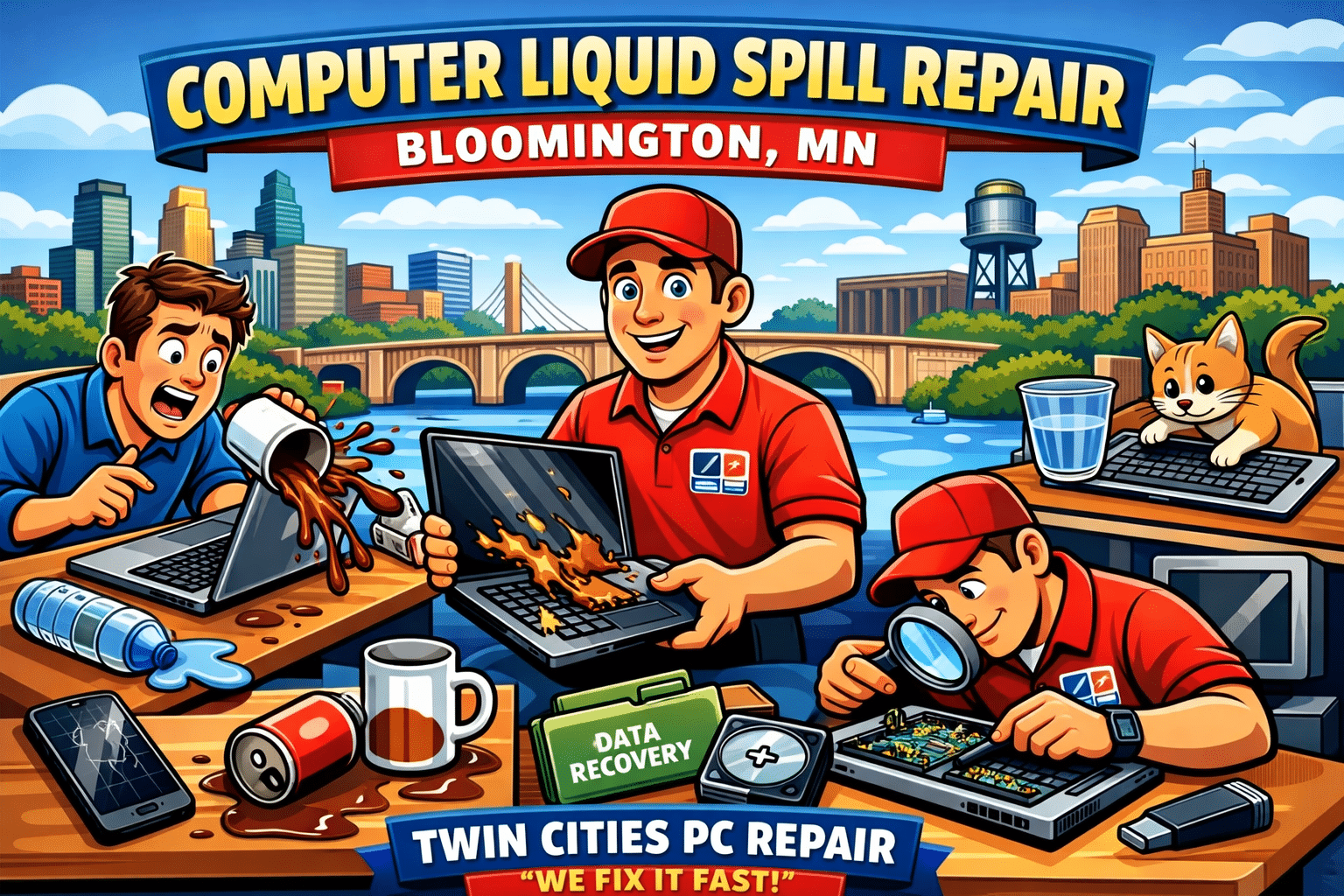
Coffee spills during work-from-home days
Water bottles leaking in backpacks
Kids knocking over juice or milk
Pets causing desk accidents
Beer or soda spills during gaming sessions
Snow or rain moisture from winter commutes in Minnesota
If it’s happened in the Twin Cities, we’ve probably seen it—and fixed it.
Is Data Recovery Possible After a Spill?
In many cases, yes. Even if a computer won’t power on, the internal storage device may still be recoverable. Twin Cities PC Repair can evaluate your system and determine whether files, photos, and documents can be safely recovered or transferred to a new computer.
Local, Trusted Computer Repair You Can Count On
When a liquid spill happens, working with a local Twin Cities repair shop matters. You get faster service, honest answers, and someone who understands the urgency of getting your computer back up and running.
If you’re in Bloomington, Minneapolis, St. Paul, Richfield, Edina, or surrounding areas, Twin Cities PC Repair is here to help with fast diagnostics and professional spill recovery.
Don’t Wait—Liquid Damage Gets Worse Over Time
If your computer has suffered a liquid spill—even days ago—don’t wait for it to fail completely. Early intervention can save you hundreds of dollars and prevent data loss.
Artificial Intelligence isn’t just a buzzword anymore — it’s becoming part of everyday computing. From Windows Copilot and AI photo editing to smarter antivirus tools and business automation, more people around Bloomington, MN and the Twin Cities are asking the same question: Should I buy an “AI-ready” computer?
AI-ready PCs (sometimes called AI PCs) are built with modern hardware designed to handle AI-powered tasks more efficiently than traditional systems. But like any tech trend, there are real benefits, real risks, and a few downsides you should understand before spending your money.
Below is a clear breakdown of the advantages, safety considerations, and disadvantages of AI-ready computers and hardware — written for local home users, students, and small businesses in the Minneapolis–St. Paul area.
What Makes a Computer “AI-Ready”?
An AI-ready computer usually includes:
A newer CPU with AI-related optimizations
A dedicated GPU (graphics card) for heavy workloads
Or a built-in NPU (Neural Processing Unit), which is designed to run AI tasks efficiently without using as much power as a CPU or GPU
This matters because many AI features (like real-time voice transcription, background blur, image generation, and security scanning) can run faster and smoother when the hardware is designed for it.
Advantages of AI-Ready Computers & Hardware
1. Better Performance for Modern Apps
AI-ready hardware can speed up tasks that used to feel slow or laggy, such as:
Photo editing and enhancement
Video upscaling and rendering
Live captions and voice-to-text
AI tools inside Microsoft Office and Windows
For Twin Cities customers who work from home, run a small business, or multitask heavily, the extra horsepower can make your computer feel “new” for longer.
2. More Future-Proof Than Older PCs
A lot of people in Minnesota are still running older laptops that struggle with Windows 11, new security updates, or modern browsers. AI-ready computers tend to include:
Faster SSD storage
More RAM capacity
Newer Wi-Fi standards
Better battery efficiency (especially on laptops with NPUs)
That means fewer slowdowns, fewer compatibility problems, and fewer reasons to replace your system early.
3. Smarter, Faster Workflows
If you’re a student, realtor, content creator, or business owner in Minneapolis or Bloomington, AI-ready PCs can help with:
Writing and summarizing documents
Sorting emails faster
Improving presentations
Organizing photos and files
Automating repetitive tasks
Even if you’re not “an AI person,” the tools are becoming baked into everyday software.
Safety & Privacy Considerations (What to Watch Out For)
AI-ready computers aren’t automatically unsafe — but AI features can introduce new privacy concerns depending on how they’re used.
1. Cloud vs. On-Device AI
Some AI tools run locally on your PC (more private), while others send data to the cloud (less private). Always check:
Is your data being uploaded?
Are recordings stored online?
Can the feature be disabled?
For local families and professionals in the Twin Cities, this matters if you’re handling private photos, tax documents, medical info, or client data.
2. AI Scams Are Growing Fast
As AI gets better, scams get more convincing. Common examples include:
Fake tech support popups
“Your account is locked” emails
Deepfake voice calls pretending to be a family member
Fake invoices sent to small businesses
Even the best AI hardware can’t protect you if a scam tricks someone into giving access. The best defense is awareness, good antivirus protection, and secure passwords.
3. Security Still Depends on Updates
AI-ready doesn’t mean “immune to viruses.” You still need:
Windows updates installed
Browser updates
Strong passwords and MFA (multi-factor authentication)
Reliable endpoint protection
If you’re in Eagan, Apple Valley, Savage, Bloomington, Richfield, Edina, Burnsville, or anywhere in the Minneapolis–St. Paul area, keeping your system updated is one of the most important steps you can take.
Disadvantages of AI-Ready Computers (The Honest Downsides)
1. Higher Cost Up Front
AI-ready PCs often cost more because of newer processors, NPUs, and upgraded components. If you only use your computer for basic browsing and email, you may not notice a major difference compared to a solid mid-range system.
2. Not All “AI Features” Are Actually Useful
Some AI features are genuinely helpful. Others feel like marketing. Many people buy AI-ready machines and never use the tools — or disable them because they don’t fit their workflow.
3. More Power Can Mean More Heat (Especially Desktops)
High-end GPUs and CPUs can create extra heat and require better cooling. That can lead to:
Louder fans
More dust buildup
Higher power usage
For gaming PCs or performance desktops, proper airflow and regular cleaning are important.
4. Compatibility Can Still Be a Problem
Older printers, scanners, or specialty software may not play nicely with newer systems. Before upgrading, it’s smart to confirm your important devices and programs will work.
Final Thoughts: Should You Upgrade to an AI-Ready PC?
If you’re in the Twin Cities and your computer is slowing down, overheating, crashing, or struggling with Windows 11, an AI-ready system can be a great investment — especially for productivity, security, and long-term performance.
But if your current PC is stable and you only do basic tasks, you might be better off upgrading your RAM/SSD, cleaning up your system, or getting a professional tune-up before replacing the whole machine.
If you’d like help choosing the right AI-ready laptop or desktop for your needs — or want to make sure your current system is secure — Twin Cities PC Repair can help.
Why Local Computer Repair Shops Still Matter More Than Big-Box Stores – 1/13/2026
In today’s world of mega-retailers, nationwide chains, and online tech giants, it can feel like small, locally owned computer repair shops are being pushed aside. But when it comes to something as personal and critical as your computer, your data, and your digital life, small businesses like Twin Cities PC Repair play a role that big-box stores simply cannot replace.
Your computer isn’t just a device—it holds family photos, tax records, work projects, emails, passwords, and sometimes even your entire business. Who you trust to touch it matters more than most people realize.
Big-Box Stores Treat Your Computer Like a Ticket Number
When you bring your PC or laptop into a big retail store, the process usually looks like this:
You drop it off at a counter
A ticket is created
Your computer goes into a back room
A technician you’ll never meet works on it
It may be sent offsite to another state
You get it back days or weeks later
You never speak directly to the person repairing your device. You can’t ask them questions. You can’t explain how you use your computer. You can’t describe the strange noise, random crash, or slow behavior in your own words. And when something doesn’t work right after the repair, you start the process all over again with a new person.
Big-box repair services are designed for volume, not relationships. Their goal is to process as many devices as possible as quickly as possible. That often leads to rushed diagnostics, unnecessary part replacements, and missed underlying issues.
Local Shops Build Relationships, Not Just Receipts
At Twin Cities PC Repair, you’re not just another number in a queue—you’re a real person with real technology needs. When you work with a local repair shop, you’re building a relationship with the technician who will likely work on your computer again in the future.
That means:
Your technician learns how you use your computer
They remember past issues and previous repairs
They understand what matters to you
They can spot patterns before they become disasters
If you work from home, game, do graphic design, manage finances, or just want a reliable family PC, your local technician can tailor solutions specifically to your lifestyle.
This personal knowledge saves you time, money, and frustration.
Trust Is Everything in Computer Repair
When you hand someone your computer, you are handing them access to your entire digital life. Photos of your kids. Banking info. Work documents. Saved passwords. Email. Browsing history. Business files.
Trust is not something you can get from a nationwide corporation. It is built over time through honest service, clear communication, and consistent results.
At Twin Cities PC Repair, our reputation is built on trust. We live here, serve our neighbors, and depend on word-of-mouth referrals from Bloomington, Richfield, Edina, Burnsville, and the surrounding Twin Cities communities. That means we do the job right the first time—because our business depends on your satisfaction.
We don’t push unnecessary upgrades or upsell things you don’t need. We explain what’s wrong, what it will cost, and why it matters.
Local Shops Are Faster and More Flexible
Big-box repair services often take weeks. Why? Because they are overloaded and understaffed. Your device may be shipped elsewhere. Your issue may be stuck in a backlog.
Local shops can often diagnose and repair issues the same day or within a few days. And if you have an urgent situation—like a broken laptop for work or a virus on your family PC—you can speak directly to the technician and get realistic timelines.
Need advice before buying a new computer? Want to build a custom PC? Have a question about upgrades? A local shop gives you straight answers without sales pressure.
Supporting Local Means Supporting Your Community
When you choose Twin Cities PC Repair, you are supporting:
A locally owned business
Local jobs
The Minnesota economy
Personalized service that big chains can’t offer
Instead of sending your money to a corporate headquarters in another state, you’re investing in a business that reinvests right here in the Twin Cities.
The Bottom Line
Big-box stores are built for mass-market convenience. Local computer repair shops are built for people.
If you want fast service, honest advice, real accountability, and a technician who actually knows you and your computer, Twin Cities PC Repair is here for you.
Your technology is too important to trust to a faceless system. Build a relationship. Build trust. And keep your digital life in good hands.
AI-Powered Scams Are Exploding in 2025 — Here’s How to Stay Safe in 2026 – 12/31/2025
Artificial Intelligence is everywhere in 2025 — and unfortunately, cybercriminals are using it just as aggressively as legitimate businesses. Over the past few months, we’ve seen a sharp rise in AI-powered scams affecting home users and small businesses across the Twin Cities.
These aren’t the obvious scam emails from years past. Today’s threats are smarter, more convincing, and harder to spot.
Let’s break down what’s happening — and how you can protect yourself.
🤖 What Makes AI Scams So Dangerous?
Modern scams now use AI to:
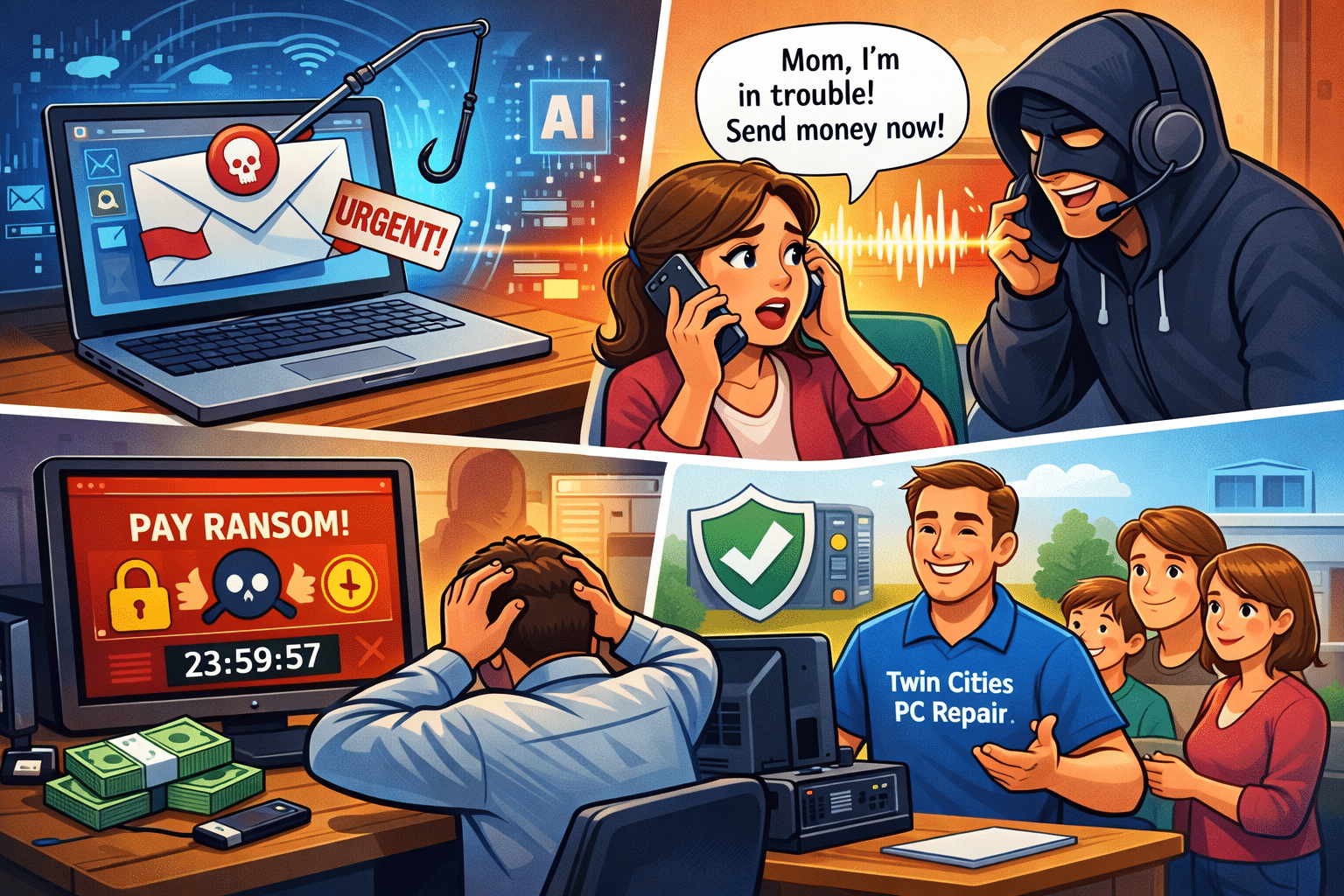
Perfect grammar and tone in phishing emails
Impersonate real people using cloned voices or fake video
Personalize attacks using data scraped from social media
Bypass traditional antivirus with fileless malware
In other words, if you’re relying on “I’ll know it when I see it,” that’s no longer enough.
📞 The Rise of Voice & Text Impersonation Scams
One of the fastest-growing threats we’re seeing locally is AI voice cloning.
Scammers can now:
Clone a family member’s voice from a short social media clip
Call or text claiming there’s an emergency
Pressure victims into sending money or gift cards immediately
💡 Tip: Always verify urgent requests with a second method (call back, text another family member, or ask a question only they would know).
💻 Ransomware Isn’t Just for Big Companies Anymore
Home users and small businesses are now prime targets.
We’re regularly helping customers recover from:
Locked PCs demanding payment
Lost photos, documents, and QuickBooks files
Infected backups that were never tested
⚠️ Paying the ransom does not guarantee your files back.
✅ How Twin Cities PC Repair Helps Protect You
Here’s what we’re actively helping our customers with:
✔️ Removing hidden malware and ransomware
✔️ Securing email accounts and PCs
✔️ Setting up real, tested backups
✔️ Hardening Windows security settings
✔️ Educating families and small businesses on scam awareness
Most infections we see could have been prevented with a simple checkup.
🛡️ When Was Your Last PC Security Check?
If it’s been over a year — or you’re not sure — now is the perfect time.
Whether your computer feels slow, you’ve received suspicious emails, or you just want peace of mind, we’re here to help.
📍 Locally owned 🧑💻 Residential & small business support 🔧 Honest, no-pressure service
Reach out to Twin Cities PC Repair today and stay one step ahead of today’s smarter cyber threats.
We use cookies to ensure that we give you the best experience on our website. If you continue to use this site we will assume that you are happy with it.



Recent Comments