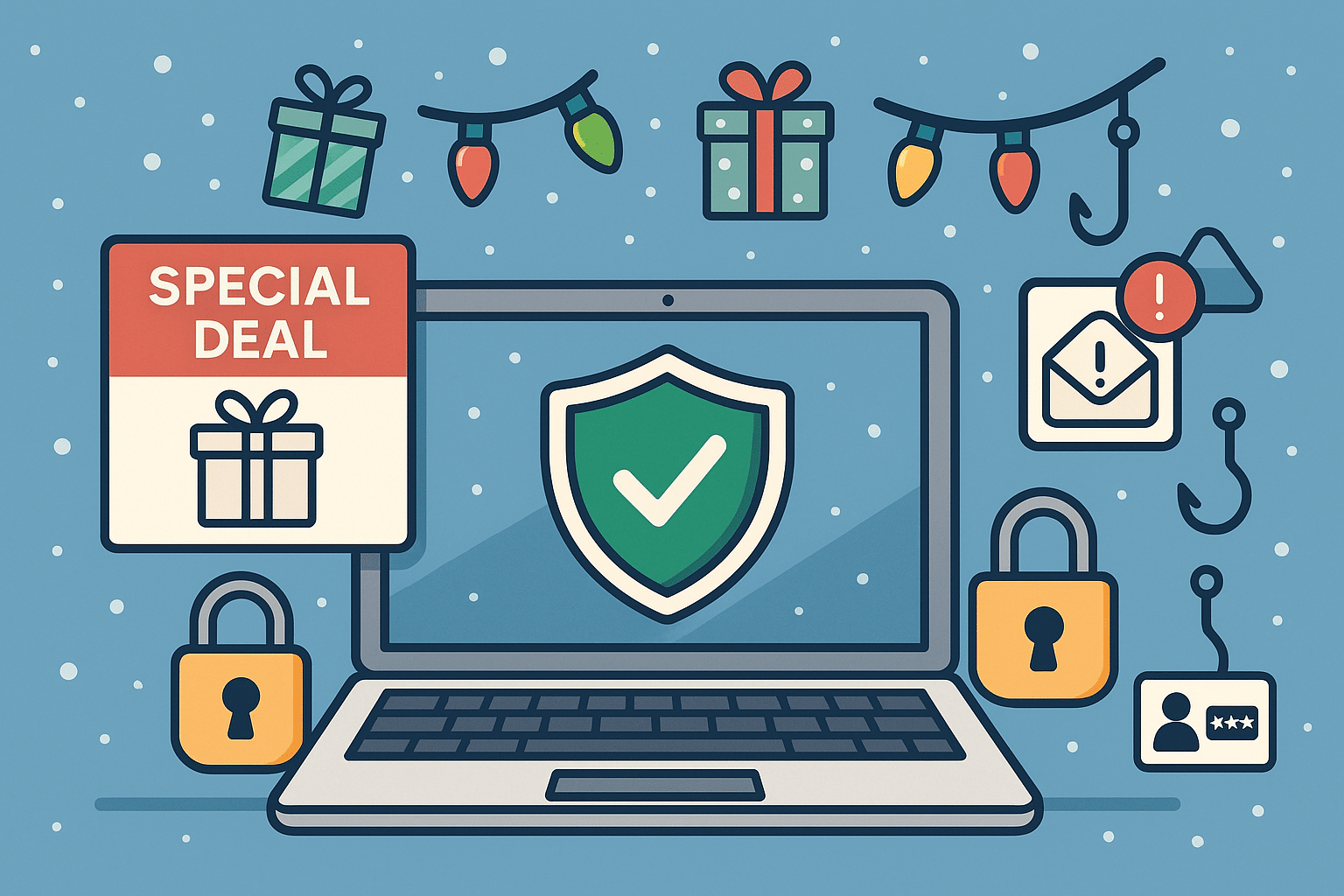
The holiday season is a peak time for shopping, gifting, and unfortunately… tech scams. Cybercriminals take advantage of busy holiday shoppers who are clicking quickly and trusting too easily. From fake shopping websites to phishing emails pretending to be order confirmations, threat actors are working overtime to steal money and personal information.
At Twin Cities PC Repair, we want to help you enjoy the season safely. Here’s what to watch out for — and how to protect yourself.
🚫 Common Tech Scams During the Holidays
1️⃣ Fake Online Stores Scammers create websites that look almost identical to popular retailers — same layout, same branding, but your order never arrives. If a deal looks too good to be true, it usually is.
2️⃣ Fake Delivery Alerts Emails or text messages claiming an issue with a package delivery — often asking you to click a link to “fix it.” Instead, the link installs malware or steals login info.
3️⃣ Gift Card Scams Fraudsters may pressure you into paying for products or resolving account issues using gift cards. No legitimate company will request this method of payment.
4️⃣ Tech Support & Device Pop-Up Scams A sudden warning pops up saying your computer is infected — urging you to call a number. These scammers often try to gain remote access or demand payment to “fix” a fake problem.
5️⃣ Charity & Social Media Giveaways Fake holiday fundraisers and “you’ve won!” messages trick users into providing personal or financial information. Always verify a charity through trusted platforms.
🛡️ How to Protect Yourself Online
✔ Shop only on verified websites Check for HTTPS, look up reviews, and confirm the retailer’s customer service contact information.
✔ Enable multi-factor authentication Even if a password is stolen, scammers can’t access your accounts.
✔ Never click suspicious links Go directly to the retailer’s website instead of using embedded links in emails or texts.
✔ Monitor your accounts Review credit card charges and bank statements frequently during the holiday season.
✔ Avoid public Wi-Fi for shopping If you must connect, use a reputable VPN to encrypt sensitive data.
✔ Ask before you pay When in doubt, call your local trusted tech support — don’t rely on strangers online.
🎁 Keep Your Devices Secure
Holiday deals often include new phones, tablets, and computers. Before you use them:
🔹 Install updates immediately 🔹 Enable built-in security features 🔹 Use strong, unique passwords 🔹 Set up parental controls for kids’ devices
If you need assistance, we’re here to help ensure your new tech starts with safety first.
🎅 Final Thoughts
The holidays should be filled with joy, not stress. With a little caution and security know-how, you can keep scammers far away from your celebrations. If something doesn’t feel right — don’t click! Reach out to your trusted local professionals for guidance.
Why Your Computer Is Slowing Down (and How to Fix It Before It Gets Worse) – 11/24/2025
Whether you use your computer for running your business, online learning, gaming, or simply everyday browsing, one thing is universally frustrating: a slow, laggy machine. Over time, even powerful systems begin to lose their snap. In this week’s newsletter, we’re diving into one core topic that affects nearly every customer who walks through our doors:
The Hidden Reasons Your PC Slows Down — and What You Can Do About Each One
A slow computer rarely has a single cause. Instead, it’s usually a combination of software clutter, aging components, and missed maintenance. Here are the most common issues we diagnose every week at Twin Cities PC Repair.
1. Too Many Startup Programs
Most PCs have dozens of apps quietly running the moment you turn them on—slowing everything from boot time to basic performance. Many of these programs sneak in as “helpful assistants” but end up draining memory for no reason.
Fix: Disable unnecessary startup apps through Task Manager (Windows) or Login Items (Mac). Better fix: We can run a full startup optimization to remove bloat safely and cleanly.
2. Outdated or Failing Hardware
Hard drives wear out, RAM becomes insufficient, and older processors struggle with modern software demands. If your PC is 4+ years old, hardware may be a major contributor.
Fix: Upgrading to an SSD or adding more RAM often produces instant improvements. Best fix: Bring your device in for a hardware health check—we’ll test everything and recommend the most cost-effective upgrades.
3. Background Software You Don’t Even Know You Have
Hidden processes, unused apps, and even corrupted system services eat away at performance. This includes preinstalled “bloatware” and background update services.
Fix: Uninstall unused apps and run system cleanup tools. Safer fix: We perform full system tuning without risking critical OS files.
4. Fragmented or Corrupted Storage
Traditional hard drives (HDDs) slow dramatically as data becomes fragmented. Even SSDs can develop performance issues when near capacity.
Fix: Free up space, defragment HDDs, and run disk health checks. Professional fix: We scan drives for errors and optimize them safely—preventing data loss.
5. Malware & Unwanted Browser Extensions
This is more common than most people realize. Even “safe-looking” apps or extensions can track you, hijack browsing, or throttle performance.
Fix: Run a reputable antivirus scan and remove suspicious extensions. Best fix: Let us perform a deep malware scan—not just surface-level cleaning.
6. Skipped System Updates
Updates aren’t just for new features—they patch security holes and improve performance. Ignoring them can lead to instability and slowdowns.
Fix: Enable automatic updates for Windows, macOS, drivers, and apps (especially browsers!). Hands-off fix: We offer update management and routine tune-ups for businesses and home users.
Ready for a Faster, Healthier Computer?
A clean, optimized, malware-free system doesn’t just run better—it lasts longer and keeps your data safer. If your PC is starting to drag or you want to keep things running smoothly, book your drop-off appointment HERE.
Why Every Small Business Needs Proactive Computer Maintenance in 2025 – 11/19/2025
In today’s fast-paced digital world, technology is the backbone of small businesses. From managing customer data to processing online payments, nearly every part of a business depends on reliable computer systems. At Twin Cities PC Repair, we see firsthand how a single computer issue can disrupt daily operations, slow productivity, or even put sensitive data at risk. That’s why proactive computer maintenance has become one of the most essential strategies for business longevity in 2025.
The Rise of Hidden Threats
Cyberthreats have evolved drastically over the last few years. Gone are the days when viruses were the biggest concern. Today, small businesses face:
Ransomware attacks
Phishing attempts
Zero-day vulnerabilities
Hardware-based malware
AI-driven social engineering
Many attacks don’t happen in an instant—they quietly infiltrate systems and wait. Businesses often don’t realize something is wrong until data goes missing, systems crash, or strange network activity appears. Regular maintenance, updates, and monitoring can catch these issues before they become costly problems.
Performance Decline Is Often Preventable
A slow or unreliable computer is more than an annoyance; it’s a productivity killer. Employees lose hours every week to:
Long boot times
Freezing applications
Sluggish internet performance
Random reboots
Overheating systems
With proactive maintenance—cleanups, system optimizations, thermal management, driver updates, and software health checks—businesses keep their entire workflow running smoothly. At Twin Cities PC Repair, we often restore systems to “like-new” performance simply through deep-level tune-ups that aren’t accessible through basic user settings.
Reduce Repair Costs and Increase Lifespan
Most major hardware failures show warning signs long before they occur. For example:
Hard drives report failing sectors
Fans begin making subtle noises
Power supplies fluctuate
Thermal paste dries out
RAM produces intermittent errors
Catching these early saves businesses from catastrophic downtime and expensive replacements. With proactive care, you maximize your investment and extend the life of every workstation, laptop, or server.
Employee Productivity and Security Training
Not all threats or system issues are technical. Employee mistakes remain one of the biggest risks—whether it’s clicking a suspicious email link, using weak passwords, or installing unverified software.
As part of a proactive plan, Twin Cities PC Repair provides ongoing education, password security guidance, and recommendations for safe digital behavior. Training your team is just as important as securing your machines.
Remote Work Requires Stronger IT Support
With more remote employees in 2025, businesses must manage distributed systems. Proactive maintenance ensures:
Secure VPN access
Proper firewall configurations
Regular patching
Encrypted communication
Remote monitoring and troubleshooting
Whether on-site or working from home, your team stays protected and productive.
The Bottom Line
Proactive computer maintenance isn’t a luxury—it’s a strategic advantage. Small businesses that invest in ongoing system health avoid downtime, reduce long-term costs, strengthen security, and empower employees to do their best work.
At Twin Cities PC Repair, we offer tailored maintenance plans for businesses of all sizes. Whether you need monthly checkups or full-service monitoring, we can help you stay ahead of issues before they impact your workflow.
Consider booking your free consultation today! Visit my contact page to send me a message…
We use cookies to ensure that we give you the best experience on our website. If you continue to use this site we will assume that you are happy with it.



Recent Comments