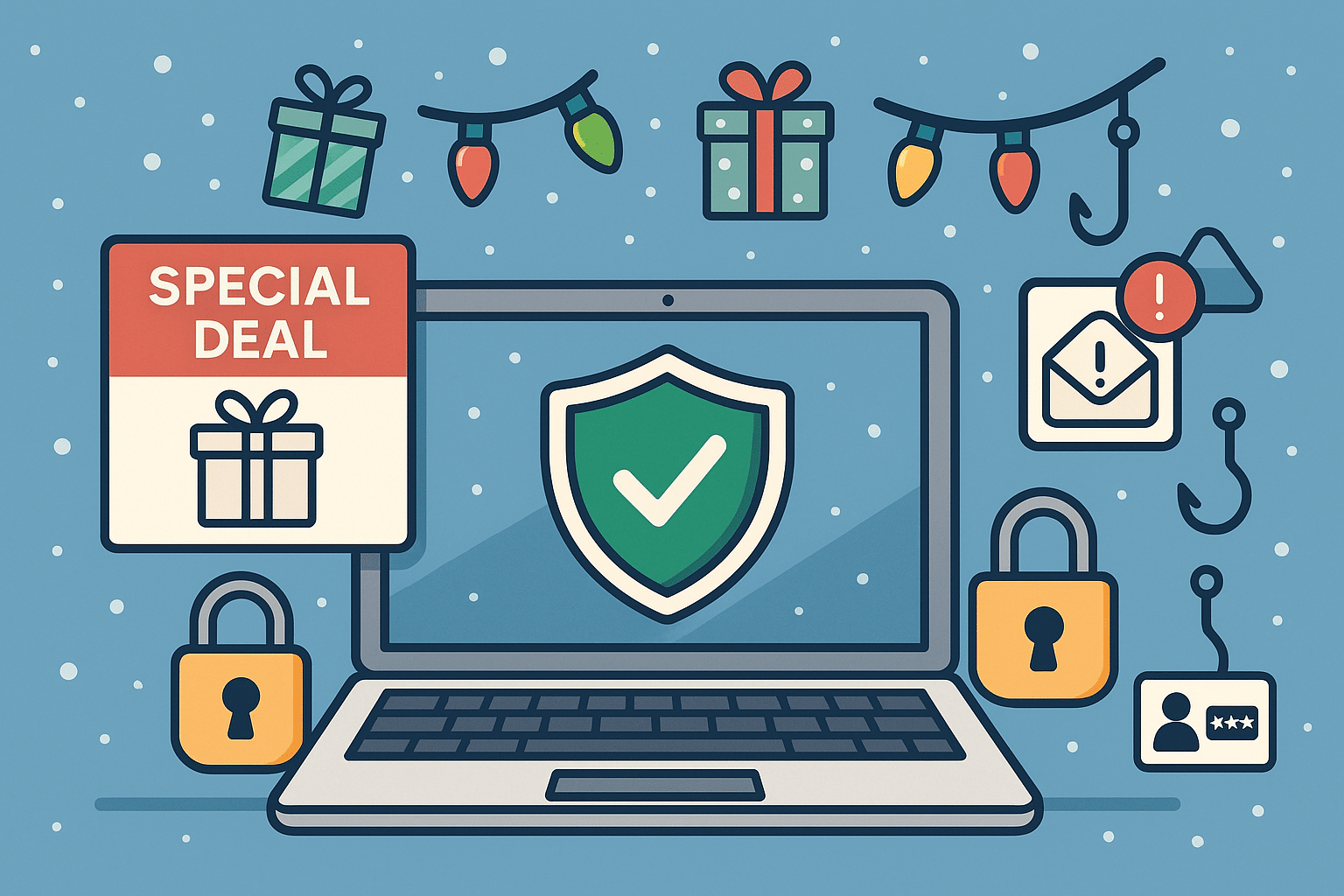
The holiday season is a peak time for shopping, gifting, and unfortunately… tech scams. Cybercriminals take advantage of busy holiday shoppers who are clicking quickly and trusting too easily. From fake shopping websites to phishing emails pretending to be order confirmations, threat actors are working overtime to steal money and personal information.
At Twin Cities PC Repair, we want to help you enjoy the season safely. Here’s what to watch out for — and how to protect yourself.
🚫 Common Tech Scams During the Holidays
1️⃣ Fake Online Stores Scammers create websites that look almost identical to popular retailers — same layout, same branding, but your order never arrives. If a deal looks too good to be true, it usually is.
2️⃣ Fake Delivery Alerts Emails or text messages claiming an issue with a package delivery — often asking you to click a link to “fix it.” Instead, the link installs malware or steals login info.
3️⃣ Gift Card Scams Fraudsters may pressure you into paying for products or resolving account issues using gift cards. No legitimate company will request this method of payment.
4️⃣ Tech Support & Device Pop-Up Scams A sudden warning pops up saying your computer is infected — urging you to call a number. These scammers often try to gain remote access or demand payment to “fix” a fake problem.
5️⃣ Charity & Social Media Giveaways Fake holiday fundraisers and “you’ve won!” messages trick users into providing personal or financial information. Always verify a charity through trusted platforms.
🛡️ How to Protect Yourself Online
✔ Shop only on verified websites Check for HTTPS, look up reviews, and confirm the retailer’s customer service contact information.
✔ Enable multi-factor authentication Even if a password is stolen, scammers can’t access your accounts.
✔ Never click suspicious links Go directly to the retailer’s website instead of using embedded links in emails or texts.
✔ Monitor your accounts Review credit card charges and bank statements frequently during the holiday season.
✔ Avoid public Wi-Fi for shopping If you must connect, use a reputable VPN to encrypt sensitive data.
✔ Ask before you pay When in doubt, call your local trusted tech support — don’t rely on strangers online.
🎁 Keep Your Devices Secure
Holiday deals often include new phones, tablets, and computers. Before you use them:
🔹 Install updates immediately 🔹 Enable built-in security features 🔹 Use strong, unique passwords 🔹 Set up parental controls for kids’ devices
If you need assistance, we’re here to help ensure your new tech starts with safety first.
🎅 Final Thoughts
The holidays should be filled with joy, not stress. With a little caution and security know-how, you can keep scammers far away from your celebrations. If something doesn’t feel right — don’t click! Reach out to your trusted local professionals for guidance.
Protect Yourself from Computer Scams: Stay Informed and Stay Safe – 4/18/2024
In this digital age, computers have become an integral part of our lives. Unfortunately, alongside the advancements in technology, computer scams have also become increasingly prevalent. These scams can result in financial loss, identity theft, and a breach of privacy. Therefore, it is crucial for individuals to be aware of the common types of computer scams and take preventative measures to protect themselves.
Phishing Computer Scams
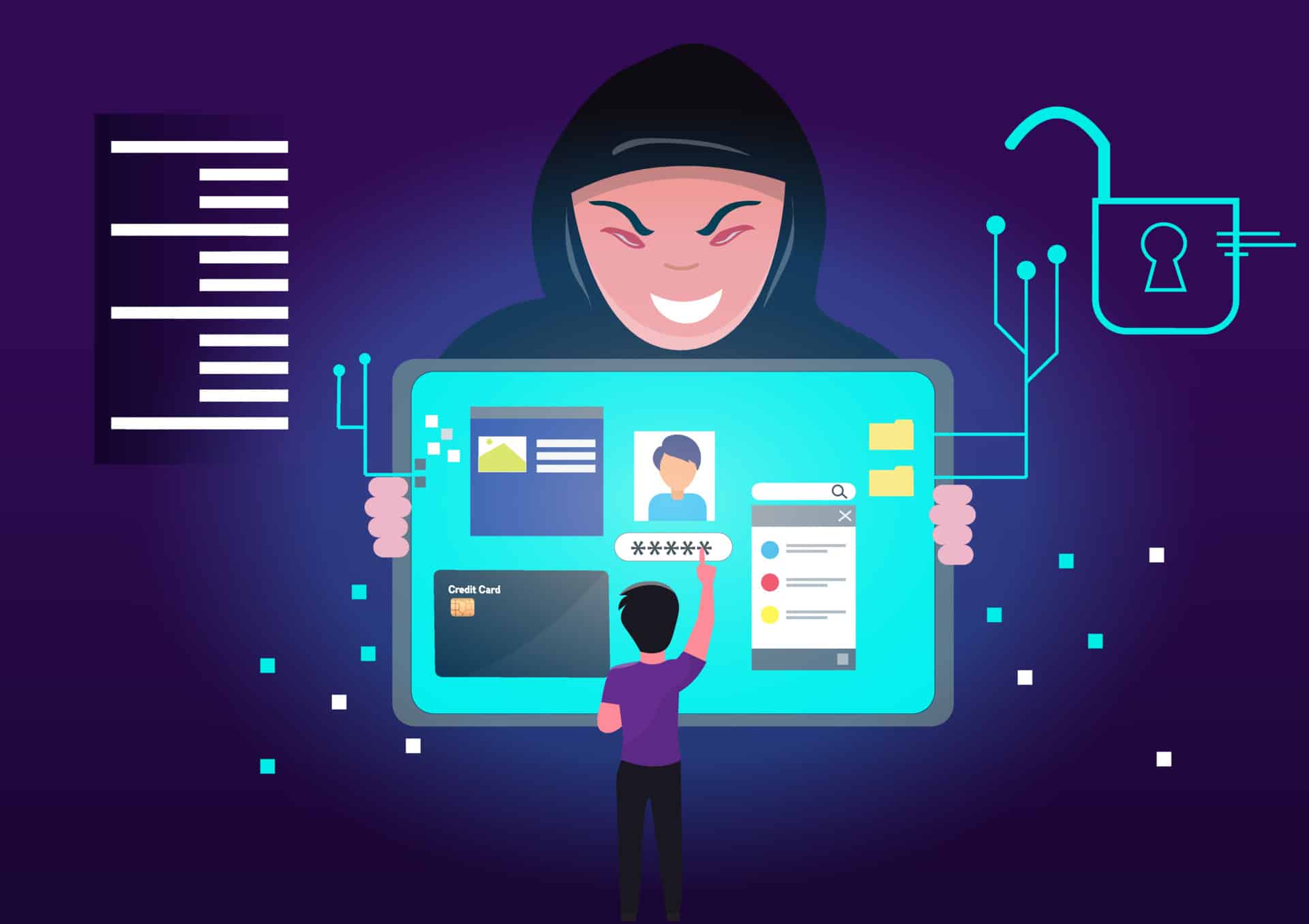
Phishing scams are one of the most common forms of online fraud. They involve tricking individuals into revealing sensitive information such as usernames, passwords, or credit card details through deceptive emails or websites that appear legitimate. To avoid falling victim to such scams, always double-check the email sender’s address and avoid clicking on suspicious links.
Tech Support Computer Scams
Tech support scams often involve cold-calling unsuspecting victims and posing as tech support representatives from reputable companies like Microsoft or Apple. These scammers claim that your computer has been infected with malware or viruses and offer assistance at a price. Never give remote access to your computer unless you initiate contact with verified customer support channels.
Online Shopping Computer Scams
With the rise in e-commerce transactions comes an increase in online shopping scams. Fraudulent sellers may advertise products at incredibly low prices but fail to deliver upon payment confirmation or send counterfeit items instead. Be cautious when dealing with unknown sellers by checking their reviews and ensuring secure payment methods are used.
Lottery/Sweepstakes Computer Scams
Lottery or sweepstakes scams often target individuals by informing them they have won a large sum of money but require upfront fees for processing charges or taxes before releasing any funds. Remember that genuine lotteries do not require winners to pay any fees before receiving their winnings; if it sounds too good to be true, it probably is.
Imposter/CEO Fraud
Imposter fraud involves scammers impersonating high-ranking officials within organizations via email correspondence aimed at deceiving employees into sending money transfers under false pretenses like urgent business matters or emergency situations involving suppliers/customers/payments/etc.
To prevent falling prey:
a) Always verify email addresses carefully.
b) Implement dual authorization processes for financial transactions.
c) Train employees regularly on identifying fraudulent emails.
d) Establish clear protocols regarding sensitive financial information handling.
Conclusion
The digital world provides us numerous advantages but also exposes us to various cyber threats—including computer scams—that can wreak havoc on our personal lives and finances if we’re not careful.
By staying informed about the common types of computer scams and taking proactive measures to protect ourselves, we can greatly reduce the risk of falling victim to these malicious activities. It is crucial to remain cautious when navigating the online world, double-checking emails, verifying sources, and avoiding suspicious links or offers. By staying informed and staying safe, we can ensure that our computers remain a tool for productivity and enjoyment rather than a gateway for scams and fraud. By being informed about the common types of computer scams and taking proactive measures to protect ourselves, we can greatly reduce the risk of falling victim to these malicious activities. It is crucial to remain cautious when navigating the online world, double-checking emails, verifying sources, and avoiding suspicious links or offers. By staying informed and staying safe, we can ensure that our computers remain a tool for productivity and enjoyment rather than a gateway for scams and fraud.
Twin Cities PC Repair is very passionate about keeping its clients informed and protected from various internet scams. The key benefit of working with me is that you have a personal contact for any technical/security questions or concerns. I am a person you can trust when protecting your computer and online presence. Just call me at (651) 456-8655 or visit my Contact page on my website. Together, we will make sure you don’t fall victim to these digital predators!
We use cookies to ensure that we give you the best experience on our website. If you continue to use this site we will assume that you are happy with it.

Recent Comments