If you’ve been using Windows 11 lately and thinking, “Something feels off…” — you’re not alone.
The good news? Microsoft is finally listening.
🔧 Windows 11 Is Getting a Major Rebuild
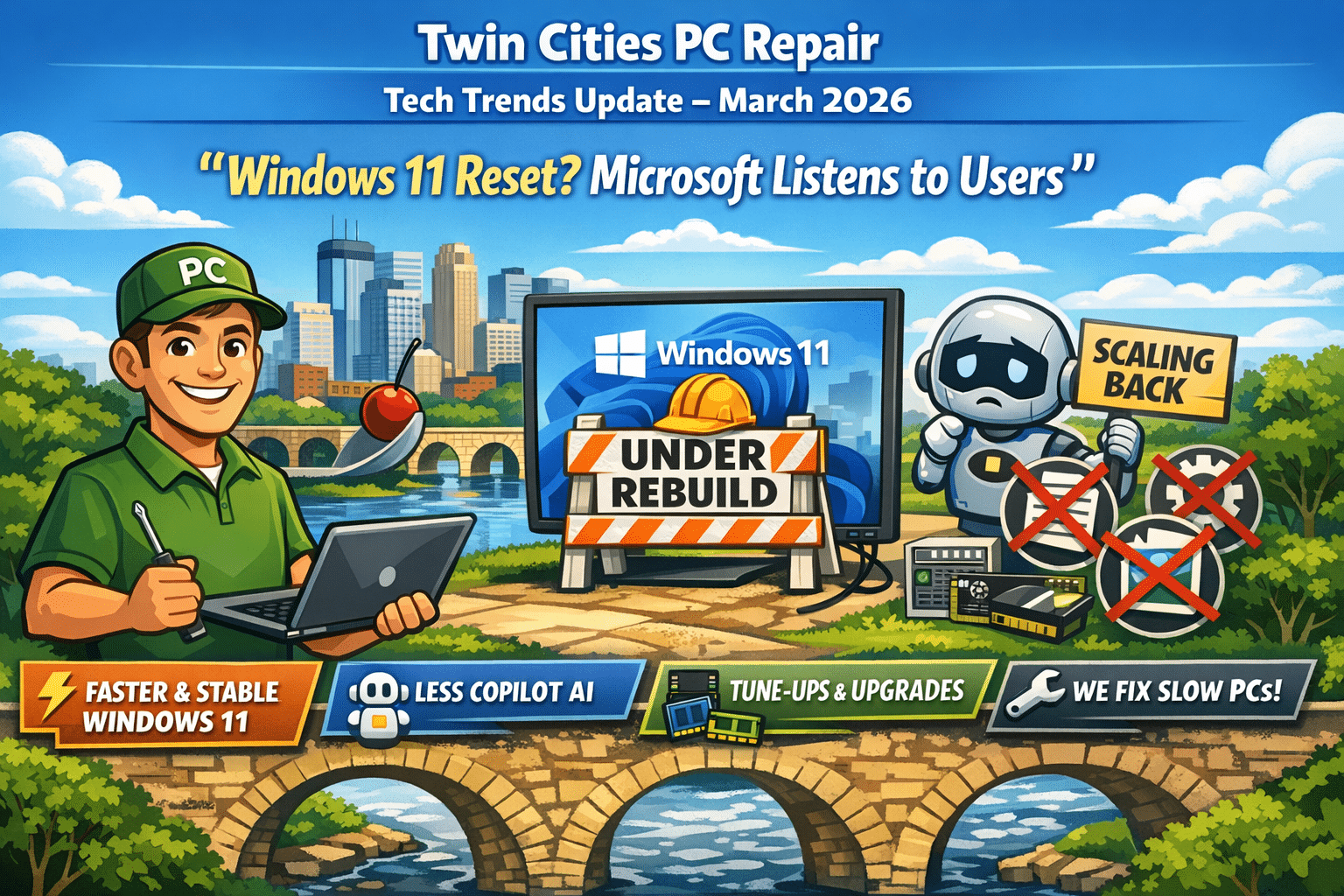
In response to growing complaints about performance, bugs, and overall usability, Microsoft has announced a major overhaul of Windows 11 focused on speed, stability, and simplicity.
Microsoft is essentially going back to basics—making Windows feel fast and reliable again.
👉 Translation for you: If your computer has been feeling sluggish lately, future updates should improve things—but older hardware may still struggle.
🤖 Copilot AI Is Being Dialed Back
Here’s the big headline:
👉 Microsoft is scaling back Copilot integration across Windows 11.
After pushing AI heavily into the operating system, Microsoft is now taking a “less is more” approach due to user feedback.
Changes include:
Removing or reducing Copilot in apps like Notepad, Photos, and Widgets
Cancelling deeper integrations into system features like Settings and notifications
Making AI more optional instead of forced
Microsoft admitted that AI felt too intrusive and is now focusing on features that are “genuinely useful.”
👉 Translation for you: Less clutter, fewer popups, and a more traditional Windows experience.
🧠 What This Means for Your Computer
This shift tells us a lot about where technology is heading:
✅ Performance > Features
Users care more about speed and reliability than flashy AI tools.
✅ Simpler Systems Win
Too many features (especially AI) can actually hurt usability.
✅ Hardware Still Matters
Even with improvements, older PCs may not keep up with modern Windows demands.
🔍 What We’re Seeing Locally (Twin Cities)
At Twin Cities PC Repair, we’re already seeing trends:
📉 Slower systems after recent Windows updates
🔁 More requests for system tune-ups and SSD upgrades
💼 Small businesses frustrated with unnecessary features
💻 Increased demand for clean, optimized Windows installs
🛠️ How Twin Cities PC Repair Can Help
If your computer is feeling slow, unstable, or just “off,” now is the perfect time to take action.
We offer:
✔️ Windows 11 performance tune-ups ✔️ Clean installs (no bloat, no nonsense) ✔️ SSD and RAM upgrades ✔️ Small business optimization packages ✔️ Virus, malware, and system cleanup
💡 Pro Tip: A simple upgrade or cleanup can often make your PC feel like new—without buying a new machine.
💬 Final Thoughts
Microsoft’s shift is a big deal.
They’re moving away from pushing AI everywhere and refocusing on what actually matters:
👉 Speed 👉 Stability 👉 User experience
And honestly—that’s exactly what your computer should deliver.
Spring 2026 Tech Check: Is Your Computer Ready for the Year Ahead? – 3/2/2026
If your computer has been running slower than usual, taking forever to boot, or acting unpredictable after recent updates, you’re not alone. Across Bloomington, Burnsville, Eagan, Apple Valley, Edina, Richfield, and the greater Minneapolis–St. Paul area, we’re seeing a major uptick in performance issues, storage failures, and Windows 11 compatibility problems.
At Twin Cities PC Repair, we specialize in helping local residents and small businesses stay ahead of these issues before they turn into data loss or costly downtime.
Why Are So Many Computers Slowing Down in 2026?
There are a few common causes we’re seeing in our Bloomington repair shop:
1. Aging Solid-State Drives (SSDs)
Even SSDs wear out over time. As storage cells degrade, systems slow down, freeze, or randomly crash.
2. Windows 11 Update Conflicts
Recent updates have exposed hardware limitations in older systems. Machines that barely met the minimum requirements are now struggling.
3. Failing Hard Drives
Traditional hard drives are still common in older desktops and laptops around the Twin Cities. Clicking noises, slow loading times, or file corruption are warning signs.
4. Overheating & Dust Buildup
Minnesota winters mean closed windows and recycled indoor air — which also means dust accumulation inside desktops and laptops.
Windows 11: Is Your PC Truly Compatible?
Many systems technically “support” Windows 11 but don’t perform well under it. If your computer:
Takes more than 60 seconds to boot
Freezes during updates
Runs out of storage constantly
Struggles with modern software
…it may be time for an upgrade or performance tune-up.
At Twin Cities PC Repair in Bloomington, MN, we perform:
Full hardware diagnostics
SSD health checks
Memory testing
Windows repair & reinstall services
Data backup and recovery
We’ll tell you honestly whether your machine is worth upgrading or if a replacement makes more financial sense.
Preventative Maintenance Saves Money
Many customers call us after something fails. But preventative maintenance can dramatically extend your system’s life.
Our local maintenance services include:
Internal cleaning & thermal paste replacement
SSD upgrades
RAM upgrades
Malware & virus removal
Startup optimization
Secure data backups
Whether you’re in Bloomington, Burnsville, Lakeville, Savage, or South Minneapolis, we offer fast turnaround and honest advice.
Thinking About a New Computer?
If your system is over 5–7 years old, a replacement may be smarter than investing in repairs.
We build and sell:
Custom-built desktop PCs
Business workstations
Refurbished computers (budget-friendly options)
Windows 11 Pro systems
AI-ready systems for future-proof performance
Every new custom build includes:
✔ Manufacturer component warranties
✔ Our 14-day satisfaction guarantee
✔ Local support from a real technician
No call centers. No shipping your computer out of state.
Why Choose a Local Bloomington Computer Repair Shop?
When you choose Twin Cities PC Repair, you’re working with a locally owned business that understands the needs of Twin Cities residents.
We use cookies to ensure that we give you the best experience on our website. If you continue to use this site we will assume that you are happy with it.

Recent Comments