Honoring Veterans + This Week’s PC Tips, Fixes & Deals Twin Cities PC Repair — Weekly Newsletter
Residential Sales & Support
Veterans Day Message
To all who have served—thank you. Your courage and sacrifice protect the freedoms we enjoy every day. As a small gesture of appreciation, veterans and active-duty service members can take 10% off labor through November. Just mention “Veterans Day” at check-in and show your military ID to the receptionist.
What we’re seeing in the shop this week
Slow/“spinning wheel” Windows PCs: Usually fixed by removing startup bloat and checking drive health. If your computer takes more than 90 seconds to boot, it’s time for a tune-up.
Cracked laptop screens & loose hinges: We can special-order parts with fast turnaround.
Wi-Fi range issues at home: Mesh systems and correct router placement do wonders—ask us for a quick plan tailored to your floor layout.
Data rescue from failing drives: If your drive is clicking or disappearing, power it down and bring it in—every hour of use can make recovery harder.
60-second Tech Tip: The 3-2-1 Backup
Keep 3 copies of your important files on 2 different types of storage, with 1 copy off-site (cloud counts).
Easiest path: an external SSD for local copies + a reputable cloud backup that runs automatically.
Once set up, test a restore of one file so you know it works.
Scam/Phishing Alert (Pass it on!)
If a pop-up or caller claims to be Microsoft/Apple and asks for remote access or gift cards, it’s a scam. Close the window, don’t call the number, and give us a shout—we’ll remove the malware and secure your browser.
This Week’s Specials
Just mention the special you are interested in!
PC Tune-Up & Malware Cleanup: $127.50 (regular $170)
Laptop Battery Replacement: 10% off parts and labor
Home Wi-Fi Optimization Visit: $20 off with newsletter mention
Veterans & active duty: 10% off labor through November.
Quick How-To: Speed up startup
Press Ctrl+Shift+Esc → Startup apps tab.
Disable anything you don’t recognize or don’t need at boot (you can re-enable later).
Restart and time your boot—under a minute is the goal.
Need a new machine? We’ll match you to the right one.
Tell us your budget and what you do (web, Office, photos, gaming, bookkeeping). We’ll recommend a system that’s fast today and stays fast for years, then migrate your files/settings so you’re ready on day one.
Book a visit / Get help fast
Drop-off:Book online or walk-ins are welcome during business hours
Email:helpdesk@pcgoodguys.com Address: 7900 International Dr., Suite 300, Bloomington, MN 55425 Hours: Monday-Friday 9:00 AM-5:00 PM
Thanks for trusting Twin Cities PC Repair — Residential Sales & Support.
See you next week, and to our veterans: we’re grateful for you—today and every day.
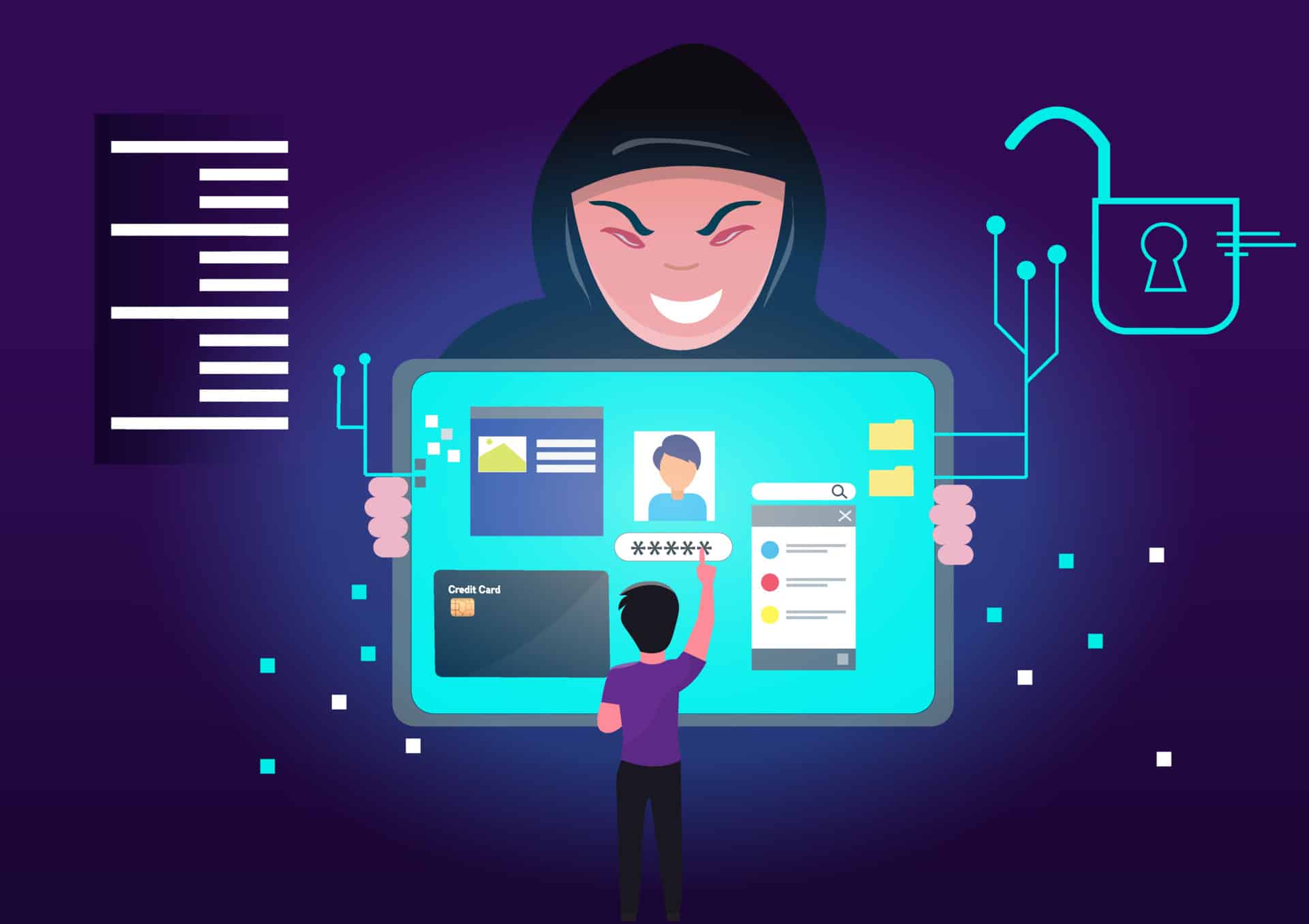
Protect Yourself from Computer Scams: Stay Informed and Stay Safe – 4/18/2024
In this digital age, computers have become an integral part of our lives. Unfortunately, alongside the advancements in technology, computer scams have also become increasingly prevalent. These scams can result in financial loss, identity theft, and a breach of privacy. Therefore, it is crucial for individuals to be aware of the common types of computer scams and take preventative measures to protect themselves.
Phishing Computer Scams
Phishing scams are one of the most common forms of online fraud. They involve tricking individuals into revealing sensitive information such as usernames, passwords, or credit card details through deceptive emails or websites that appear legitimate. To avoid falling victim to such scams, always double-check the email sender’s address and avoid clicking on suspicious links.
Tech Support Computer Scams
Tech support scams often involve cold-calling unsuspecting victims and posing as tech support representatives from reputable companies like Microsoft or Apple. These scammers claim that your computer has been infected with malware or viruses and offer assistance at a price. Never give remote access to your computer unless you initiate contact with verified customer support channels.
Online Shopping Computer Scams
With the rise in e-commerce transactions comes an increase in online shopping scams. Fraudulent sellers may advertise products at incredibly low prices but fail to deliver upon payment confirmation or send counterfeit items instead. Be cautious when dealing with unknown sellers by checking their reviews and ensuring secure payment methods are used.
Lottery/Sweepstakes Computer Scams
Lottery or sweepstakes scams often target individuals by informing them they have won a large sum of money but require upfront fees for processing charges or taxes before releasing any funds. Remember that genuine lotteries do not require winners to pay any fees before receiving their winnings; if it sounds too good to be true, it probably is.
Imposter/CEO Fraud
Imposter fraud involves scammers impersonating high-ranking officials within organizations via email correspondence aimed at deceiving employees into sending money transfers under false pretenses like urgent business matters or emergency situations involving suppliers/customers/payments/etc.
To prevent falling prey:
a) Always verify email addresses carefully.
b) Implement dual authorization processes for financial transactions.
c) Train employees regularly on identifying fraudulent emails.
d) Establish clear protocols regarding sensitive financial information handling.
Conclusion
The digital world provides us numerous advantages but also exposes us to various cyber threats—including computer scams—that can wreak havoc on our personal lives and finances if we’re not careful.
By staying informed about the common types of computer scams and taking proactive measures to protect ourselves, we can greatly reduce the risk of falling victim to these malicious activities. It is crucial to remain cautious when navigating the online world, double-checking emails, verifying sources, and avoiding suspicious links or offers. By staying informed and staying safe, we can ensure that our computers remain a tool for productivity and enjoyment rather than a gateway for scams and fraud. By being informed about the common types of computer scams and taking proactive measures to protect ourselves, we can greatly reduce the risk of falling victim to these malicious activities. It is crucial to remain cautious when navigating the online world, double-checking emails, verifying sources, and avoiding suspicious links or offers. By staying informed and staying safe, we can ensure that our computers remain a tool for productivity and enjoyment rather than a gateway for scams and fraud.
Twin Cities PC Repair is very passionate about keeping its clients informed and protected from various internet scams. The key benefit of working with me is that you have a personal contact for any technical/security questions or concerns. I am a person you can trust when protecting your computer and online presence. Just call me at (651) 456-8655 or visit my Contact page on my website. Together, we will make sure you don’t fall victim to these digital predators!
We use cookies to ensure that we give you the best experience on our website. If you continue to use this site we will assume that you are happy with it.


Recent Comments