🎄 Holiday Labor Sale — Save Big on Computer Repairs & Custom Builds!
It’s the most wonderful time of the year… to finally fix that slow computer or build the gaming rig of your dreams! Twin Cities PC Repair is excited to announce our Holiday Labor Sale, running now through December 31st.
For a limited time:
💥 Labor Rate Only $65/hr (Regularly $85/hr!)
Whether your PC is crashing, running slow, or desperately needing updates and upgrades, now is the best time to take care of those pesky issues and save money while doing it.
What Can You Do During This Sale?
✔️ Clean up and speed up your existing PC Dust buildup, outdated software, and sluggish components can cause major slowdowns. We’ll diagnose the problem and get your machine running like new.
✔️ Custom Gaming PC Builds If you’ve ever wanted a powerful gaming setup tailored to your needs, this is the time! Get expert assembly and tuning — perfect for holiday gifts or a personal upgrade.
✔️ Computer Troubleshooting & Repair Blue screens? Failing parts? Strange noises? We’ll get your system healthy and reliable again.
✔️ Virus & Malware Removal Holiday scams are everywhere. We’ll ensure your PC is safe and secure.
✔️ New PC Setup & Data Transfers Just unboxed a holiday gift PC? We’ll set it up right — with all your files and settings moved over securely.
Why Choose Twin Cities PC Repair?
We’re your local, trusted computer experts — providing honest service, fast turnaround times, and solutions that fit your needs and budget.
Serving Minnesota’s Twin Cities metro with friendly support and real results — no geek-speak required.
🎁 Don’t Miss Out — Sale Ends December 31st!
Appointments are filling up fast — get on the schedule today and lock in the $65/hr discounted rate before prices return to normal.
🌐 Book your appointment today: CLICK HERE! 📍 Serving the entire Twin Cities metro area
Take advantage of this limited-time holiday deal and give your PC the care it deserves! Let’s kick off the new year with a fast, reliable computer that keeps up with you!
As Windows 10 approaches its end of support (October 2025), many of our customers are asking: “Can my current computer handle Windows 11?” It’s a critical question for both home and business users, and Twin Cities PC Repair is here to help you navigate the transition smoothly.
Why Are Hardware Requirements Stricter for Windows 11?
Windows 11 brings enhanced security, improved performance, and new features, but it also requires newer hardware to support these advancements. Microsoft has implemented strict hardware requirements to ensure better protection against modern cybersecurity threats and to deliver a more reliable user experience.
Key Hardware Requirements for Windows 11:
Processor: 8th Generation Intel Core or newer, or select AMD Ryzen 2000 series or newer CPUs
Graphics Card: DirectX 12 compatible with WDDM 2.0 driver
Display: 9″ or larger with HD resolution (720p)
Why Upgrade?
Running unsupported hardware not only prevents you from upgrading to Windows 11, but it also exposes your system to potential security vulnerabilities once Windows 10 support ends. Upgrading ensures you stay protected, receive important updates, and take advantage of the latest features and performance improvements.
What Are Your Options?
Upgrade Existing Hardware (if eligible): Some systems may only need minor upgrades (such as adding TPM 2.0 support, increasing RAM, or replacing storage drives).
Purchase New Hardware: In many cases, particularly with older 6th and 7th generation Intel systems, replacing your PC may be the most cost-effective long-term solution.
We Can Help!
At Twin Cities PC Repair, we offer free hardware evaluations to determine if your system is Windows 11 ready. If upgrades or replacements are needed, we can provide affordable options tailored to your needs and budget.
Don’t Wait Until the Last Minute!
With the deadline approaching, now is the perfect time to assess your systems and plan ahead. Avoid downtime and unexpected costs by contacting us today.
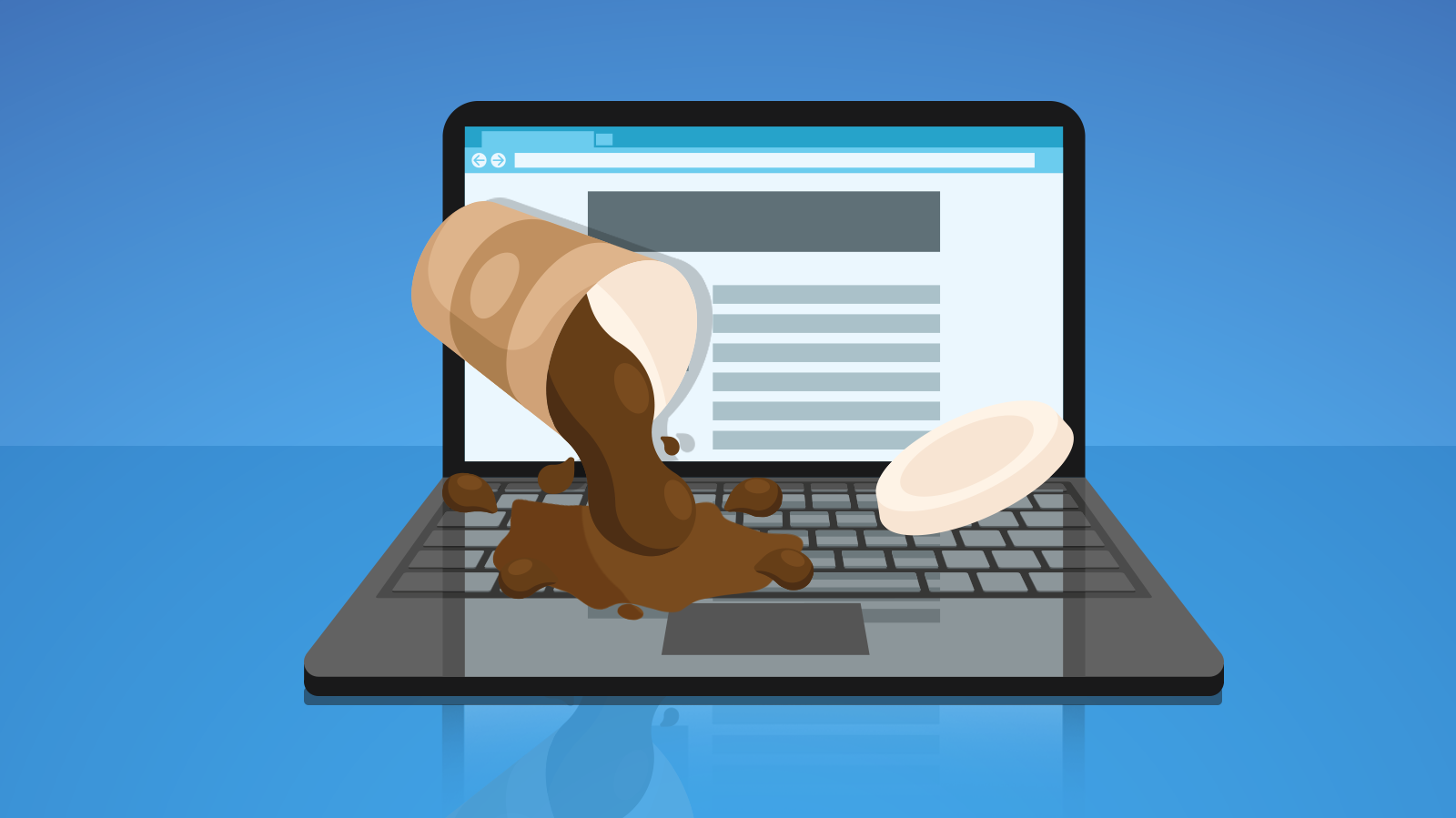
You drop your computer in the bathtub, or your basement home office floods and the desktop is under water. Or you spill your tea across the keyboard. If any of this happens, you can guess right away that you’ll be dealing with liquid damage. Only it’s not always that obvious. Knowing the common signs to look for can help you diagnose liquid damage in your devices.
If you are right there when your computer is exposed to liquids, unplug it immediately. Wet components can short-circuit and cause issues for your motherboard, hard drives, and more.
Still, you might not know immediately that liquid damage is to blame. You might live in an area with high humidity. Or maybe someone in the family watches Netflix while in a steamy bathroom. That’s when you look for signs that there’s moisture inside your computer.
Signs you can see yourself
Liquid spilled inside your keyboard can make keys or the trackpad stop working. Even a few liquid droplets can cause the keyboard or trackpad to start responding to your touch erratically.
You might also experience screen issues. This depends on where the liquid penetrates your laptop. Look out for:
images not displaying properly;
pixel discoloration;
a display that won’t turn on.
These are pretty obvious signs that you need to get help. You might also see some discoloration on the outside of the computer. The white or green residue is not a good sign.
Another scary indicator? The computer won’t turn on at all. That suggests that internal components are damaged, and you’ll need to take action.
Signs that repair shops can see
Most people should not be opening up computers on their own. Even if you think there might have been liquid damage, it’s safer to take the computer to a trained expert. That way, you won’t do more damage trying to see what’s wrong in the first place.
At a computer shop, the person doing the repairs will look inside for corrosion around connectors and your motherboard. They’ll be looking for that white or green residue you were hoping not to see on the exterior.
Another sign? The liquid damage indicator shows exposure to water or liquids. The indicator is a small device inside the computer that’s used by manufacturers to deny warranty coverage (despite the consumer’s protests, the laptop never got wet).
What to do with a wet computer
Unplug it. Get help. The sooner you take a liquid-damaged computer in for repair, the more likely it is to recover. Work with a professional IT repair shop to diagnose and repair your device issues. We’re here to help. Call us at (651) 456-8655 or visit our Contact page. Check out our additional laptop services HERE.
We use cookies to ensure that we give you the best experience on our website. If you continue to use this site we will assume that you are happy with it.



Recent Comments