If you’ve been using Windows 11 lately and thinking, “Something feels off…” — you’re not alone.
The good news? Microsoft is finally listening.
🔧 Windows 11 Is Getting a Major Rebuild
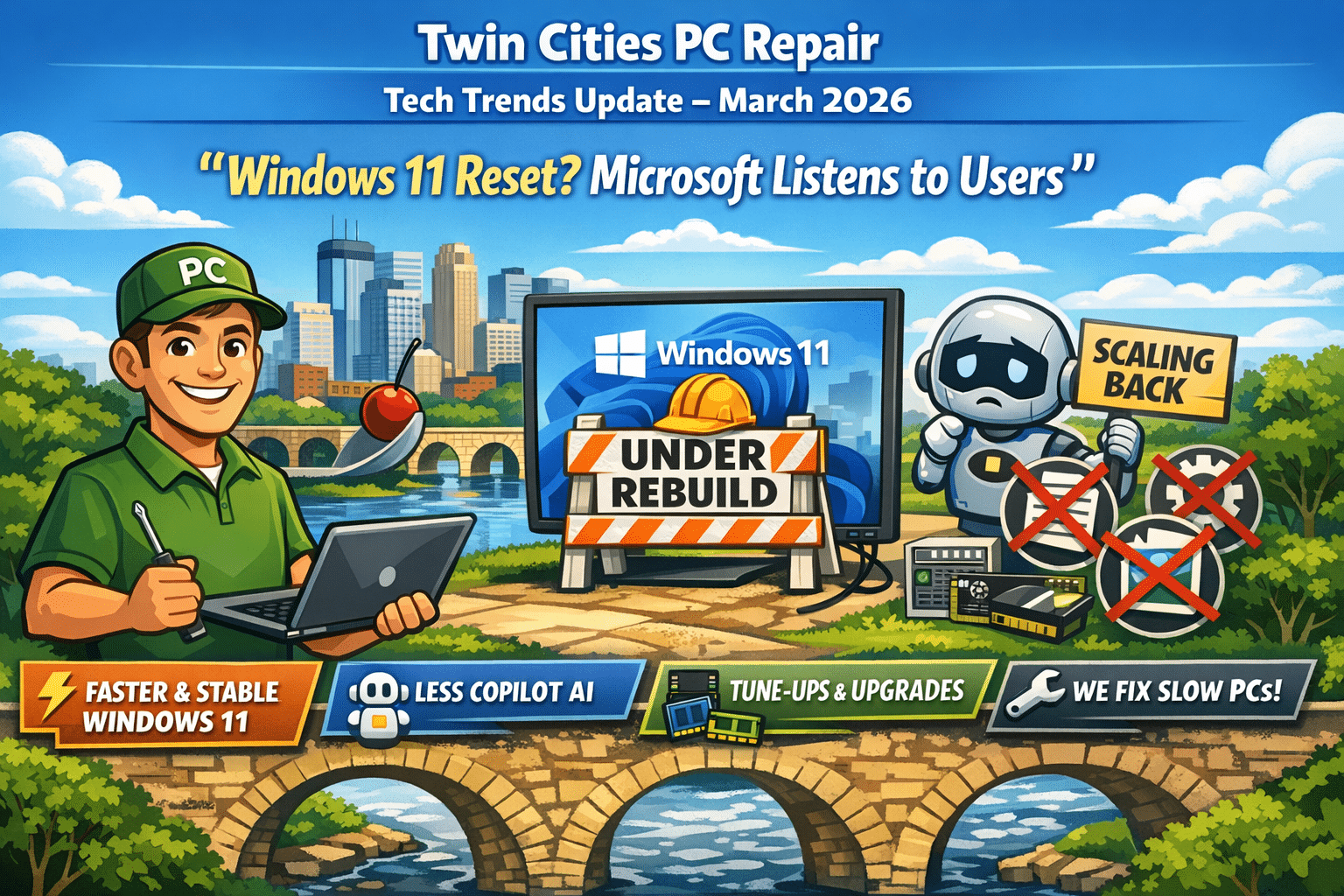
In response to growing complaints about performance, bugs, and overall usability, Microsoft has announced a major overhaul of Windows 11 focused on speed, stability, and simplicity.
Microsoft is essentially going back to basics—making Windows feel fast and reliable again.
👉 Translation for you: If your computer has been feeling sluggish lately, future updates should improve things—but older hardware may still struggle.
🤖 Copilot AI Is Being Dialed Back
Here’s the big headline:
👉 Microsoft is scaling back Copilot integration across Windows 11.
After pushing AI heavily into the operating system, Microsoft is now taking a “less is more” approach due to user feedback.
Changes include:
Removing or reducing Copilot in apps like Notepad, Photos, and Widgets
Cancelling deeper integrations into system features like Settings and notifications
Making AI more optional instead of forced
Microsoft admitted that AI felt too intrusive and is now focusing on features that are “genuinely useful.”
👉 Translation for you: Less clutter, fewer popups, and a more traditional Windows experience.
🧠 What This Means for Your Computer
This shift tells us a lot about where technology is heading:
✅ Performance > Features
Users care more about speed and reliability than flashy AI tools.
✅ Simpler Systems Win
Too many features (especially AI) can actually hurt usability.
✅ Hardware Still Matters
Even with improvements, older PCs may not keep up with modern Windows demands.
🔍 What We’re Seeing Locally (Twin Cities)
At Twin Cities PC Repair, we’re already seeing trends:
📉 Slower systems after recent Windows updates
🔁 More requests for system tune-ups and SSD upgrades
💼 Small businesses frustrated with unnecessary features
💻 Increased demand for clean, optimized Windows installs
🛠️ How Twin Cities PC Repair Can Help
If your computer is feeling slow, unstable, or just “off,” now is the perfect time to take action.
We offer:
✔️ Windows 11 performance tune-ups ✔️ Clean installs (no bloat, no nonsense) ✔️ SSD and RAM upgrades ✔️ Small business optimization packages ✔️ Virus, malware, and system cleanup
💡 Pro Tip: A simple upgrade or cleanup can often make your PC feel like new—without buying a new machine.
💬 Final Thoughts
Microsoft’s shift is a big deal.
They’re moving away from pushing AI everywhere and refocusing on what actually matters:
👉 Speed 👉 Stability 👉 User experience
And honestly—that’s exactly what your computer should deliver.
AI-Powered Scams Are Exploding in 2025 — Here’s How to Stay Safe in 2026 – 12/31/2025
Artificial Intelligence is everywhere in 2025 — and unfortunately, cybercriminals are using it just as aggressively as legitimate businesses. Over the past few months, we’ve seen a sharp rise in AI-powered scams affecting home users and small businesses across the Twin Cities.
These aren’t the obvious scam emails from years past. Today’s threats are smarter, more convincing, and harder to spot.
Let’s break down what’s happening — and how you can protect yourself.
🤖 What Makes AI Scams So Dangerous?
Modern scams now use AI to:
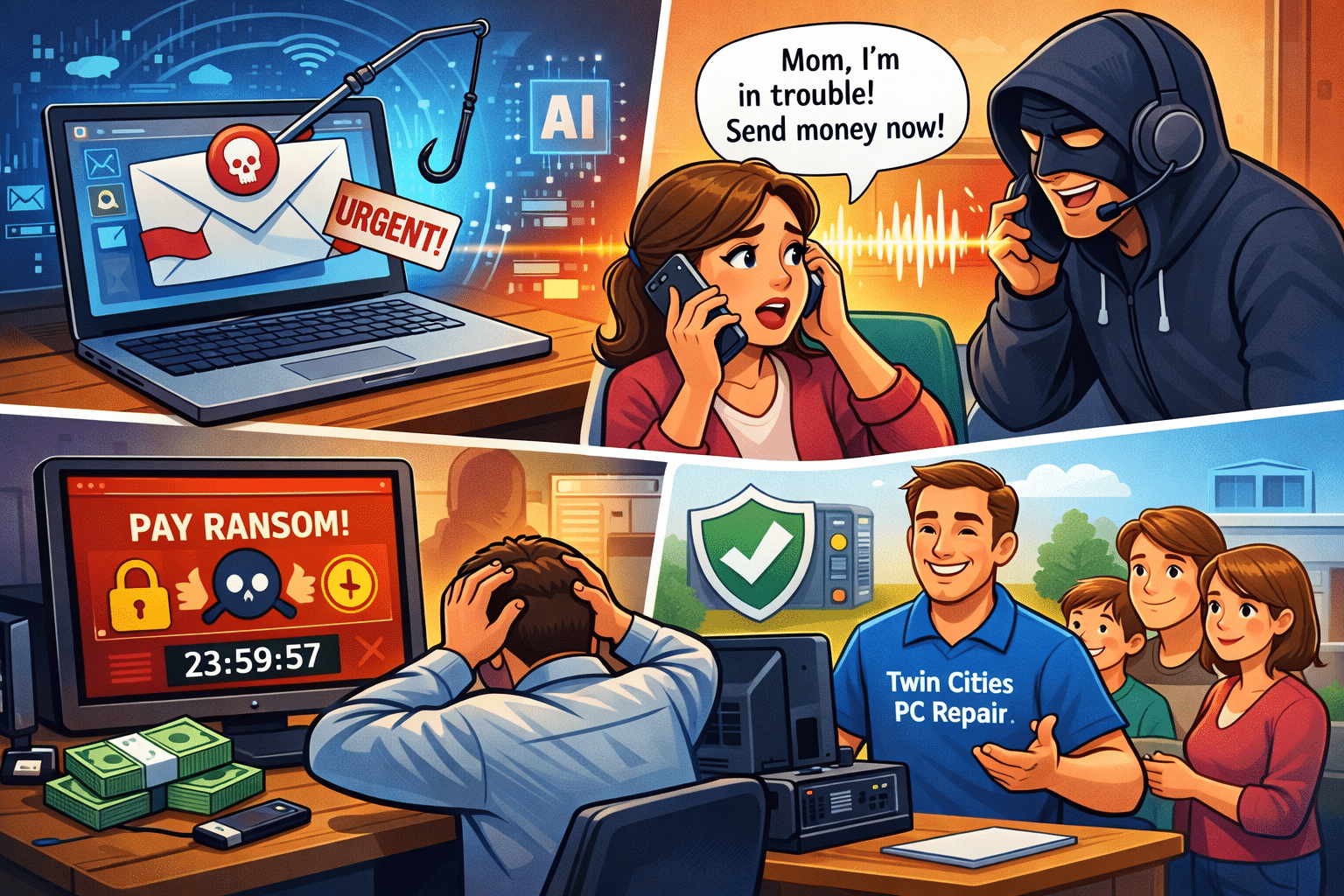
Perfect grammar and tone in phishing emails
Impersonate real people using cloned voices or fake video
Personalize attacks using data scraped from social media
Bypass traditional antivirus with fileless malware
In other words, if you’re relying on “I’ll know it when I see it,” that’s no longer enough.
📞 The Rise of Voice & Text Impersonation Scams
One of the fastest-growing threats we’re seeing locally is AI voice cloning.
Scammers can now:
Clone a family member’s voice from a short social media clip
Call or text claiming there’s an emergency
Pressure victims into sending money or gift cards immediately
💡 Tip: Always verify urgent requests with a second method (call back, text another family member, or ask a question only they would know).
💻 Ransomware Isn’t Just for Big Companies Anymore
Home users and small businesses are now prime targets.
We’re regularly helping customers recover from:
Locked PCs demanding payment
Lost photos, documents, and QuickBooks files
Infected backups that were never tested
⚠️ Paying the ransom does not guarantee your files back.
✅ How Twin Cities PC Repair Helps Protect You
Here’s what we’re actively helping our customers with:
✔️ Removing hidden malware and ransomware
✔️ Securing email accounts and PCs
✔️ Setting up real, tested backups
✔️ Hardening Windows security settings
✔️ Educating families and small businesses on scam awareness
Most infections we see could have been prevented with a simple checkup.
🛡️ When Was Your Last PC Security Check?
If it’s been over a year — or you’re not sure — now is the perfect time.
Whether your computer feels slow, you’ve received suspicious emails, or you just want peace of mind, we’re here to help.
📍 Locally owned 🧑💻 Residential & small business support 🔧 Honest, no-pressure service
Reach out to Twin Cities PC Repair today and stay one step ahead of today’s smarter cyber threats.
We use cookies to ensure that we give you the best experience on our website. If you continue to use this site we will assume that you are happy with it.

Recent Comments