Artificial Intelligence isn’t just a buzzword anymore — it’s becoming part of everyday computing. From Windows Copilot and AI photo editing to smarter antivirus tools and business automation, more people around Bloomington, MN and the Twin Cities are asking the same question: Should I buy an “AI-ready” computer?
AI-ready PCs (sometimes called AI PCs) are built with modern hardware designed to handle AI-powered tasks more efficiently than traditional systems. But like any tech trend, there are real benefits, real risks, and a few downsides you should understand before spending your money.
Below is a clear breakdown of the advantages, safety considerations, and disadvantages of AI-ready computers and hardware — written for local home users, students, and small businesses in the Minneapolis–St. Paul area.
What Makes a Computer “AI-Ready”?
An AI-ready computer usually includes:
A newer CPU with AI-related optimizations
A dedicated GPU (graphics card) for heavy workloads
Or a built-in NPU (Neural Processing Unit), which is designed to run AI tasks efficiently without using as much power as a CPU or GPU
This matters because many AI features (like real-time voice transcription, background blur, image generation, and security scanning) can run faster and smoother when the hardware is designed for it.
Advantages of AI-Ready Computers & Hardware
1. Better Performance for Modern Apps
AI-ready hardware can speed up tasks that used to feel slow or laggy, such as:
Photo editing and enhancement
Video upscaling and rendering
Live captions and voice-to-text
AI tools inside Microsoft Office and Windows
For Twin Cities customers who work from home, run a small business, or multitask heavily, the extra horsepower can make your computer feel “new” for longer.
2. More Future-Proof Than Older PCs
A lot of people in Minnesota are still running older laptops that struggle with Windows 11, new security updates, or modern browsers. AI-ready computers tend to include:
Faster SSD storage
More RAM capacity
Newer Wi-Fi standards
Better battery efficiency (especially on laptops with NPUs)
That means fewer slowdowns, fewer compatibility problems, and fewer reasons to replace your system early.
3. Smarter, Faster Workflows
If you’re a student, realtor, content creator, or business owner in Minneapolis or Bloomington, AI-ready PCs can help with:
Writing and summarizing documents
Sorting emails faster
Improving presentations
Organizing photos and files
Automating repetitive tasks
Even if you’re not “an AI person,” the tools are becoming baked into everyday software.
Safety & Privacy Considerations (What to Watch Out For)
AI-ready computers aren’t automatically unsafe — but AI features can introduce new privacy concerns depending on how they’re used.
1. Cloud vs. On-Device AI
Some AI tools run locally on your PC (more private), while others send data to the cloud (less private). Always check:
Is your data being uploaded?
Are recordings stored online?
Can the feature be disabled?
For local families and professionals in the Twin Cities, this matters if you’re handling private photos, tax documents, medical info, or client data.
2. AI Scams Are Growing Fast
As AI gets better, scams get more convincing. Common examples include:
Fake tech support popups
“Your account is locked” emails
Deepfake voice calls pretending to be a family member
Fake invoices sent to small businesses
Even the best AI hardware can’t protect you if a scam tricks someone into giving access. The best defense is awareness, good antivirus protection, and secure passwords.
3. Security Still Depends on Updates
AI-ready doesn’t mean “immune to viruses.” You still need:
Windows updates installed
Browser updates
Strong passwords and MFA (multi-factor authentication)
Reliable endpoint protection
If you’re in Eagan, Apple Valley, Savage, Bloomington, Richfield, Edina, Burnsville, or anywhere in the Minneapolis–St. Paul area, keeping your system updated is one of the most important steps you can take.
Disadvantages of AI-Ready Computers (The Honest Downsides)
1. Higher Cost Up Front
AI-ready PCs often cost more because of newer processors, NPUs, and upgraded components. If you only use your computer for basic browsing and email, you may not notice a major difference compared to a solid mid-range system.
2. Not All “AI Features” Are Actually Useful
Some AI features are genuinely helpful. Others feel like marketing. Many people buy AI-ready machines and never use the tools — or disable them because they don’t fit their workflow.
3. More Power Can Mean More Heat (Especially Desktops)
High-end GPUs and CPUs can create extra heat and require better cooling. That can lead to:
Louder fans
More dust buildup
Higher power usage
For gaming PCs or performance desktops, proper airflow and regular cleaning are important.
4. Compatibility Can Still Be a Problem
Older printers, scanners, or specialty software may not play nicely with newer systems. Before upgrading, it’s smart to confirm your important devices and programs will work.
Final Thoughts: Should You Upgrade to an AI-Ready PC?
If you’re in the Twin Cities and your computer is slowing down, overheating, crashing, or struggling with Windows 11, an AI-ready system can be a great investment — especially for productivity, security, and long-term performance.
But if your current PC is stable and you only do basic tasks, you might be better off upgrading your RAM/SSD, cleaning up your system, or getting a professional tune-up before replacing the whole machine.
If you’d like help choosing the right AI-ready laptop or desktop for your needs — or want to make sure your current system is secure — Twin Cities PC Repair can help.
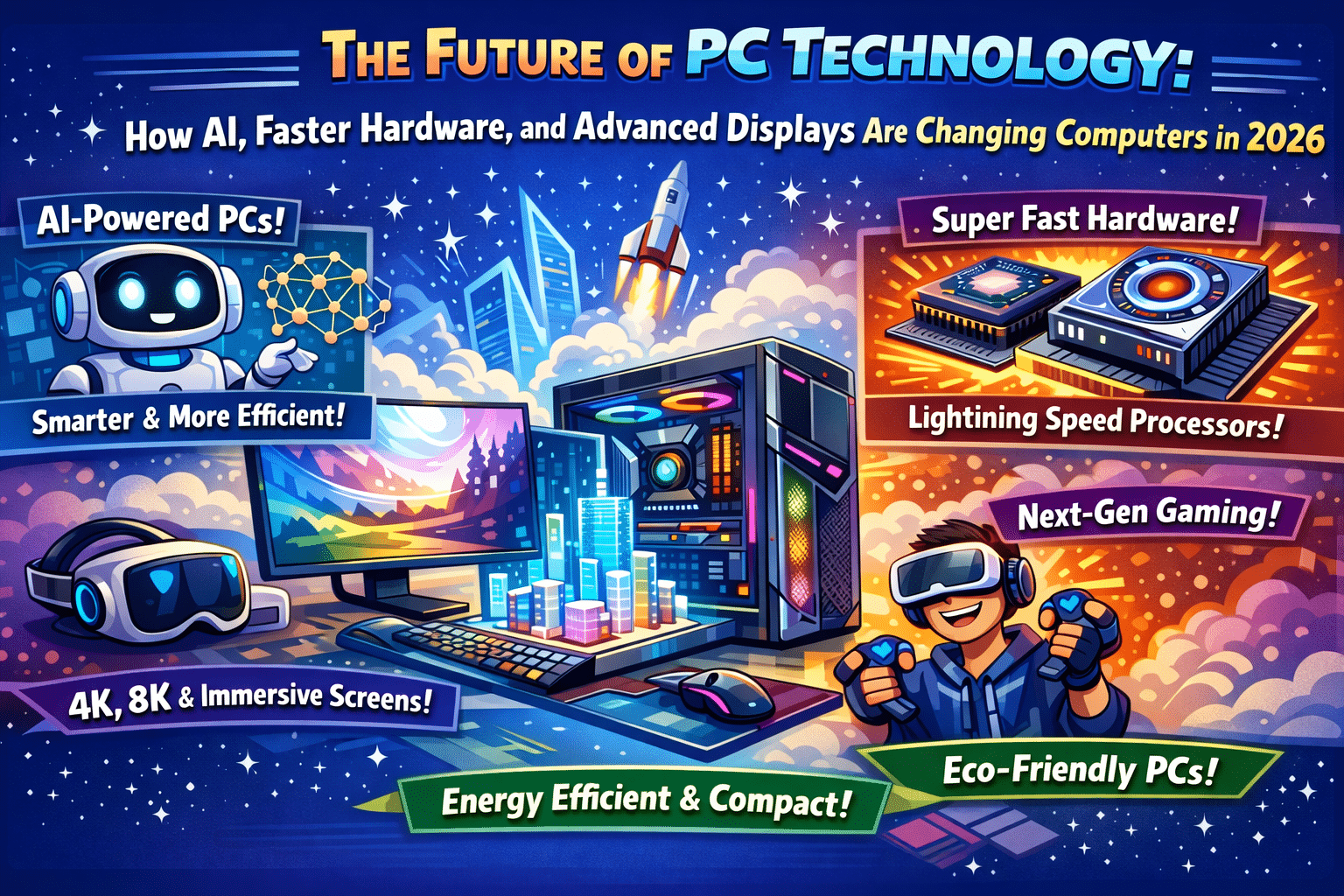
The Future of PC Technology: How AI, Faster Hardware, and Advanced Displays Are Changing Computers in 2026 – 1/5/2026
The world of PC technology is evolving faster than ever, and for businesses and consumers alike, staying informed is essential. At Twin Cities PC Repair, we help customers across Minneapolis–St. Paul understand, upgrade, and repair modern systems built for today’s demands—and tomorrow’s innovations. From AI-powered components to ultra-fast storage and immersive displays, new PC technology is redefining what computers can do.
AI Integration Is Now a Core Feature of Modern PCs
Artificial intelligence is no longer just software—it’s becoming built directly into hardware. Modern PCs now include specialized AI processors, such as neural processing units (NPUs), that handle AI workloads more efficiently than traditional CPUs. These processors improve performance for tasks like photo and video editing, voice recognition, background noise reduction, cybersecurity monitoring, and workflow automation.
For professionals and creators, AI-powered PCs can dramatically reduce rendering times, automate repetitive tasks, and enhance productivity. For everyday users, AI helps optimize system performance, battery life, and security behind the scenes.
GPU Advancements: NVIDIA 50-Series and AI-Powered Graphics
One of the biggest drivers of innovation is the next generation of graphics cards, including NVIDIA’s 50-series GPUs. These GPUs aren’t just about gaming—they’re designed to accelerate AI workloads, machine learning models, 3D rendering, and real-time ray tracing.
Gamers benefit from higher frame rates and more realistic visuals, while professionals in design, engineering, and content creation gain faster processing for demanding applications. As GPUs become more powerful and energy-efficient, they also require better thermal management—something our technicians at Twin Cities PC Repair frequently address with custom cooling upgrades.
AMD CPUs and More Efficient Processing Power
AMD continues to push CPU innovation with processors that deliver more cores, better power efficiency, and improved multitasking. These CPUs are ideal for professionals who run multiple applications simultaneously or work with large datasets.
When paired with AI acceleration and modern GPUs, AMD CPUs help create balanced systems that excel at both performance and reliability. Choosing the right CPU for your needs is critical, and our local PC repair experts help customers avoid bottlenecks and overheating issues.
Advanced Cooling Solutions for High-Performance PCs
With faster hardware comes more heat. Modern PCs now rely on advanced cooling solutions, including liquid cooling, vapor chambers, and intelligent fan systems. Proper cooling not only improves performance but also extends the lifespan of your PC components.
At Twin Cities PC Repair, we often see systems slow down due to dust buildup or outdated cooling setups. Regular maintenance and cooling upgrades are essential for high-end gaming PCs and professional workstations.
Faster SSDs: Sandisk Optimus and Next-Gen Storage
Storage speed has become just as important as processing power. New SSDs like the Sandisk Optimus deliver lightning-fast read and write speeds, reducing boot times, accelerating file transfers, and improving overall system responsiveness.
For creators working with large video files or businesses handling massive data sets, next-generation SSDs are a game changer. Upgrading storage is one of the most cost-effective ways to improve PC performance, and it’s a service we frequently provide in the Twin Cities area.
OLED Displays and Immersive Visual Experiences
Display technology is also taking a major leap forward. OLED monitors and laptops offer deeper blacks, higher contrast ratios, and stunning color accuracy. These displays are perfect for designers, photographers, video editors, and gamers who demand immersive visuals.
As more users invest in high-quality displays, ensuring your PC’s graphics hardware is compatible and optimized becomes increasingly important.
Preparing for the Future: Quantum Computing and AI Access Points
While quantum computing isn’t yet mainstream, the PC industry is already preparing for it. Future systems will rely on AI-driven access points, where local PCs work alongside cloud-based AI and quantum resources. This shift will require adaptable hardware, secure systems, and ongoing upgrades.
Trust Twin Cities PC Repair for Future-Ready Technology
As PC technology advances, expert guidance matters more than ever. Whether you need upgrades, repairs, performance optimization, or advice on building a future-ready system, Twin Cities PC Repair is your trusted local partner.
We help homeowners, gamers, creators, and businesses stay ahead of technology—so your PC works smarter, faster, and longer.
We use cookies to ensure that we give you the best experience on our website. If you continue to use this site we will assume that you are happy with it.


Recent Comments