Why AI-Powered Diagnostics and Security-First Repairs Are the Future of Computer Repair in 2026 – 2/2/2026
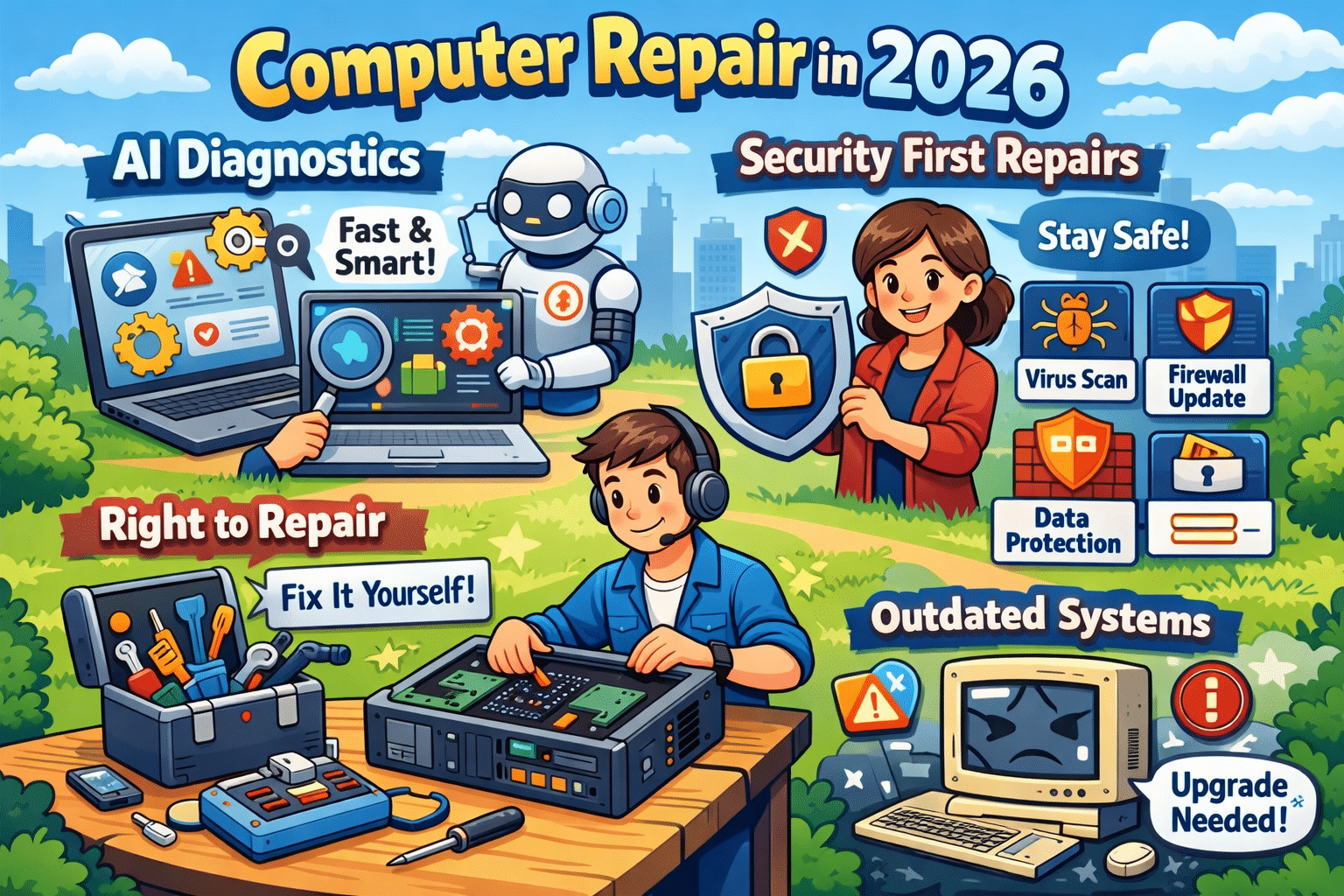
Computer repair has changed dramatically over the last few years. In 2026, fixing a slow or malfunctioning computer isn’t just about swapping parts or reinstalling Windows. Two major trends now shape the industry: AI-powered diagnostics and a security-first repair approach. Together, they’re transforming how problems are found, fixed, and prevented.
Whether you’re a business owner, remote worker, or home user, understanding these changes can help you make smarter decisions about maintaining and protecting your computer.
AI-Powered Diagnostics: Faster and More Accurate Repairs
Traditional computer troubleshooting relies heavily on manual testing and technician experience. While that still matters, AI-driven diagnostic tools now play a major role in speeding up the repair process.
AI diagnostic systems analyze:
System performance patterns
Error logs and crash data
Hardware behavior such as heat and voltage fluctuations
By comparing this data against thousands of past repair cases, AI can pinpoint the most likely cause of an issue in minutes instead of hours. This allows technicians to focus on fixing the problem, not hunting for it.
Another major advantage is predictive maintenance. AI can detect early warning signs of failure — like a hard drive nearing the end of its lifespan or a power supply becoming unstable — before the computer completely breaks down. This proactive approach saves users from unexpected downtime and costly emergency repairs.
Security-First Repairs: No Longer Optional
Cybersecurity is no longer a separate service — it’s now a core part of modern computer repair. Malware, ransomware, phishing attacks, and fileless threats continue to increase every year, and an unsecured system is an easy target.
A proper repair in 2026 should always include:
Full malware and ransomware scans
Operating system and software updates
Security patch installation
Firewall and protection verification
Even a simple repair, such as replacing a hard drive or fixing startup issues, can expose vulnerabilities if security steps are skipped. Many infections go unnoticed until sensitive data is compromised or performance is severely impacted.
That’s why today’s technicians must be just as knowledgeable about security best practices as they are about hardware and software.
Why Outdated Systems Are a Major Risk
Older computers and outdated operating systems are one of the biggest sources of security problems. Once software stops receiving updates, known vulnerabilities remain permanently open to attackers.
Common risks include:
Unsupported versions of Windows
Old browsers and plugins
Legacy antivirus software
In many cases, repairs also involve advising customers when an upgrade makes more sense than another temporary fix. A secure, updated system is often faster, more reliable, and far safer than continuing to patch aging hardware.
Right-to-Repair: More Options for Consumers
The growing Right-to-Repair movement is also influencing computer repair in 2026. These laws encourage manufacturers to make parts, tools, and repair documentation available to independent repair shops and consumers.
For customers, this means:
More repair choices
Faster turnaround times
Lower repair costs
For local repair businesses, it levels the playing field and allows them to compete with large manufacturers and big-box service centers.
Final Thoughts: Repairing for the Future
Modern computer repair is no longer reactive — it’s predictive, security-focused, and data-driven. AI diagnostics help technicians find problems faster and prevent future failures, while security-first repairs protect users from growing cyber threats.
If you want your computer to last longer, perform better, and stay protected, working with a repair service that understands these trends is more important than ever. In 2026, a proper repair doesn’t just fix what’s broken — it keeps your technology safe and ready for what’s next.
Need your device looked at? Book your device drop-off HERE!
Why Windows 11 PCs Are Suddenly Running Slow (And What You Can Do About It) – 1/26/2026
If your computer has felt slower than usual lately, you’re not imagining it. Across the Twin Cities, we’ve been seeing a surge of customers bringing in Windows 11 desktops and laptops that were “fine last month” but now take forever to boot, lag during simple tasks, or freeze when opening programs. This is one of the hottest and most current computer repair issues right now because it affects everyday users, students, and small businesses alike—especially after recent updates and background security changes.
At Twin Cities PC Repair, we help customers in Bloomington, Richfield, Edina, Burnsville, Eden Prairie, and the greater Minneapolis–St. Paul area get their systems running fast again without losing important files.
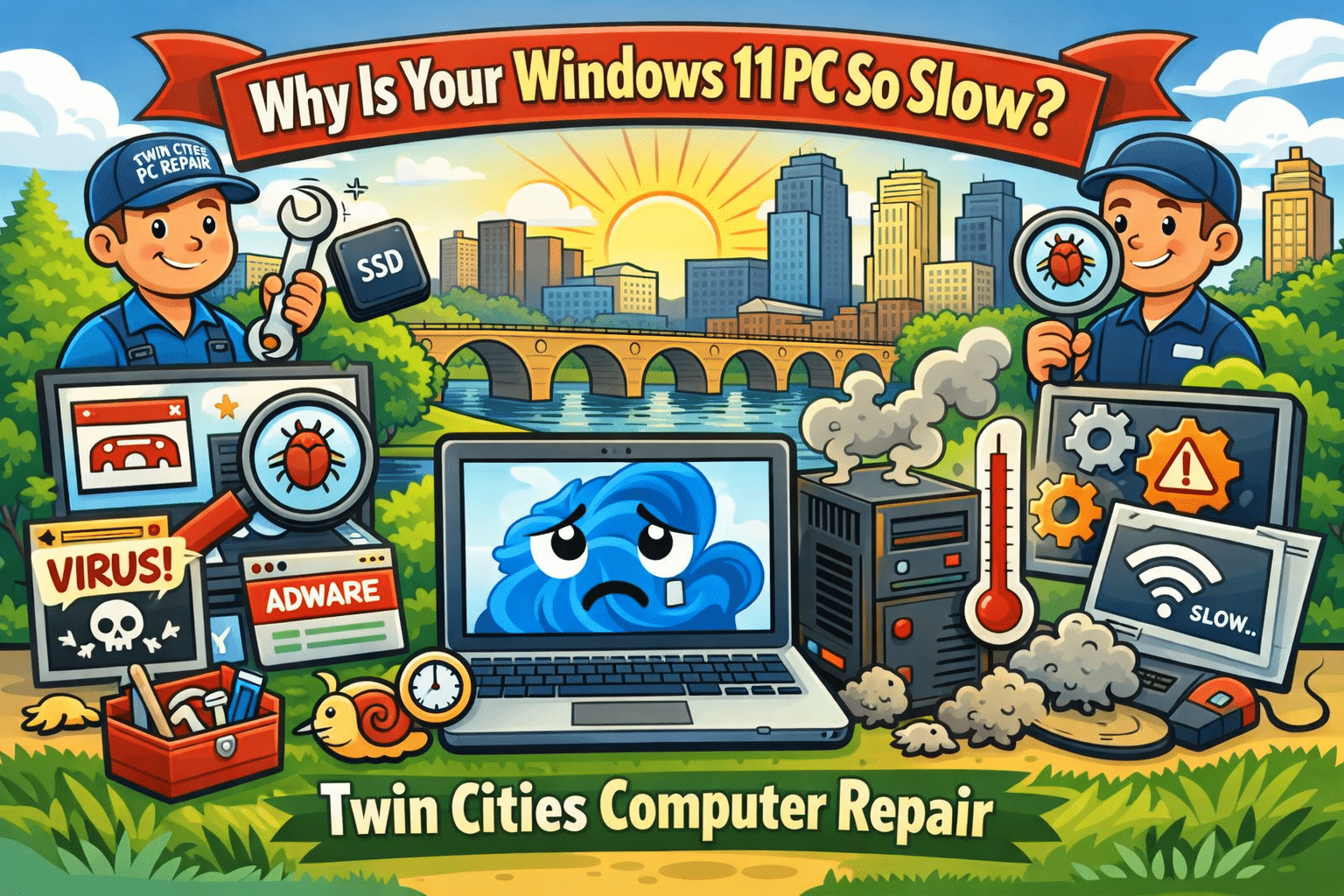
Why Your Windows 11 PC Is Slowing Down Right Now
There are a few common causes we’re seeing repeatedly in local repair appointments:
1. Background Updates and “Silent” Maintenance
Windows 11 updates don’t just install once and disappear. Many updates trigger background tasks like indexing, system cleanup, security scans, and driver updates. On older PCs (or even newer ones with limited storage), this can cause random slowdowns, high CPU usage, and long boot times.
2. SSD Storage Filling Up
A PC with a 256GB or 500GB SSD can feel blazing fast—until it hits a storage wall. When your drive gets close to full, Windows struggles to manage temporary files, paging, and system processes. We commonly see machines with less than 10–15% free space, and that alone can make the system feel “broken.”
3. Startup Programs Taking Over
Many popular apps install auto-start services that run the second you turn on your PC. Some are helpful. Many are not. The result is a computer that takes 5–10 minutes to become usable after booting. This is extremely common with systems that have been used for a couple years without a tune-up.
4. Malware and Browser Hijackers (Still a Big Problem)
Even in 2026, malware hasn’t gone away—it’s just gotten sneakier. We’re seeing more cases of:
Fake “Microsoft support” pop-ups
Browser redirects and unwanted extensions
Credential-stealing spyware
Adware that slows everything down
These threats can make your PC crawl, even if you have antivirus installed.
5. Overheating and Dust Buildup
Minnesota weather swings are rough on electronics—especially if a PC is kept near a vent, heater, or dusty area. Over time, dust blocks airflow and your CPU overheats. When that happens, the computer “throttles” performance to prevent damage, causing lag and stuttering.
Quick Fixes You Can Try at Home (Before You Bring It In)
If your computer is still usable, try these steps:
Restart the PC (not shut down—restart forces updates and memory cleanup)
Check storage space and delete large files or uninstall unused apps
Run Windows Security scan and remove suspicious browser extensions
Update drivers (especially graphics + Wi-Fi)
Make sure your PC is ventilated and not clogged with dust
If these don’t help, it may be time for a professional diagnosis.
When It’s Time for a Repair Shop Instead of DIY
Some slowdowns are caused by deeper issues that require hands-on troubleshooting, such as:
A failing SSD or hard drive
Corrupted Windows system files
Bad RAM (random freezes and crashes)
Overheating requiring internal cleaning and new thermal paste
Virus infections that keep coming back
A proper computer tune-up can often restore performance without replacing the whole machine.
Local Computer Repair You Can Trust in the Twin Cities
If you’re tired of guessing, Twin Cities PC Repair can help. We specialize in:
Windows 11 performance tune-ups
Virus and malware removal
SSD upgrades and data transfers
Laptop and desktop diagnostics
Custom PC builds and upgrades
Whether you’re in Bloomington, Minneapolis, St. Paul, Edina, Richfield, Burnsville, or Eagan, we’re here to get your computer running fast again—without the big-box runaround.
If your PC is slow, freezing, or acting weird, don’t wait until it won’t boot at all. Getting it checked early can save your files and prevent bigger repair costs later.
Artificial Intelligence isn’t just a buzzword anymore — it’s becoming part of everyday computing. From Windows Copilot and AI photo editing to smarter antivirus tools and business automation, more people around Bloomington, MN and the Twin Cities are asking the same question: Should I buy an “AI-ready” computer?
AI-ready PCs (sometimes called AI PCs) are built with modern hardware designed to handle AI-powered tasks more efficiently than traditional systems. But like any tech trend, there are real benefits, real risks, and a few downsides you should understand before spending your money.
Below is a clear breakdown of the advantages, safety considerations, and disadvantages of AI-ready computers and hardware — written for local home users, students, and small businesses in the Minneapolis–St. Paul area.
What Makes a Computer “AI-Ready”?
An AI-ready computer usually includes:
A newer CPU with AI-related optimizations
A dedicated GPU (graphics card) for heavy workloads
Or a built-in NPU (Neural Processing Unit), which is designed to run AI tasks efficiently without using as much power as a CPU or GPU
This matters because many AI features (like real-time voice transcription, background blur, image generation, and security scanning) can run faster and smoother when the hardware is designed for it.
Advantages of AI-Ready Computers & Hardware
1. Better Performance for Modern Apps
AI-ready hardware can speed up tasks that used to feel slow or laggy, such as:
Photo editing and enhancement
Video upscaling and rendering
Live captions and voice-to-text
AI tools inside Microsoft Office and Windows
For Twin Cities customers who work from home, run a small business, or multitask heavily, the extra horsepower can make your computer feel “new” for longer.
2. More Future-Proof Than Older PCs
A lot of people in Minnesota are still running older laptops that struggle with Windows 11, new security updates, or modern browsers. AI-ready computers tend to include:
Faster SSD storage
More RAM capacity
Newer Wi-Fi standards
Better battery efficiency (especially on laptops with NPUs)
That means fewer slowdowns, fewer compatibility problems, and fewer reasons to replace your system early.
3. Smarter, Faster Workflows
If you’re a student, realtor, content creator, or business owner in Minneapolis or Bloomington, AI-ready PCs can help with:
Writing and summarizing documents
Sorting emails faster
Improving presentations
Organizing photos and files
Automating repetitive tasks
Even if you’re not “an AI person,” the tools are becoming baked into everyday software.
Safety & Privacy Considerations (What to Watch Out For)
AI-ready computers aren’t automatically unsafe — but AI features can introduce new privacy concerns depending on how they’re used.
1. Cloud vs. On-Device AI
Some AI tools run locally on your PC (more private), while others send data to the cloud (less private). Always check:
Is your data being uploaded?
Are recordings stored online?
Can the feature be disabled?
For local families and professionals in the Twin Cities, this matters if you’re handling private photos, tax documents, medical info, or client data.
2. AI Scams Are Growing Fast
As AI gets better, scams get more convincing. Common examples include:
Fake tech support popups
“Your account is locked” emails
Deepfake voice calls pretending to be a family member
Fake invoices sent to small businesses
Even the best AI hardware can’t protect you if a scam tricks someone into giving access. The best defense is awareness, good antivirus protection, and secure passwords.
3. Security Still Depends on Updates
AI-ready doesn’t mean “immune to viruses.” You still need:
Windows updates installed
Browser updates
Strong passwords and MFA (multi-factor authentication)
Reliable endpoint protection
If you’re in Eagan, Apple Valley, Savage, Bloomington, Richfield, Edina, Burnsville, or anywhere in the Minneapolis–St. Paul area, keeping your system updated is one of the most important steps you can take.
Disadvantages of AI-Ready Computers (The Honest Downsides)
1. Higher Cost Up Front
AI-ready PCs often cost more because of newer processors, NPUs, and upgraded components. If you only use your computer for basic browsing and email, you may not notice a major difference compared to a solid mid-range system.
2. Not All “AI Features” Are Actually Useful
Some AI features are genuinely helpful. Others feel like marketing. Many people buy AI-ready machines and never use the tools — or disable them because they don’t fit their workflow.
3. More Power Can Mean More Heat (Especially Desktops)
High-end GPUs and CPUs can create extra heat and require better cooling. That can lead to:
Louder fans
More dust buildup
Higher power usage
For gaming PCs or performance desktops, proper airflow and regular cleaning are important.
4. Compatibility Can Still Be a Problem
Older printers, scanners, or specialty software may not play nicely with newer systems. Before upgrading, it’s smart to confirm your important devices and programs will work.
Final Thoughts: Should You Upgrade to an AI-Ready PC?
If you’re in the Twin Cities and your computer is slowing down, overheating, crashing, or struggling with Windows 11, an AI-ready system can be a great investment — especially for productivity, security, and long-term performance.
But if your current PC is stable and you only do basic tasks, you might be better off upgrading your RAM/SSD, cleaning up your system, or getting a professional tune-up before replacing the whole machine.
If you’d like help choosing the right AI-ready laptop or desktop for your needs — or want to make sure your current system is secure — Twin Cities PC Repair can help.
Why Local Computer Repair Shops Still Matter More Than Big-Box Stores – 1/13/2026
In today’s world of mega-retailers, nationwide chains, and online tech giants, it can feel like small, locally owned computer repair shops are being pushed aside. But when it comes to something as personal and critical as your computer, your data, and your digital life, small businesses like Twin Cities PC Repair play a role that big-box stores simply cannot replace.
Your computer isn’t just a device—it holds family photos, tax records, work projects, emails, passwords, and sometimes even your entire business. Who you trust to touch it matters more than most people realize.
Big-Box Stores Treat Your Computer Like a Ticket Number
When you bring your PC or laptop into a big retail store, the process usually looks like this:
You drop it off at a counter
A ticket is created
Your computer goes into a back room
A technician you’ll never meet works on it
It may be sent offsite to another state
You get it back days or weeks later
You never speak directly to the person repairing your device. You can’t ask them questions. You can’t explain how you use your computer. You can’t describe the strange noise, random crash, or slow behavior in your own words. And when something doesn’t work right after the repair, you start the process all over again with a new person.
Big-box repair services are designed for volume, not relationships. Their goal is to process as many devices as possible as quickly as possible. That often leads to rushed diagnostics, unnecessary part replacements, and missed underlying issues.
Local Shops Build Relationships, Not Just Receipts
At Twin Cities PC Repair, you’re not just another number in a queue—you’re a real person with real technology needs. When you work with a local repair shop, you’re building a relationship with the technician who will likely work on your computer again in the future.
That means:
Your technician learns how you use your computer
They remember past issues and previous repairs
They understand what matters to you
They can spot patterns before they become disasters
If you work from home, game, do graphic design, manage finances, or just want a reliable family PC, your local technician can tailor solutions specifically to your lifestyle.
This personal knowledge saves you time, money, and frustration.
Trust Is Everything in Computer Repair
When you hand someone your computer, you are handing them access to your entire digital life. Photos of your kids. Banking info. Work documents. Saved passwords. Email. Browsing history. Business files.
Trust is not something you can get from a nationwide corporation. It is built over time through honest service, clear communication, and consistent results.
At Twin Cities PC Repair, our reputation is built on trust. We live here, serve our neighbors, and depend on word-of-mouth referrals from Bloomington, Richfield, Edina, Burnsville, and the surrounding Twin Cities communities. That means we do the job right the first time—because our business depends on your satisfaction.
We don’t push unnecessary upgrades or upsell things you don’t need. We explain what’s wrong, what it will cost, and why it matters.
Local Shops Are Faster and More Flexible
Big-box repair services often take weeks. Why? Because they are overloaded and understaffed. Your device may be shipped elsewhere. Your issue may be stuck in a backlog.
Local shops can often diagnose and repair issues the same day or within a few days. And if you have an urgent situation—like a broken laptop for work or a virus on your family PC—you can speak directly to the technician and get realistic timelines.
Need advice before buying a new computer? Want to build a custom PC? Have a question about upgrades? A local shop gives you straight answers without sales pressure.
Supporting Local Means Supporting Your Community
When you choose Twin Cities PC Repair, you are supporting:
A locally owned business
Local jobs
The Minnesota economy
Personalized service that big chains can’t offer
Instead of sending your money to a corporate headquarters in another state, you’re investing in a business that reinvests right here in the Twin Cities.
The Bottom Line
Big-box stores are built for mass-market convenience. Local computer repair shops are built for people.
If you want fast service, honest advice, real accountability, and a technician who actually knows you and your computer, Twin Cities PC Repair is here for you.
Your technology is too important to trust to a faceless system. Build a relationship. Build trust. And keep your digital life in good hands.
We use cookies to ensure that we give you the best experience on our website. If you continue to use this site we will assume that you are happy with it.



Recent Comments