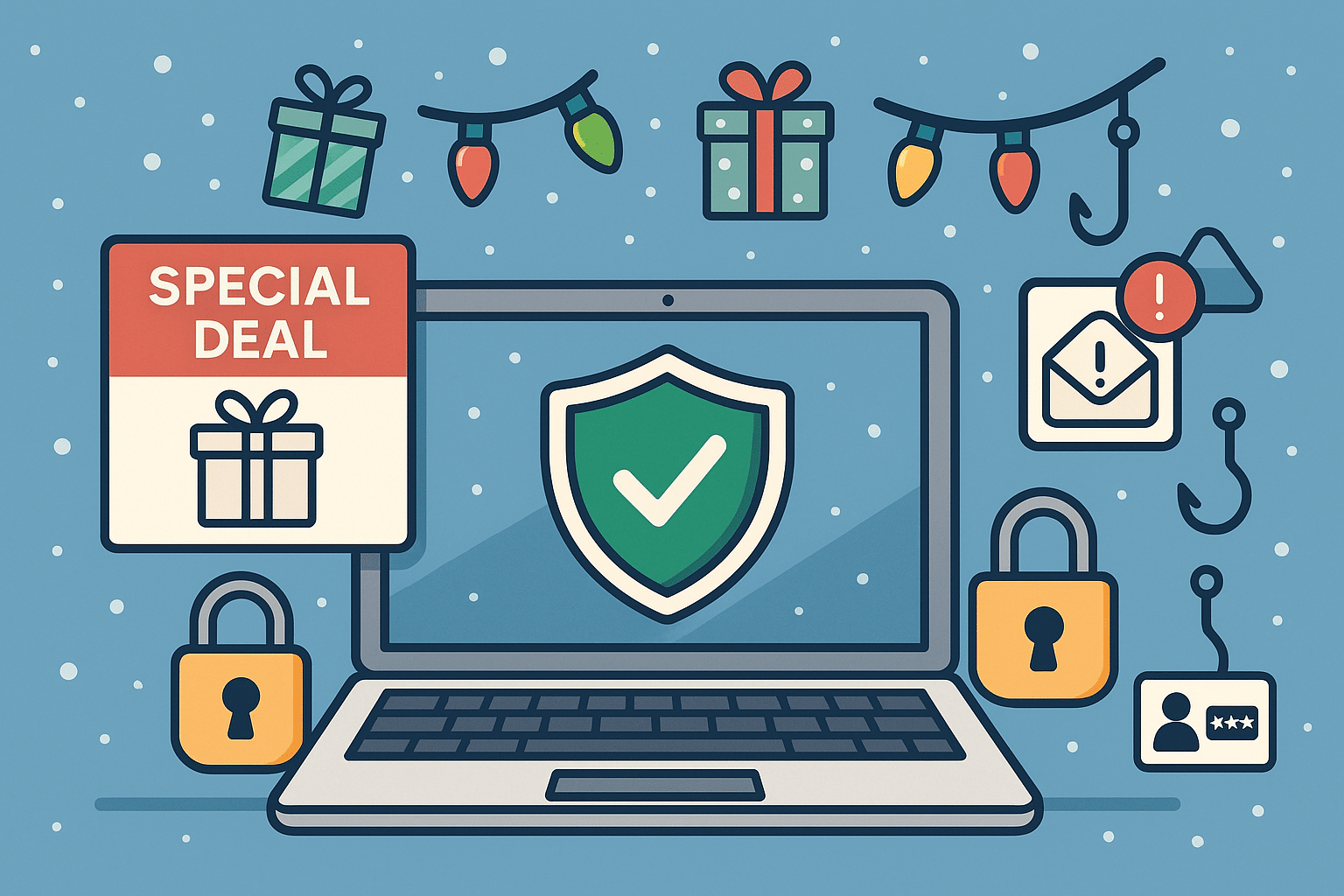
The holiday season is a peak time for shopping, gifting, and unfortunately… tech scams. Cybercriminals take advantage of busy holiday shoppers who are clicking quickly and trusting too easily. From fake shopping websites to phishing emails pretending to be order confirmations, threat actors are working overtime to steal money and personal information.
At Twin Cities PC Repair, we want to help you enjoy the season safely. Here’s what to watch out for — and how to protect yourself.
🚫 Common Tech Scams During the Holidays
1️⃣ Fake Online Stores Scammers create websites that look almost identical to popular retailers — same layout, same branding, but your order never arrives. If a deal looks too good to be true, it usually is.
2️⃣ Fake Delivery Alerts Emails or text messages claiming an issue with a package delivery — often asking you to click a link to “fix it.” Instead, the link installs malware or steals login info.
3️⃣ Gift Card Scams Fraudsters may pressure you into paying for products or resolving account issues using gift cards. No legitimate company will request this method of payment.
4️⃣ Tech Support & Device Pop-Up Scams A sudden warning pops up saying your computer is infected — urging you to call a number. These scammers often try to gain remote access or demand payment to “fix” a fake problem.
5️⃣ Charity & Social Media Giveaways Fake holiday fundraisers and “you’ve won!” messages trick users into providing personal or financial information. Always verify a charity through trusted platforms.
🛡️ How to Protect Yourself Online
✔ Shop only on verified websites Check for HTTPS, look up reviews, and confirm the retailer’s customer service contact information.
✔ Enable multi-factor authentication Even if a password is stolen, scammers can’t access your accounts.
✔ Never click suspicious links Go directly to the retailer’s website instead of using embedded links in emails or texts.
✔ Monitor your accounts Review credit card charges and bank statements frequently during the holiday season.
✔ Avoid public Wi-Fi for shopping If you must connect, use a reputable VPN to encrypt sensitive data.
✔ Ask before you pay When in doubt, call your local trusted tech support — don’t rely on strangers online.
🎁 Keep Your Devices Secure
Holiday deals often include new phones, tablets, and computers. Before you use them:
🔹 Install updates immediately 🔹 Enable built-in security features 🔹 Use strong, unique passwords 🔹 Set up parental controls for kids’ devices
If you need assistance, we’re here to help ensure your new tech starts with safety first.
🎅 Final Thoughts
The holidays should be filled with joy, not stress. With a little caution and security know-how, you can keep scammers far away from your celebrations. If something doesn’t feel right — don’t click! Reach out to your trusted local professionals for guidance.
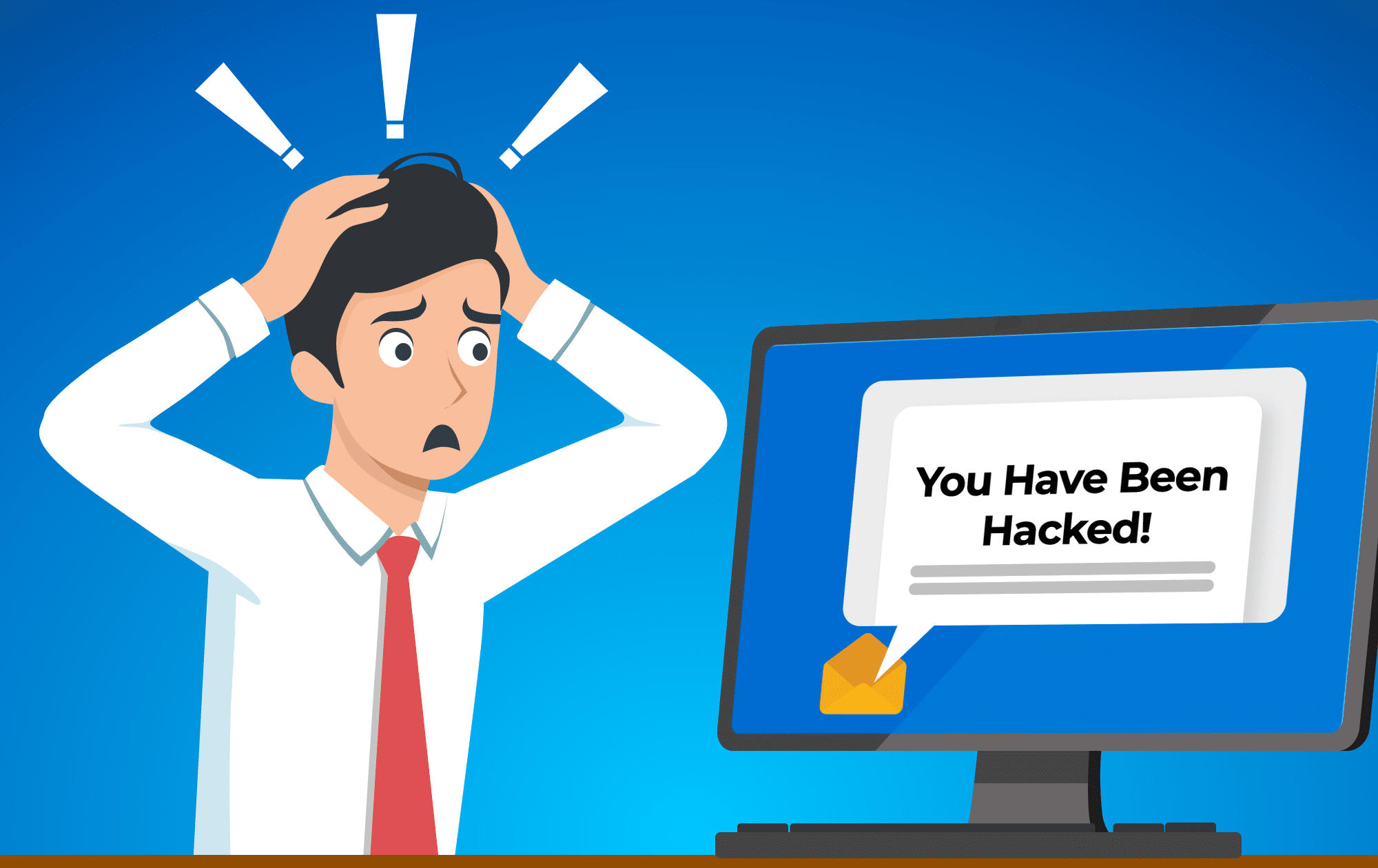
“You Have Been Hacked!” Don’t Fall for This Common Scam Email – 11/22/2024
Have you ever received a terrifying email claiming someone has hacked your computer, watched you through your webcam, and gathered your personal files? If so, you’re not alone. These types of scam emails are becoming more common and are designed to frighten you into paying up. Let’s take a closer look at how this scam works and why you shouldn’t worry.
“Your computer has been hacked!” – what the email says
The first thing you need to know is that this email is designed to scare you. It will often claim that your computer has been hacked, and that someone has gained access to all your files, messages, and even emails. To make things even more chilling, it might say that they’ve been watching you through your webcam.
This message is all about creating panic. The scammers want you to feel vulnerable and out of control, which makes you more likely to meet their demands. But before you react, remember that this is all just a tactic, a very common trick to prey on fear.
The cryptocurrency demand
These scam emails often end with a demand for cryptocurrency, such as Bitcoin, in exchange for not releasing your so-called “private” information. They’ll give you a short deadline to pay up, making it sound urgent and dire. They know that if they can pressure you into acting quickly, you might not have time to think logically or seek advice.
The scary part: mentioning your real password
One thing that makes these emails particularly unsettling is that they sometimes mention a password you recognize, perhaps even a password you still use! This can make the threat seem very real, but here’s what’s really going on.
Your email address and passwords may have been part of a public data leak at some point. Large-scale data breaches have affected platforms such as LinkedIn, Facebook, and many others. When these breaches happen, hackers often get hold of millions of usernames and passwords. They then use this information to craft convincing emails to make their scam look legitimate.
It’s a good reminder of why using a unique password for every account is so important. Using a password manager can help with that, and adding two-factor authentication (2FA) adds another layer of security.
The good news: it’s just a scam
The good news is that this email is just a scam. No one has access to your computer, files, or webcam. These scammers are relying on scare tactics to pressure you into paying. The best thing you can do is not respond and delete the email.
The scammer has no control over your computer. They just hope you’ll be frightened enough to believe them and send money. By ignoring them, you take away all their power.
We’re here to help
We understand how stressful it can be to receive an email like this, especially when it mentions something as personal as your password. If you ever feel unsure or need help figuring out what’s real and what’s not, feel free to reach out to us. The only real concern here is that your password may have been leaked, and anything using that password should be changed.
We can help you set up a password manager and two-factor authentication to keep your accounts safe. Don’t be afraid to give us a call; we’re here to help you feel safer and more confident with your computer.
We use cookies to ensure that we give you the best experience on our website. If you continue to use this site we will assume that you are happy with it.

Recent Comments