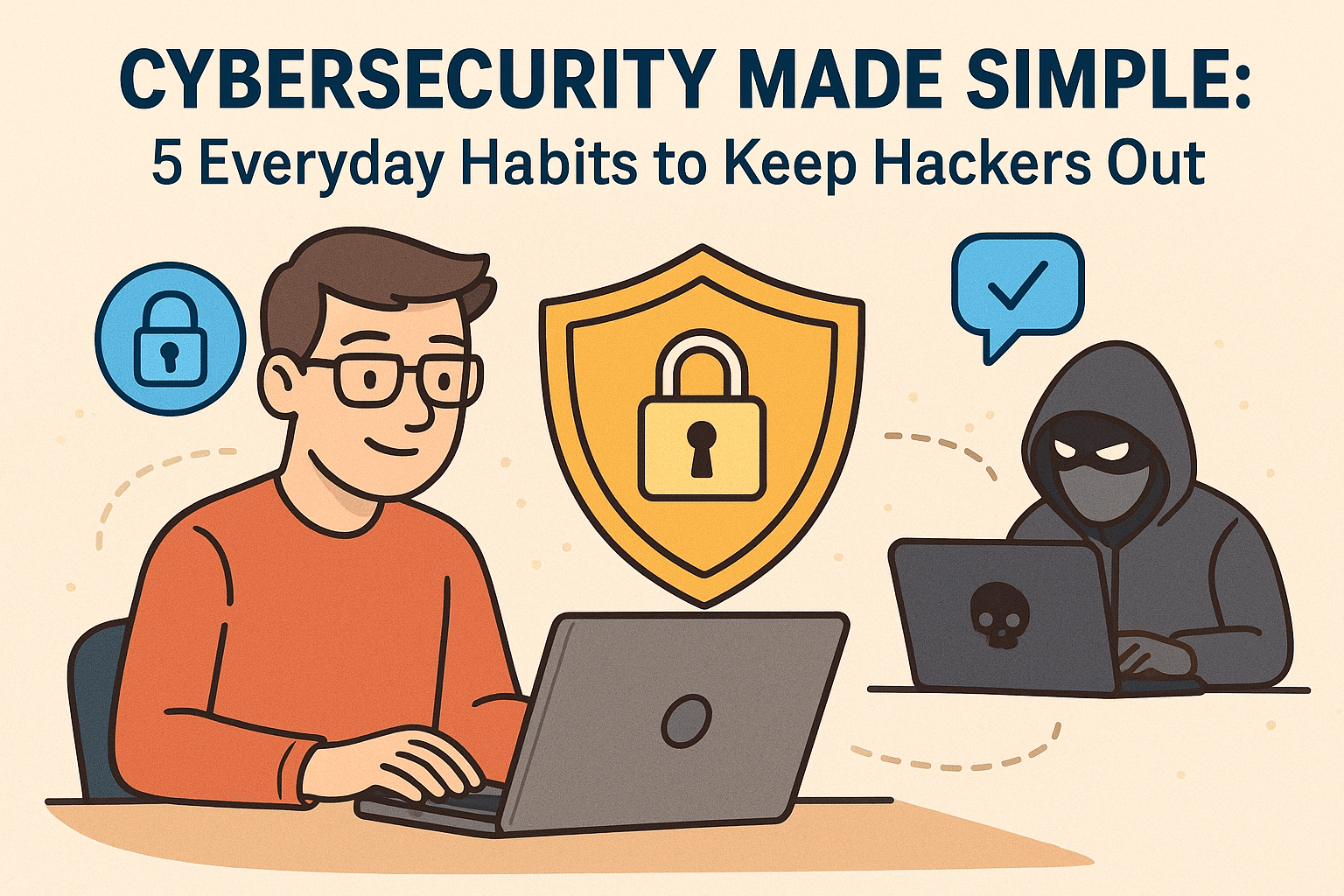
🛡️ Cybersecurity Made Simple: 5 Everyday Habits to Keep Hackers Out
Patrick Jensen (Owner)
By Patrick Jensen, Owner of Twin Cities PC Repair
October is Cybersecurity Awareness Month, and I want to take a moment to talk about something that affects all of us — keeping your computer and personal information safe online. You don’t have to be a large company to be a target. In fact, small businesses and everyday users are often the easiest ones for hackers to exploit. But here’s the good news — a few simple habits can make all the difference.
I’ve worked on countless computers that were infected with ransomware, malware, or phishing scams, and in most cases, these problems could have been prevented with a few small changes. So here are five cybersecurity habits I recommend to every customer.
1. Keep Your Software and Operating System Updated
I know those update reminders can be annoying — but they’re there for a reason. Updates often fix security holes that hackers love to take advantage of. If your computer is still running an older version of Windows, it may already be missing key protections. I can help you check your system to make sure it’s fully updated and running as securely as possible.
2. Use Strong, Unique Passwords (and a Password Manager)
One of the most common security mistakes I see is using the same password for multiple accounts. If one site gets hacked, cybercriminals can access everything. That’s why I always recommend using a password manager like Bitwarden, Dashlane, or 1Password. They generate and safely store complex passwords for you, so you don’t have to remember them all.
3. Turn On Two-Factor Authentication (2FA)
Even if your password gets stolen, two-factor authentication can stop hackers in their tracks. It adds a second layer of protection — usually a code sent to your phone or generated by an app. Most major sites now support 2FA, and it only takes a minute to set up. It’s one of the easiest and most effective ways to protect yourself.
4. Watch Out for Phishing Scams
Phishing emails are getting more realistic all the time. They might look like they’re from your bank, a friend, or even a delivery company. Always double-check the sender’s email address, and don’t click on links or open attachments unless you’re sure they’re legitimate. When in doubt, go directly to the company’s official website or give them a call.
5. Back Up Your Important Files
No matter how careful you are, there’s always a risk of malware or hardware failure. That’s why I tell every customer — always back up your data. Use an external hard drive or a secure cloud backup service, and make it a habit to back up your files weekly. If something goes wrong, you’ll still have your important photos, documents, and work safely stored.
💬 Need Help Staying Secure?
If your computer has been acting strange, showing pop-ups, or running slower than usual, it might be infected with malware. I can run a full security checkup, remove any hidden threats, and make sure your system is locked down tight.
Cybersecurity doesn’t have to be complicated — it just takes a little consistency and awareness. And if you ever need help, I’m here for you.
— Patrick Jensen Owner, Twin Cities PC Repair Serving the Twin Cities with honest, affordable computer service and support.
Weekly Tech Bytes: Build the Perfect PC for Your Needs: Why Custom is the Smart Choice – 10/6/2025
Buying a new computer can feel overwhelming. With so many models, brands, and configurations available, how do you know which one is truly right for you? Prebuilt systems might seem convenient, but they often include parts or software you don’t need—and leave out the performance you do.
That’s where custom PC building comes in. At Twin Cities PC Repair, we help you design and build a computer tailored exactly to your needs, your budget, and your goals. Whether you’re a gamer, a designer, or a small business owner, a custom-built computer offers unbeatable performance and value.
Why Choose a Custom PC?
A custom PC isn’t just for tech enthusiasts anymore—it’s for anyone who wants more power, flexibility, and control. When you build your own system, every part is chosen for a reason. You decide how much processing power, storage, and memory you really need.
That means no more paying for extras you’ll never use or settling for subpar components. You get exactly what you need—nothing more, nothing less.
For example:
Gamers can prioritize powerful graphics cards and cooling systems.
Designers can choose more RAM and fast SSDs for smoother performance.
Business users can build reliable systems optimized for multitasking and security.
Better Performance, Longer Life
Many prebuilt computers use lower-grade components to cut costs. With a custom-built PC, you choose trusted, high-quality parts designed to last. The result? A system that runs faster, stays cooler, and remains stable under heavy use.
At Twin Cities PC Repair, we carefully balance performance, reliability, and cost. From CPUs and GPUs to power supplies and motherboards, every component we recommend is tested and proven to deliver consistent performance.
Built for Upgrades
One of the biggest advantages of a custom computer is upgradability. Prebuilt systems are often locked down with proprietary parts, making future upgrades difficult. A custom PC, on the other hand, is built with flexibility in mind.
When new technology comes out, you can easily swap in a new graphics card, expand your memory, or add storage without replacing the whole system. That keeps your computer performing like new—year after year.
Expert Help, Local Service
At Twin Cities PC Repair, we make the PC-building process simple. Our experts take the time to understand your needs, explain options in plain language, and help you make smart choices for your system.
We assemble and test every machine before it leaves our shop, ensuring it’s optimized for your specific use. And because we’re local, you always have friendly, face-to-face support whenever you need help or want to upgrade.
Ready to Build Your Perfect PC?
If you’re ready to experience a computer built for you—not the masses—get in touch with Twin Cities PC Repair today. We’ll help you design the perfect setup for gaming, work, or home use—built to perform, built to last.
📞 Contact us today to schedule your custom PC consultation. Let’s build something amazing—together.
This Week at Twin Cities PC Repair: Tips, Tales & Tech Insights – 9/29/2025
Welcome Note
Hello, Twin Cities community! We hope your week has been smooth (at least until your computer gave you headaches). Here at Twin Cities PC Repair, we believe in keeping you informed, empowered, and (fingers crossed) error-free. Below are what’s happening this week, along with a few tips and insights for your tech.
🖥️ Featured Tip of the Week
Back Up Before You Crack (Open the Case, That Is)
One thing we can’t stress enough: always back up your data before doing any hardware changes or repairs. Whether it’s a hard drive swap, SSD upgrade, or cleaning internal components, unexpected failures can happen. Use an external drive, cloud backup, or network storage to keep your photos, documents, and important files safe.
Bonus tip: verify your backup by opening a few files from it occasionally — you don’t want to discover it’s corrupt when you really need it.
🔍 Recent Highlights from the Shop
Client Spotlight – SSD Upgrade for Speed
This week, we upgraded a local small business owner’s aging laptop from a 5400 RPM HDD to a 1TB NVMe SSD. The end result? Boot times dropped from ~60 seconds to ~10 seconds. The client was stunned — “I didn’t know my machine could be this fast,” they said.
Fun (but stressful) Recovery
We had a case where someone accidentally spilled coffee on their desktop. Thankfully, the client shut off the PC immediately, brought it in, and we managed to salvage the motherboard and data. A reminder: always power off and unplug first if liquid gets in.
Network Troubles
A customer’s home WiFi was dropping repeatedly. After diagnostics, we found a failing router and interference from a new neighbor’s network. Swapping to a dual-band mesh system and choosing less crowded channels solved the problem.
💡 Tech Insight of the Week: Why Your PC Slows Over Time
Over months and years, many things accumulate to slow your machine:
Bloatware and unwanted software installed in the background
Fragmented storage (especially on traditional hard drives)
Dust and heat buildup in key components
Outdated drivers or firmware
Operating system updates not optimized
If you’ve noticed your PC dragging lately, come by and we’ll run a “speed-revival” tune-up — cleaning, updates, optimizations, and hardware checks.
✅ Quick Checklist for Your PC This Week
Check your backups — make sure they are working.
Delete programs you no longer need.
Clean dust out of fans, vents, and intakes (when safe and powered off).
Update your OS, drivers, and key software.
Monitor your disk usage; a nearly full drive often slows things down.
Thanks for reading! If you’re in the Twin Cities area and your computer’s acting up, feel free to book a device drop-off or drop by. We’d be happy to help.
Have a great (and glitch-free) week ahead,
Twin Cities PC Repair
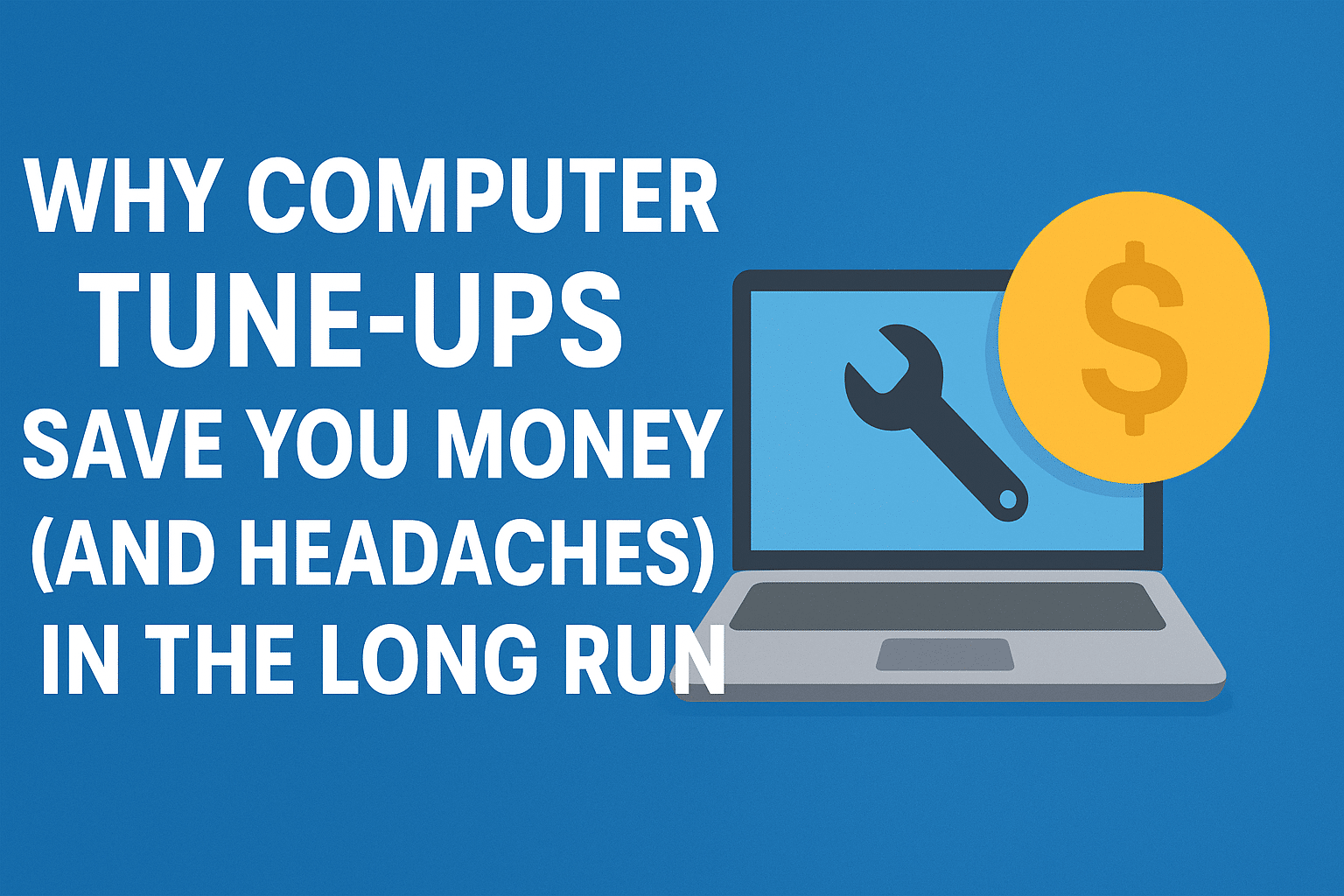
Why Computer Tune-Ups Save You Money (and Headaches) in the Long Run – 9/15/2025 Twin Cities PC Repair Weekly Tech-Tips
When it comes to computers, most people wait until something goes wrong before calling for help. By the time you see the dreaded blue screen, hear grinding noises from the hard drive, or notice your laptop takes five minutes just to start up, the damage is often done—and the repair costs can be much higher than expected.
That’s where regular computer tune-ups come in. Just like cars, computers run better, last longer, and cost less to maintain when they’re serviced on a routine basis. A tune-up isn’t just about cleaning up files; it’s about protecting your investment, keeping your system running smoothly, and avoiding major problems before they happen.
The True Cost of “Waiting Until It Breaks”
Many people think skipping maintenance saves money. In reality, it often does the opposite. Consider this:
A failing hard drive can sometimes be detected early during a routine check. If caught in time, you can back up your data and replace the drive affordably. If not, you could be facing a complete data recovery job—easily hundreds of dollars.
Out-of-date software leaves your computer open to viruses and malware. A tune-up ensures updates are installed, security settings are checked, and your system is protected. Cleaning up after an infection is always more expensive (and stressful) than preventing one.
Overheating and dust buildup inside your machine may not be noticeable right away. Left unchecked, they can permanently damage internal components. A quick cleaning during a tune-up keeps fans running efficiently and avoids costly replacements.
What’s Included in a Computer Tune-Up?
Every computer repair shop has its own process, but a professional tune-up usually includes:
System performance checks and startup optimization
Removal of junk files, bloatware, and hidden background programs
Virus and malware scans with removal if needed
Security and update verification
Hardware inspection, including fans, drives, and memory
Cleaning dust from inside the case or laptop vents
The result? A computer that runs faster, stays more secure, and lasts longer—without the constant frustration of slowdowns and glitches.
Small Investment, Big Savings
Think about it this way: would you rather spend a little now, or a lot later? A tune-up is a small investment compared to the cost of:
Data recovery after a hard drive crash
Malware cleanup from a ransomware attack
Replacing an entire computer sooner than necessary
Even better, regular maintenance extends the life of your machine. Instead of replacing a laptop every 3–4 years, you could comfortably use it for 5–6 years with proper care. That’s hundreds of dollars saved just by taking preventive action.
How We Make It Easy
We know life is busy, which is why we offer maintenance plans and block labor hour packages. That means you don’t have to wait until disaster strikes—you can schedule regular tune-ups at a discounted rate and know your computer is always being looked after.
With prepaid labor blocks, you save money up front and can use the hours for any service you need: tune-ups, virus removal, upgrades, or troubleshooting. It’s flexible, affordable, and ensures your technology is always in top shape.
Don’t Wait Until It’s Too Late
Your computer is one of the most important tools you use every day. Whether it’s for work, school, or keeping in touch with loved ones, it deserves the same kind of routine care you’d give your car or your health.
A tune-up today can save you from a major repair tomorrow—and give you peace of mind knowing your files, photos, and data are safe.
👉 Click below to schedule your computer tune-up or ask about our block labor hour packages. It’s the easiest way to save money, avoid headaches, and keep your tech running like new.
Book a drop-off, click HERE
Book remote support, click HERE Contact me, click HERE
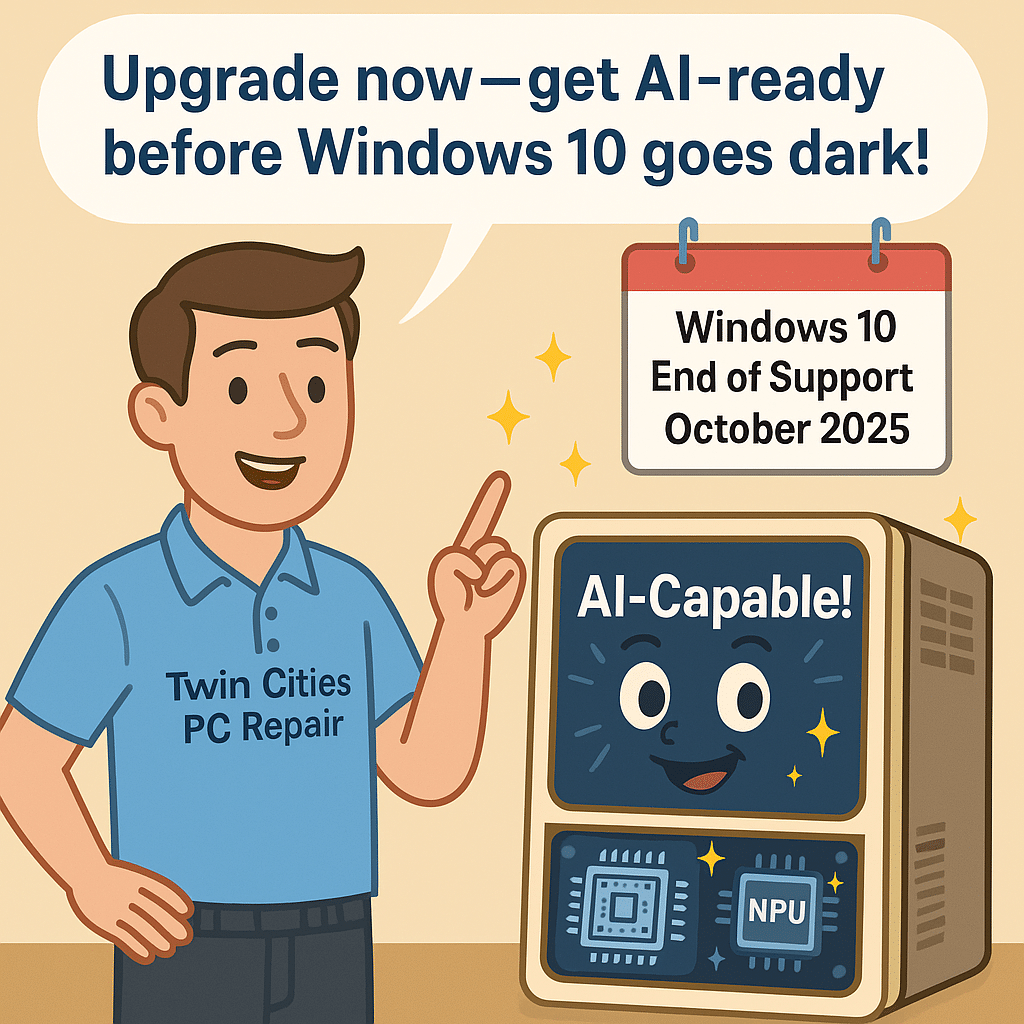
AI-Capable PCs & Windows 10 Sunset: What It Means for You – 9/3/2025
Get Ready for the AI-Capable PC Revolution
The personal computer market is undergoing a fast-paced transformation—and for Twin Cities PC Repair, this moment holds tremendous opportunity. As AI-capable PCs surge in popularity and Windows 10 support winds down, savvy computer users need trusted experts to guide them through upgrades, services, and AI-ready hardware.
AI-Capable PCs Are Taking Off—Fast
Recent data shows AI-capable PCs are on track to account for 31% of global PC shipments by the end of 2025, poised to nearly double to 55% in 2026—a meteoric rise in just a year. Laptops currently dominate this segment, thanks to their convenience and affordability.
More consumers and businesses are realizing the benefit of having local AI processing power for productivity, content creation, and even cybersecurity. It’s no longer just about speed—it’s about intelligence built directly into the machine.
Windows 10 Support Ends October 2025
Adding fuel to the fire, Microsoft is set to end support for Windows 10 in October 2025. That means no more security updates, patches, or official support.
Many businesses and professionals need new machines now to avoid security risks and ensure continued compatibility with critical applications. This system refresh cycle is driving renewed demand for hardware—and repair services too.
Major Brands Already See Growth
Industry leaders are reaping the rewards. HP recently reported a 6% increase in personal systems revenue, driven by strong uptake of AI-enabled PCs. Dell also raised revenue forecasts, citing demand for both AI-ready laptops and servers.
These signals confirm that AI computing isn’t a passing fad—it’s the direction the entire industry is heading.
What This Means for You (and How We Can Help)
At Twin Cities PC Repair, we’re ready to guide you through this transition. Here’s how we can help:
Upgrade Services in High Demand Bring us your older PC and we’ll assess upgrade paths—whether that’s adding RAM, swapping in a fast SSD, or checking compatibility for Windows 11 and AI features.
Affordable Refurbished Models We offer tested, certified refurbished machines that are AI-ready—perfect if you want performance without breaking the bank.
Smart Stocking of Parts We keep the latest NVMe drives, RAM, and cooling solutions in stock so you don’t wait weeks for your upgrade.
Education & Guidance Confused about what “AI-capable” really means? We’ll explain the difference between CPUs, GPUs, and NPUs in plain language so you know exactly what you’re getting.
Long-Term Outlook: Bright for PC Owners
Analysts forecast 4%+ growth in PC shipments in 2025, spurred by AI adoption, hardware refresh cycles, and hybrid work. Combined with Windows 10’s sunset, this creates a once-in-a-decade chance to upgrade and secure your technology.
For Twin Cities PC Repair, it means more neighbors and businesses coming through our doors for trusted advice. For you, it means peace of mind knowing your systems are secure, powerful, and future-ready.
Beware of Unpaid Toll Scams: How to Spot and Avoid Them
As digital payments and automated toll systems become more common across the U.S., so too have scams exploiting these technologies. One increasingly common threat is the unpaid toll scam, where criminals pose as tolling agencies to trick drivers into paying fake fines or clicking on malicious links. These scams are often delivered via text messages, emails, or phone calls, and they can look convincingly legitimate. Here’s what you need to know to stay safe.
What Is an Unpaid Toll Scam?
An unpaid toll scam is a form of phishing or smishing (SMS phishing) where scammers impersonate official tolling agencies such as E-ZPass, SunPass, TxTag, or other regional authorities. The goal is to make the victim believe they have an outstanding toll fee and must take immediate action to avoid additional charges or legal trouble.
Common tactics include:
Text messages stating you owe a toll and must pay immediately via a provided link.
Emails mimicking legitimate toll agencies, complete with logos and threatening language.
Phone calls or voicemails warning of overdue payments or license suspensions.
How These Scams Work
Initial Contact: You receive a message saying something like: “You have an unpaid toll fee of $11.50. Pay now to avoid late penalties. [Fake Link].”
Urgency and Threats: The message will often include language urging you to act fast or face consequences like fines, legal action, or license suspension.
Click and Capture: If you click the link, it may:
Lead to a fake website asking for personal info or payment details.
Download malware onto your phone or computer.
Attempt to phish your login credentials for tolling or financial accounts.
Signs It’s a Scam
The message comes from a random phone number or suspicious email.
The link directs you to a non-official website (e.g., not ending in .gov or known tolling domains).
You are asked to enter sensitive information like your Social Security number, banking info, or full credit card details.
The message contains spelling errors, odd grammar, or generic greetings.
You don’t recall driving through a toll zone recently.
Legitimate Toll Agencies Typically Do Not:
Send payment requests via text (many use mailed notices or secure apps).
Threaten license suspension without prior official notices.
Ask for sensitive information over unsolicited calls or emails.
Use unsecured or shortened URLs (like bit.ly links) in official communications.
What To Do If You Receive a Suspicious Message
Do Not Click any links or download attachments.
Do Not Call Back or reply to the message.
Visit your toll agency’s official website directly or contact them using verified phone numbers.
Your state’s Department of Transportation (DOT) or tolling authority.
Your cellular provider, which may offer spam-blocking services.
If you accidentally entered information, monitor your bank accounts, change passwords, and consider a fraud alert with credit bureaus.
How to Protect Yourself
Enable spam filters on your phone and email.
Use multifactor authentication on toll accounts and financial logins.
Keep your phone and antivirus software up to date.
Don’t store credit card information on unverified websites or apps.
Be wary of any message that demands urgent payment—especially if it comes out of the blue.
Final Thoughts
Scammers thrive on confusion and urgency, and unpaid toll scams are designed to catch you off guard. As toll roads become more prevalent and payment systems more digitized, it’s critical to stay vigilant and verify before you pay. If you’re ever unsure, always go directly to the source—your official tolling agency’s website or customer service line.
Staying informed and cautious can help you avoid falling victim to these increasingly sophisticated scams.
Please feel free to visit our contact page if you require additional assistance!
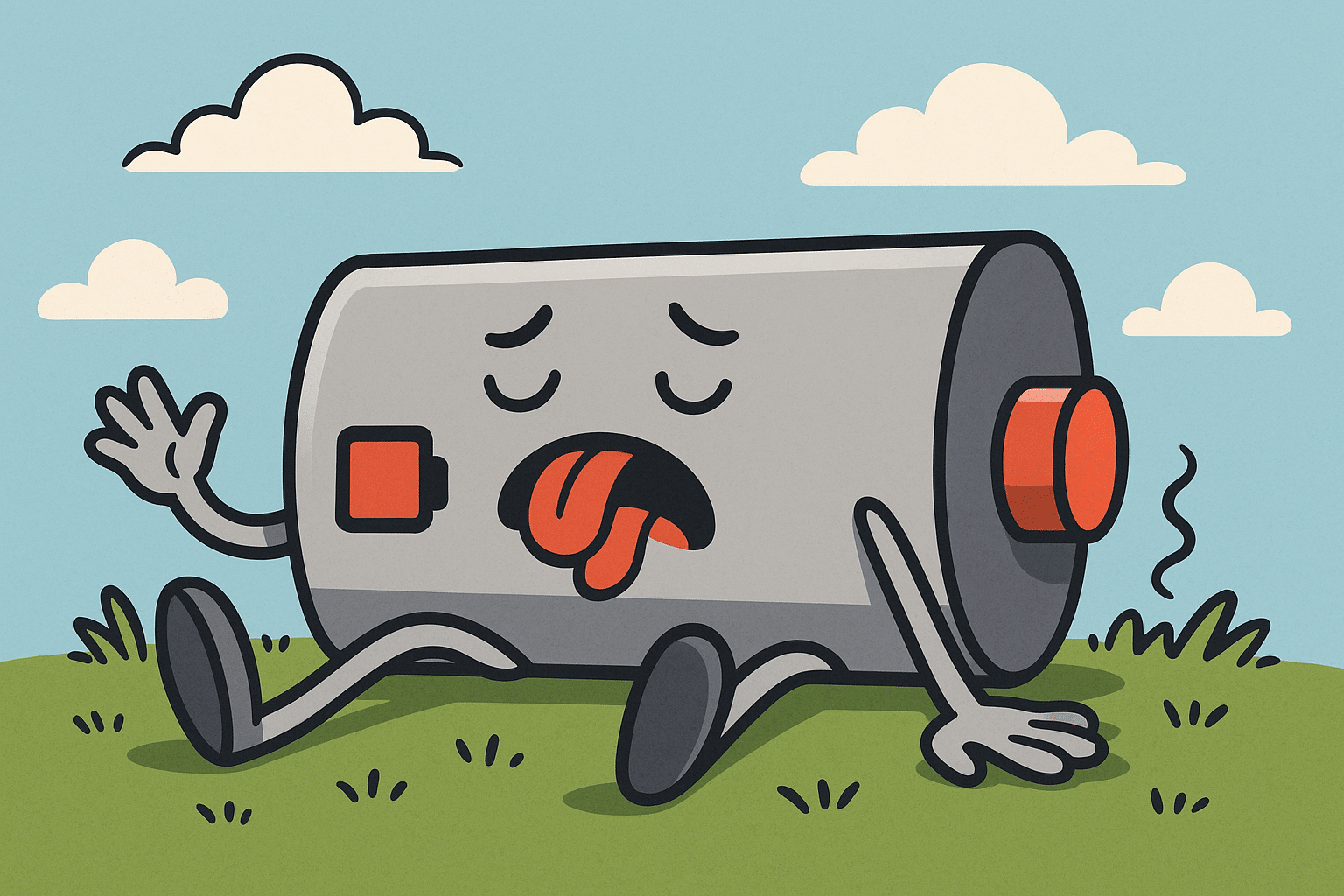
Why Your Laptop Battery Dies So Fast — And What You Can Do About It
🖥️ Twin Cities PC Repair Newsletter — July 2025
Is your laptop constantly tethered to a power outlet because the battery just won’t hold a charge? You’re not alone. Battery life is one of the most common complaints we hear at Twin Cities PC Repair, and it affects laptops of all makes and models—even newer ones.
But here’s the good news: A fast-draining battery is often fixable. In this newsletter, we’ll cover the most common causes of poor battery performance, and how we can help extend your battery’s life and improve your laptop’s efficiency.
🔍 Top Reasons Your Laptop Battery Dies Quickly
1. Too Many Background Apps
Your laptop might be doing more behind the scenes than you realize. Apps like Dropbox, Zoom, Teams, and dozens of hidden background processes can constantly sync, update, or scan—using your CPU and draining the battery in the process.
What we do: We run a startup optimization service that disables non-essential programs and services to keep your system lean and efficient.
2. Screen Brightness and Display Settings
Your display is one of the biggest battery hogs. A full-brightness screen can cut your battery life in half compared to dimmed settings.
Tip: Use adaptive brightness or manually lower the screen brightness when unplugged.
3. Aging or Failing Battery
Laptop batteries are consumables. Most lithium-ion batteries last between 300–500 charge cycles, or about 2–3 years of typical use. If your battery is swelling, charging slowly, or showing drastic drops in percentage, it’s time to get it tested.
What we do: We offer full battery health diagnostics and replacement services using top-quality OEM and high-performance aftermarket batteries.
4. Overheating and Dust Buildup
Heat is the enemy of battery health. Dust-clogged fans and poor thermal paste application can cause your laptop to overheat. The system compensates by throttling performance or kicking fans into overdrive—both of which waste power.
What we do: We clean out internal fans, re-paste your CPU if needed, and restore thermal efficiency to protect your hardware and your battery.
5. Power-Hungry Malware or Background Scans
If your laptop is infected with malware, or your antivirus is running constant full-system scans, battery life can plummet.
What we do: Our malware removal and performance tuning service ensures your system is clean and running only essential processes.
🔧 What We Offer: Battery Life Tune-Up & Optimization
Our Battery Life Tune-Up Package includes:
✅ Full battery health and charge cycle analysis
✅ Internal system cleaning and fan check
✅ Startup and power management optimization
✅ Recommendations for settings and software tweaks
✅ Optional battery replacement, if needed
All of this starts at just $170, and most tune-ups can be completed within a day or two!
📍 Your Local Tech Experts in Bloomington, MN
Whether you’re a student, professional, or just someone who wants to get more unplugged time from your device, Twin Cities PC Repair is here to help. We offer fast turnaround, honest advice, and clear pricing—no tech jargon or upsells.
Don’t wait until your laptop won’t hold a charge at all. Bring it in for a checkup today and breathe new life into your machine.
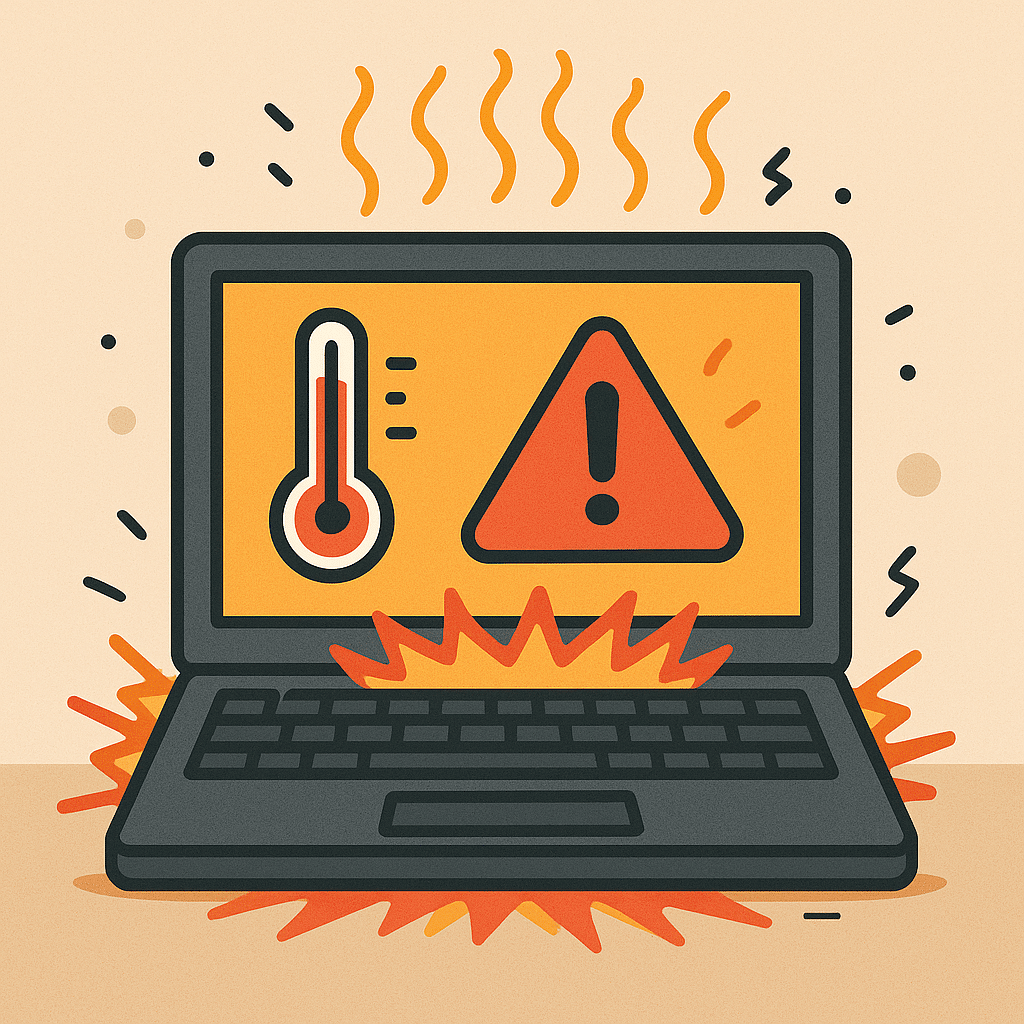
🔥 How to Prevent Laptop Overheating (and Why It Matters) – 7/7/2025
At Twin Cities PC Repair, we often see laptops suffering from heat-related issues—especially during Minnesota’s warmer months. While laptops are designed to get warm under load, excessive heat can damage internal components, slow performance, and lead to unexpected shutdowns. Let’s explore why laptop overheating matters and how you can keep your device cool and healthy.
Why Is My Laptop Overheating?
Overheating occurs when internal components generate more heat than the system can dissipate. This is common in compact devices like laptops, where airflow is limited. Some key causes include:
Dust buildup in vents and fans
Blocked airflow (e.g., using on a bed or lap)
Old or dried-out thermal paste
Heavy multitasking or gaming without adequate cooling
What’s the Risk?
Ignoring an overheating laptop can lead to serious problems:
🔧 Permanent hardware damage to your CPU, GPU, or motherboard
🐌 Slowed performance as the system throttles itself to reduce heat
💾 Data loss from unexpected shutdowns or crashes
🔋 Battery degradation due to heat stress
5 Easy Ways to Prevent Laptop Overheating
1. Clean Your Vents and Fans
Dust is the enemy of airflow. Use compressed air to clear out fans and vents every month. This simple task can lower internal temperatures significantly.
2. Avoid Soft Surfaces
Never use your laptop on a pillow, blanket, or couch. These materials block airflow. Use a cooling pad or flat, hard surface instead.
3. Monitor Your Temperatures
Install free tools like HWMonitor or Speccy to keep tabs on your CPU and GPU temps. Ideal laptop CPU temps should stay below 85°C under load.
4. Adjust Your Power Settings
Enable battery saver or balanced power plans to reduce CPU usage. On Windows, go to Settings → System → Power & battery → Power mode.
5. Refresh the Thermal Paste
Over time, thermal paste between your CPU and heatsink loses effectiveness. Reapplying high-quality thermal paste can lower temperatures by up to 15°C.
When to Seek Professional Help
If your fan sounds like a jet engine, your laptop feels hot even when idle, or it shuts down without warning—it’s time to bring it in. Our team can diagnose the root cause and restore safe operating temperatures.
💰 Summer Special: Laptop Cooling Tune-Up – Just $170!
For a limited time, we’re offering a Cooling Tune-Up Package, which includes:
Full internal cleaning
Thermal paste replacement
Fan and heatsink inspection
Temperature and thermal strain report
Offer valid through August 31, 2025. Book now and give your laptop the attention it deserves.
📍 Visit Twin Cities PC Repair in Bloomington, MN
Whether you need a basic tune-up or advanced repairs, our friendly, professional team is here to help. Send us a message on our Contact page, or book your device drop-off Here.
Stay cool, stay productive – and let us handle the heat. – The Twin Cities PC Repair Team
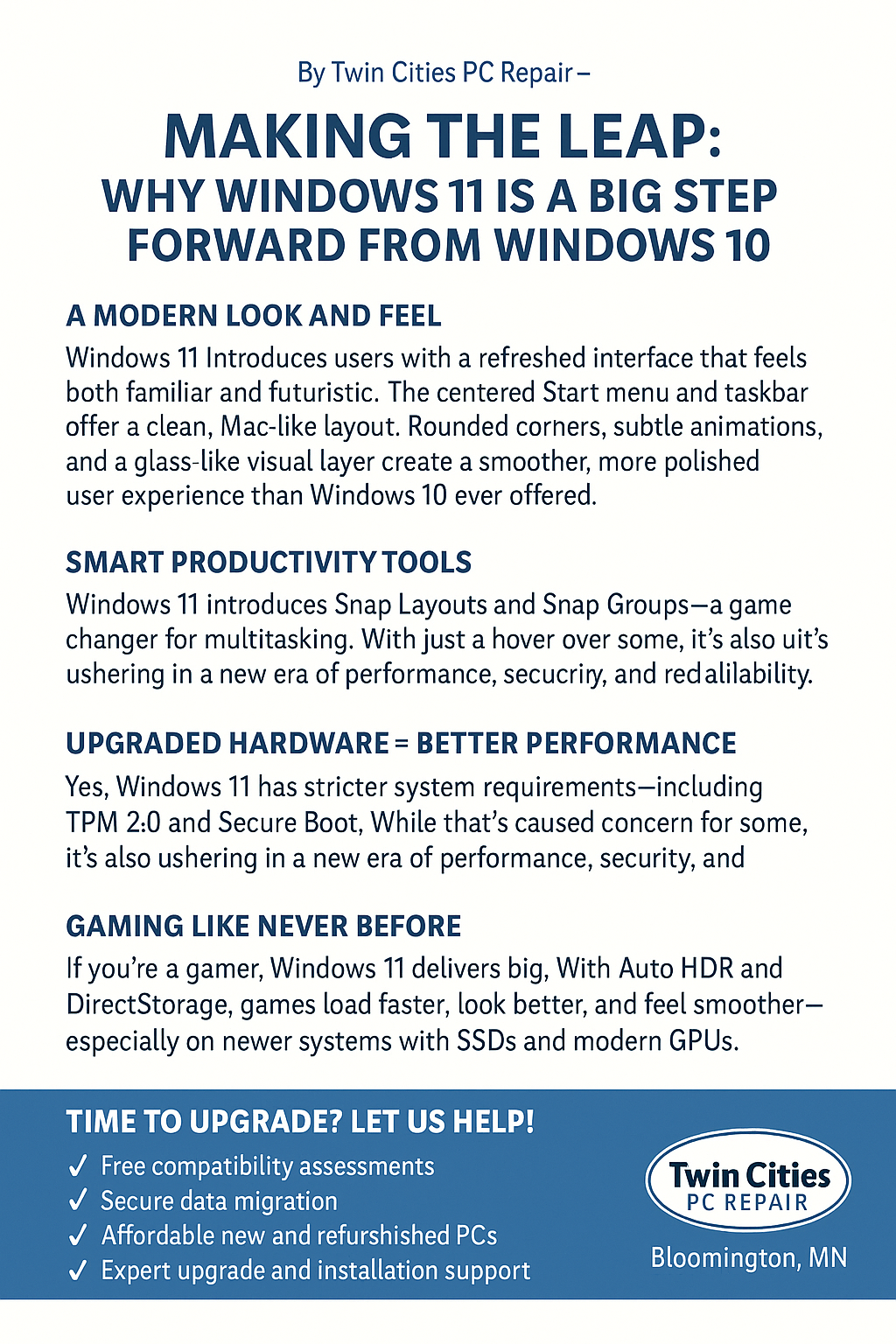
Making the Leap: Why Windows 11 is a Big Step Forward from Windows 10, By Twin Cities PC Repair – Bloomington, MN 🌐www.twincitiespcrepair.com
A Modern Look and Feel
Windows 11 welcomes users with a refreshed interface that feels both familiar and futuristic. The centered Start menu and taskbar offer a clean, Mac-like layout that reduces clutter and improves focus. Rounded corners, subtle animations, and a glass-like visual layer create a smoother, more polished user experience than Windows 10 ever offered.
Smart Productivity Tools
Windows 11 introduces Snap Layouts and Snap Groups—a game changer for multitasking. With just a hover over the maximize button, you can quickly arrange open apps into organized grids across one or multiple displays. It’s a powerful tool for professionals and students alike.
Upgraded Hardware = Better Performance
Yes, Windows 11 has stricter system requirements, including TPM 2.0 and Secure Boot. While that’s caused concern for some, it’s also ushering in a new era of performance, security, and reliability. These features help prevent firmware attacks and protect against ransomware—something Windows 10 wasn’t built to handle as effectively.
Gaming Like Never Before
If you’re a gamer, Windows 11 delivers big. With Auto HDR and DirectStorage, games load faster, look better, and feel smoother—especially on newer systems with SSDs and modern GPUs. These features bring console-level performance to PC.
Built-in Microsoft Teams Chat
Staying connected is easier than ever. Microsoft Teams Chat is now integrated directly into the taskbar, allowing instant video calls, messages, and file sharing—without launching a separate app.
Time to Upgrade? Let Us Help!
The future of Windows is here, and it’s called Windows 11. If your system can’t run it, don’t worry. Twin Cities PC Repair in Bloomington, MN offers:
✅ Free compatibility assessments ✅ Secure data migration ✅ Affordable new and refurbished PCs ✅ Expert upgrade and installation support
Call us today or visit us online to make the move from Windows 10 to 11 as smooth as possible.
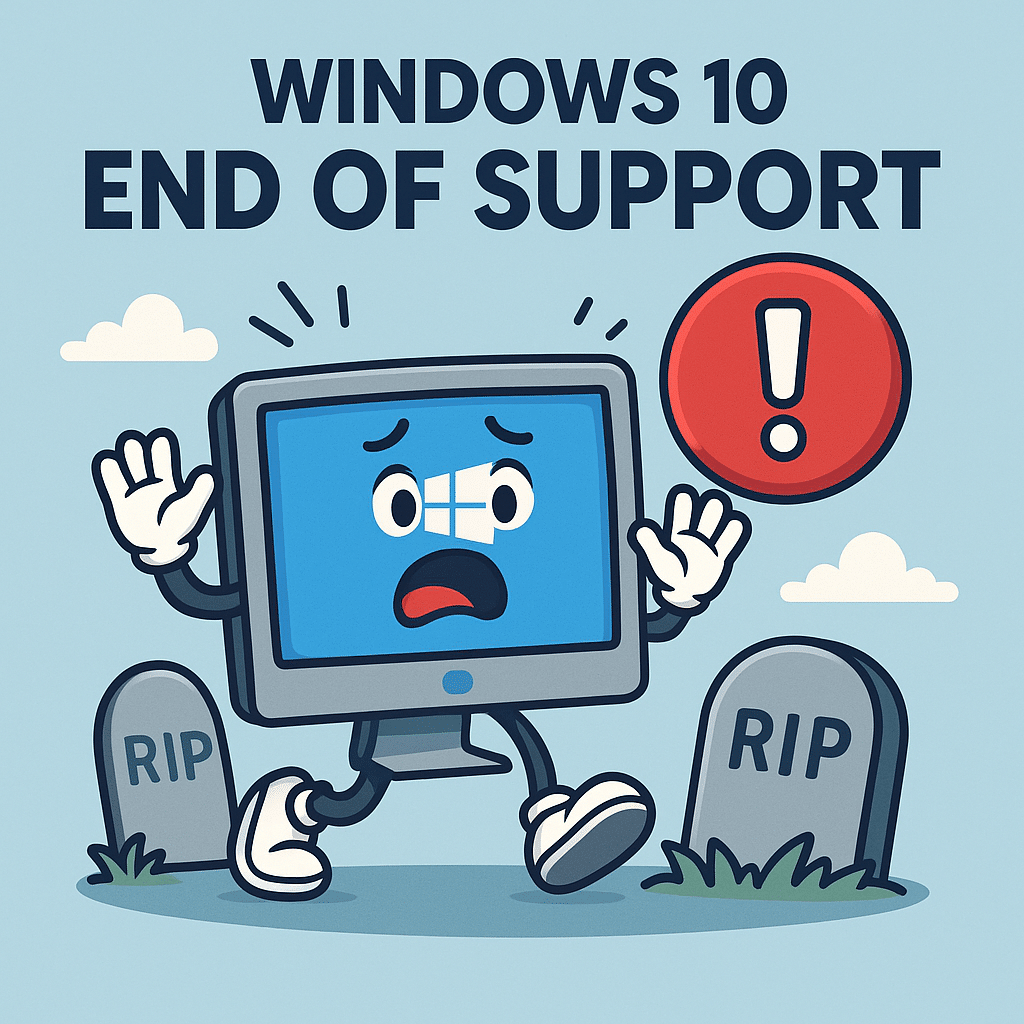
Microsoft has officially announced that support for Windows 10 will end on October 14, 2025. While that date may seem far off, this transition will impact millions of PC users—and the time to prepare is now.
When Windows 10 reaches its end-of-life, Microsoft will stop providing important updates, including critical security patches, driver compatibility improvements, and system stability updates. What does that mean for you? Without ongoing support, your PC will become increasingly vulnerable to viruses, malware, and performance issues. Many newer applications and devices may also stop working properly as developers shift their focus to Windows 11 and beyond.
Here at Twin Cities PC Repair in Bloomington, we understand that change can be overwhelming—especially when it involves your technology. That’s why we’re offering comprehensive services to help you make the switch to Windows 11 smoothly and securely.
What We Offer:
Free Upgrade Assessments – We’ll evaluate whether your current device can run Windows 11.
Hassle-Free Data Migration – Safely move your photos, files, apps, and settings without risk.
PC Upgrades & Custom Builds – If your system isn’t compatible, we’ll help you upgrade or find a quality refurbished option.
New Windows 11 PCs – We carry affordable and reliable systems ready for today’s demands.
Local Support – From setup to troubleshooting, we’re here every step of the way—no call centers, just friendly Bloomington techs.
Whether you’re a home user, small business, student, or senior, we’re here to guide you through the transition at a pace that fits your needs. Our team brings trusted, local experience and personal service that the big box stores just can’t match.
Why Act Now?
Waiting until the last minute may leave you scrambling—especially as demand increases closer to the deadline. Upgrading early allows time for proper planning, safe data transfer, and choosing the right system. Plus, it gives you peace of mind knowing your device is secure and future-ready.
If you have questions or would like to schedule an assessment, book your device drop-off HERE or stop by our shop in Bloomington. Let’s make sure you’re not caught off guard when Windows 10 finally goes dark.
Thank you for choosing Twin Cities PC Repair—your local tech experts you can count on.
The Team at Twin Cities PC Repair 📍 7900 International Dr., Suite 300, Bloomington, MN 55425 📞 (651) 456-8655 🌐 www.TwinCitiesPCRepair.com
We use cookies to ensure that we give you the best experience on our website. If you continue to use this site we will assume that you are happy with it.




Recent Comments