Conveniently Located Computer Repair Near MSP Airport – Twin Cities PC Repair – 3/5/2026
If you’re searching for reliable computer repair near MSP Airport, convenience matters just as much as expertise. At Twin Cities PC Repair, we pride ourselves on offering professional computer repair services in a location that is easy to access from anywhere in the Twin Cities metro area.
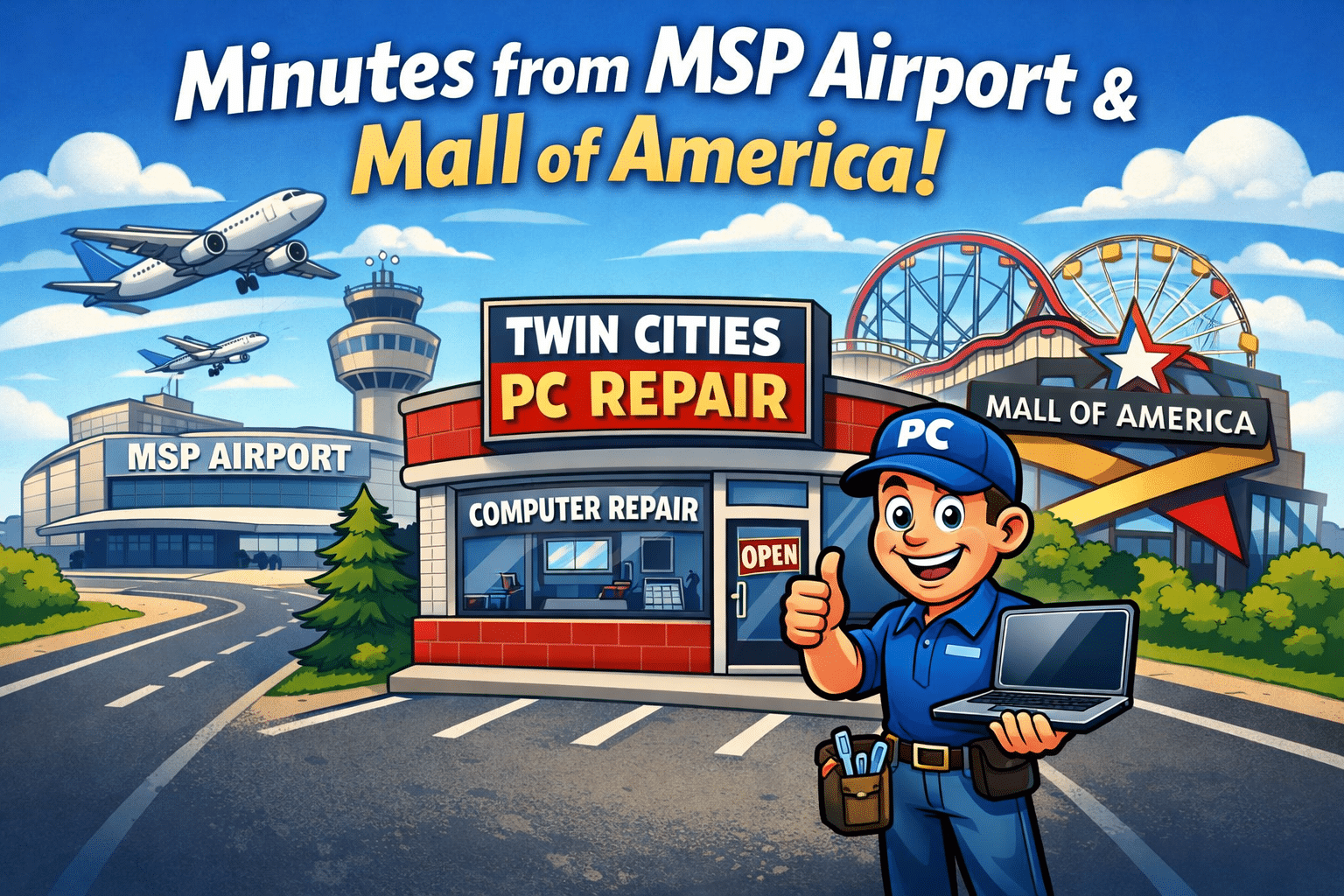
Whether you’re a local resident, a traveling professional, or someone stopping through Minneapolis–Saint Paul, our shop is located just minutes from Minneapolis–Saint Paul International Airport and very close to the famous Mall of America. That means getting expert help with your computer doesn’t require a long drive or complicated detour.
A Central Location in the Twin Cities
Our Bloomington location puts us in the heart of the metro area. Twin Cities PC Repair is easily accessible from major highways and surrounding communities including:
Bloomington
Richfield
Eagan
Burnsville
Minneapolis
St. Paul
Because of our central location, many customers find it convenient to drop off their computer on their way to work, while running errands, or even before heading to the airport or the Mall of America.
For busy professionals, time matters. Our location helps make computer repair simple and stress-free.
Perfect for Travelers and Business Professionals
Being close to MSP Airport provides a unique benefit for travelers and business professionals.
Imagine this scenario:
You’re preparing for a flight and discover your laptop isn’t working properly. Maybe your computer won’t boot, your screen suddenly goes black, or your system is running painfully slow.
Instead of scrambling to find help across town, you can stop by Twin Cities PC Repair, which is located just minutes away from MSP Airport and the Mall of America.
We regularly help customers with:
Laptop startup issues
Data recovery
Virus and malware removal
Hardware upgrades
Broken screens
Slow computer performance
Windows installation and troubleshooting
Many travelers appreciate the ability to drop off a computer before a trip and pick it up when they return. Others find it convenient to drop off a device while visiting the Mall of America and pick it up later the same day.
Fast, Local Computer Support
At Twin Cities PC Repair, we specialize in helping local customers keep their computers running smoothly. Whether you use your computer for work, school, gaming, or creative projects, our goal is to provide fast and reliable service from a convenient location.
Our customers choose us because we offer:
✔ Friendly local service ✔ Honest repair recommendations ✔ Fast turnaround times ✔ Support for desktops and laptops ✔ Windows troubleshooting and upgrades
Because we’re located near MSP Airport and the Mall of America, our shop is also convenient for small businesses, remote workers, travelers, and shoppers visiting the Bloomington area.
For customers who need immediate assistance, Twin Cities PC Repair also offers priority rush service at $185 per hour with a one-hour minimum, allowing urgent repairs and diagnostics to be completed as quickly as possible.
Easy Drop-Off and Pickup
Another benefit of our location is how easy it is to drop off and pick up your device.
Many customers tell us they appreciate being able to stop in while:
Running errands in Bloomington
Visiting nearby businesses
Shopping at the Mall of America
Commuting between Minneapolis and the southern suburbs
Traveling to or from MSP Airport
Our goal is to make the repair process simple and hassle-free, so you can get back to work quickly.
Your Local Twin Cities Computer Repair Experts
If your computer is running slow, refusing to start, or just not performing like it should, help is right around the corner.
Twin Cities PC Repair provides expert service in a location that is easy to reach from across the metro area — just minutes from MSP Airport and the Mall of America.
If you need professional computer repair with a convenient location, we’re here to help.
Spring 2026 Tech Check: Is Your Computer Ready for the Year Ahead? – 3/2/2026
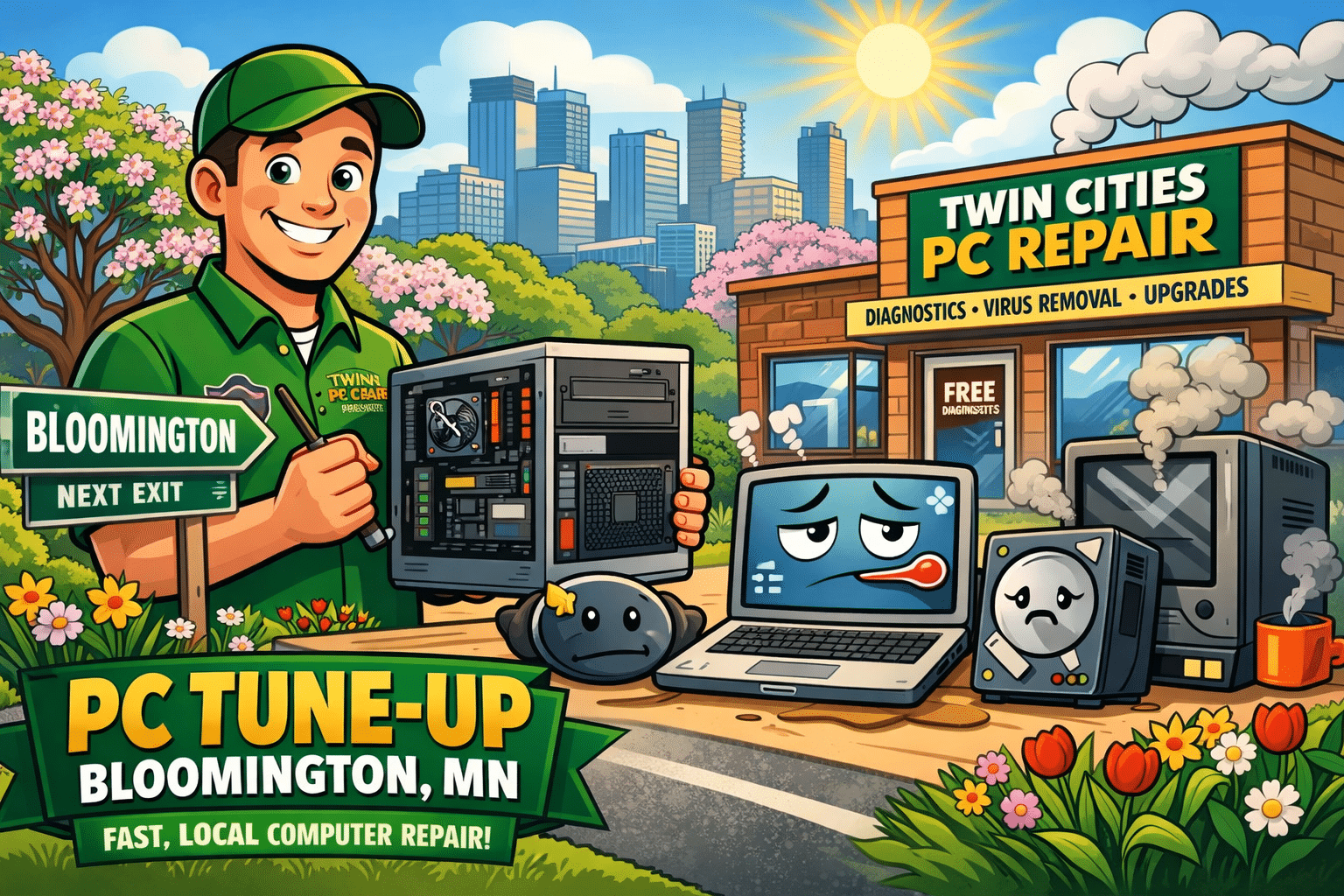
If your computer has been running slower than usual, taking forever to boot, or acting unpredictable after recent updates, you’re not alone. Across Bloomington, Burnsville, Eagan, Apple Valley, Edina, Richfield, and the greater Minneapolis–St. Paul area, we’re seeing a major uptick in performance issues, storage failures, and Windows 11 compatibility problems.
At Twin Cities PC Repair, we specialize in helping local residents and small businesses stay ahead of these issues before they turn into data loss or costly downtime.
Why Are So Many Computers Slowing Down in 2026?
There are a few common causes we’re seeing in our Bloomington repair shop:
1. Aging Solid-State Drives (SSDs)
Even SSDs wear out over time. As storage cells degrade, systems slow down, freeze, or randomly crash.
2. Windows 11 Update Conflicts
Recent updates have exposed hardware limitations in older systems. Machines that barely met the minimum requirements are now struggling.
3. Failing Hard Drives
Traditional hard drives are still common in older desktops and laptops around the Twin Cities. Clicking noises, slow loading times, or file corruption are warning signs.
4. Overheating & Dust Buildup
Minnesota winters mean closed windows and recycled indoor air — which also means dust accumulation inside desktops and laptops.
Windows 11: Is Your PC Truly Compatible?
Many systems technically “support” Windows 11 but don’t perform well under it. If your computer:
Takes more than 60 seconds to boot
Freezes during updates
Runs out of storage constantly
Struggles with modern software
…it may be time for an upgrade or performance tune-up.
At Twin Cities PC Repair in Bloomington, MN, we perform:
Full hardware diagnostics
SSD health checks
Memory testing
Windows repair & reinstall services
Data backup and recovery
We’ll tell you honestly whether your machine is worth upgrading or if a replacement makes more financial sense.
Preventative Maintenance Saves Money
Many customers call us after something fails. But preventative maintenance can dramatically extend your system’s life.
Our local maintenance services include:
Internal cleaning & thermal paste replacement
SSD upgrades
RAM upgrades
Malware & virus removal
Startup optimization
Secure data backups
Whether you’re in Bloomington, Burnsville, Lakeville, Savage, or South Minneapolis, we offer fast turnaround and honest advice.
Thinking About a New Computer?
If your system is over 5–7 years old, a replacement may be smarter than investing in repairs.
We build and sell:
Custom-built desktop PCs
Business workstations
Refurbished computers (budget-friendly options)
Windows 11 Pro systems
AI-ready systems for future-proof performance
Every new custom build includes:
✔ Manufacturer component warranties
✔ Our 14-day satisfaction guarantee
✔ Local support from a real technician
No call centers. No shipping your computer out of state.
Why Choose a Local Bloomington Computer Repair Shop?
When you choose Twin Cities PC Repair, you’re working with a locally owned business that understands the needs of Twin Cities residents.
Why AI-Powered Diagnostics and Security-First Repairs Are the Future of Computer Repair in 2026 – 2/2/2026
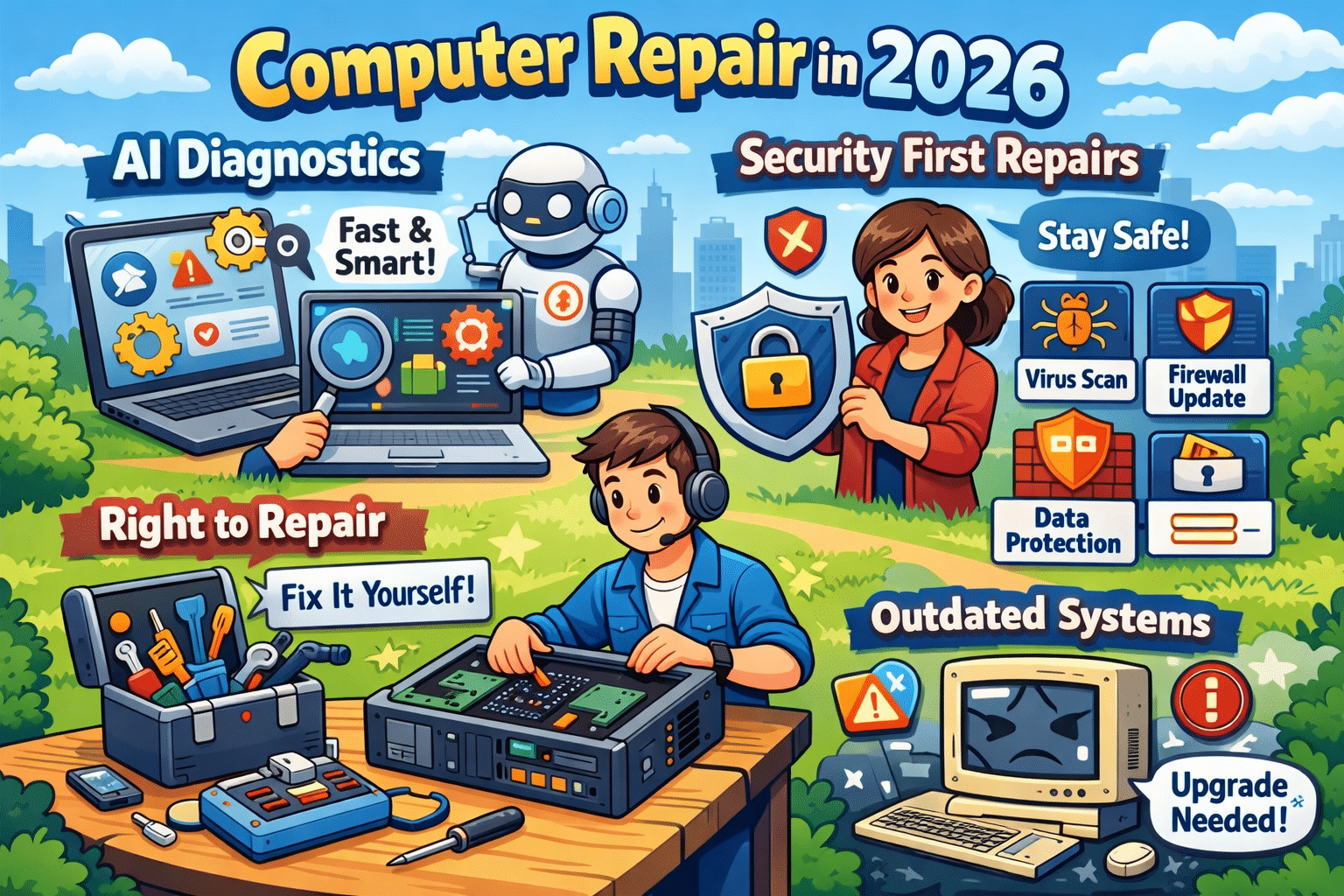
Computer repair has changed dramatically over the last few years. In 2026, fixing a slow or malfunctioning computer isn’t just about swapping parts or reinstalling Windows. Two major trends now shape the industry: AI-powered diagnostics and a security-first repair approach. Together, they’re transforming how problems are found, fixed, and prevented.
Whether you’re a business owner, remote worker, or home user, understanding these changes can help you make smarter decisions about maintaining and protecting your computer.
AI-Powered Diagnostics: Faster and More Accurate Repairs
Traditional computer troubleshooting relies heavily on manual testing and technician experience. While that still matters, AI-driven diagnostic tools now play a major role in speeding up the repair process.
AI diagnostic systems analyze:
System performance patterns
Error logs and crash data
Hardware behavior such as heat and voltage fluctuations
By comparing this data against thousands of past repair cases, AI can pinpoint the most likely cause of an issue in minutes instead of hours. This allows technicians to focus on fixing the problem, not hunting for it.
Another major advantage is predictive maintenance. AI can detect early warning signs of failure — like a hard drive nearing the end of its lifespan or a power supply becoming unstable — before the computer completely breaks down. This proactive approach saves users from unexpected downtime and costly emergency repairs.
Security-First Repairs: No Longer Optional
Cybersecurity is no longer a separate service — it’s now a core part of modern computer repair. Malware, ransomware, phishing attacks, and fileless threats continue to increase every year, and an unsecured system is an easy target.
A proper repair in 2026 should always include:
Full malware and ransomware scans
Operating system and software updates
Security patch installation
Firewall and protection verification
Even a simple repair, such as replacing a hard drive or fixing startup issues, can expose vulnerabilities if security steps are skipped. Many infections go unnoticed until sensitive data is compromised or performance is severely impacted.
That’s why today’s technicians must be just as knowledgeable about security best practices as they are about hardware and software.
Why Outdated Systems Are a Major Risk
Older computers and outdated operating systems are one of the biggest sources of security problems. Once software stops receiving updates, known vulnerabilities remain permanently open to attackers.
Common risks include:
Unsupported versions of Windows
Old browsers and plugins
Legacy antivirus software
In many cases, repairs also involve advising customers when an upgrade makes more sense than another temporary fix. A secure, updated system is often faster, more reliable, and far safer than continuing to patch aging hardware.
Right-to-Repair: More Options for Consumers
The growing Right-to-Repair movement is also influencing computer repair in 2026. These laws encourage manufacturers to make parts, tools, and repair documentation available to independent repair shops and consumers.
For customers, this means:
More repair choices
Faster turnaround times
Lower repair costs
For local repair businesses, it levels the playing field and allows them to compete with large manufacturers and big-box service centers.
Final Thoughts: Repairing for the Future
Modern computer repair is no longer reactive — it’s predictive, security-focused, and data-driven. AI diagnostics help technicians find problems faster and prevent future failures, while security-first repairs protect users from growing cyber threats.
If you want your computer to last longer, perform better, and stay protected, working with a repair service that understands these trends is more important than ever. In 2026, a proper repair doesn’t just fix what’s broken — it keeps your technology safe and ready for what’s next.
Need your device looked at? Book your device drop-off HERE!
Why Windows 11 PCs Are Suddenly Running Slow (And What You Can Do About It) – 1/26/2026
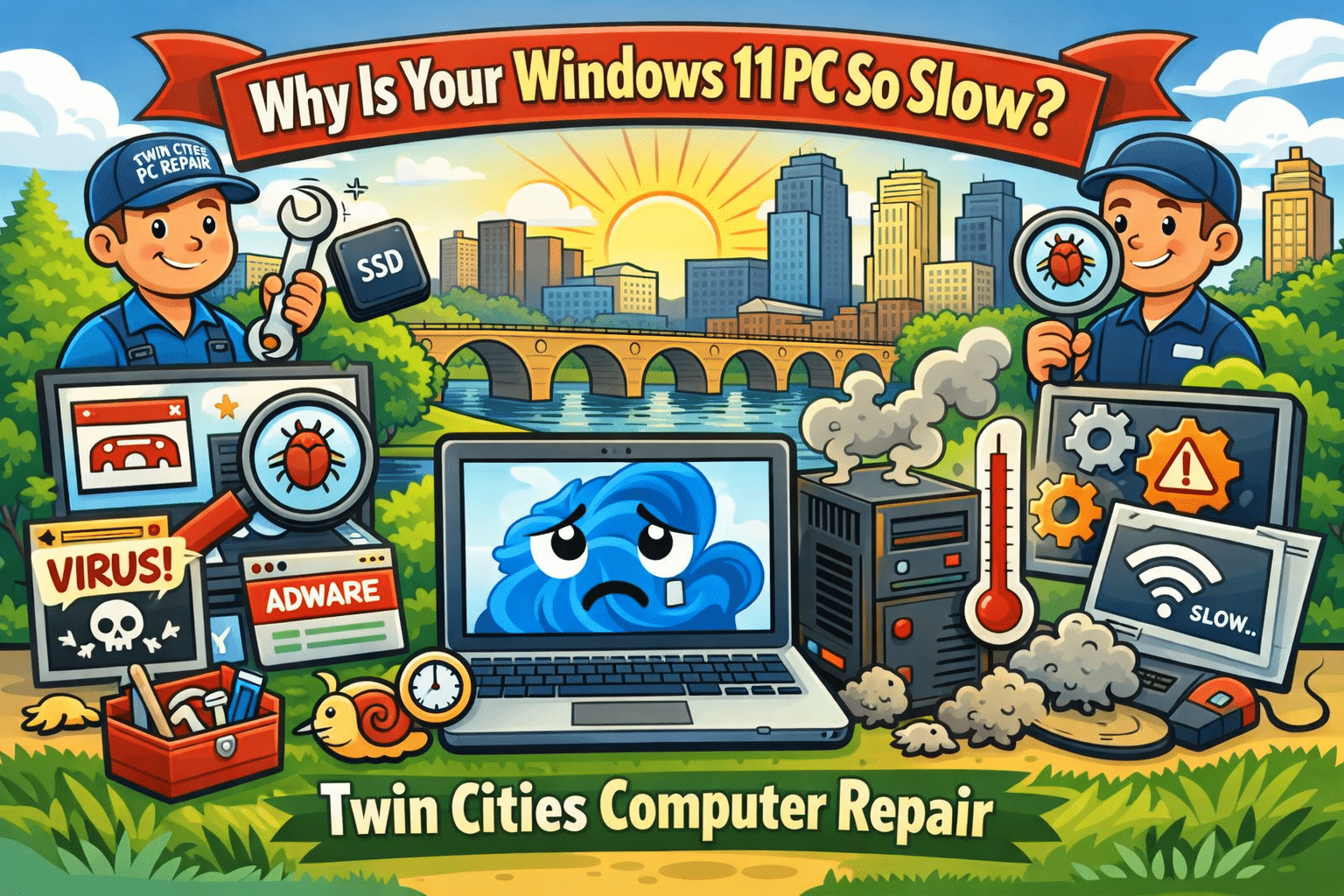
If your computer has felt slower than usual lately, you’re not imagining it. Across the Twin Cities, we’ve been seeing a surge of customers bringing in Windows 11 desktops and laptops that were “fine last month” but now take forever to boot, lag during simple tasks, or freeze when opening programs. This is one of the hottest and most current computer repair issues right now because it affects everyday users, students, and small businesses alike—especially after recent updates and background security changes.
At Twin Cities PC Repair, we help customers in Bloomington, Richfield, Edina, Burnsville, Eden Prairie, and the greater Minneapolis–St. Paul area get their systems running fast again without losing important files.
Why Your Windows 11 PC Is Slowing Down Right Now
There are a few common causes we’re seeing repeatedly in local repair appointments:
1. Background Updates and “Silent” Maintenance
Windows 11 updates don’t just install once and disappear. Many updates trigger background tasks like indexing, system cleanup, security scans, and driver updates. On older PCs (or even newer ones with limited storage), this can cause random slowdowns, high CPU usage, and long boot times.
2. SSD Storage Filling Up
A PC with a 256GB or 500GB SSD can feel blazing fast—until it hits a storage wall. When your drive gets close to full, Windows struggles to manage temporary files, paging, and system processes. We commonly see machines with less than 10–15% free space, and that alone can make the system feel “broken.”
3. Startup Programs Taking Over
Many popular apps install auto-start services that run the second you turn on your PC. Some are helpful. Many are not. The result is a computer that takes 5–10 minutes to become usable after booting. This is extremely common with systems that have been used for a couple years without a tune-up.
4. Malware and Browser Hijackers (Still a Big Problem)
Even in 2026, malware hasn’t gone away—it’s just gotten sneakier. We’re seeing more cases of:
Fake “Microsoft support” pop-ups
Browser redirects and unwanted extensions
Credential-stealing spyware
Adware that slows everything down
These threats can make your PC crawl, even if you have antivirus installed.
5. Overheating and Dust Buildup
Minnesota weather swings are rough on electronics—especially if a PC is kept near a vent, heater, or dusty area. Over time, dust blocks airflow and your CPU overheats. When that happens, the computer “throttles” performance to prevent damage, causing lag and stuttering.
Quick Fixes You Can Try at Home (Before You Bring It In)
If your computer is still usable, try these steps:
Restart the PC (not shut down—restart forces updates and memory cleanup)
Check storage space and delete large files or uninstall unused apps
Run Windows Security scan and remove suspicious browser extensions
Update drivers (especially graphics + Wi-Fi)
Make sure your PC is ventilated and not clogged with dust
If these don’t help, it may be time for a professional diagnosis.
When It’s Time for a Repair Shop Instead of DIY
Some slowdowns are caused by deeper issues that require hands-on troubleshooting, such as:
A failing SSD or hard drive
Corrupted Windows system files
Bad RAM (random freezes and crashes)
Overheating requiring internal cleaning and new thermal paste
Virus infections that keep coming back
A proper computer tune-up can often restore performance without replacing the whole machine.
Local Computer Repair You Can Trust in the Twin Cities
If you’re tired of guessing, Twin Cities PC Repair can help. We specialize in:
Windows 11 performance tune-ups
Virus and malware removal
SSD upgrades and data transfers
Laptop and desktop diagnostics
Custom PC builds and upgrades
Whether you’re in Bloomington, Minneapolis, St. Paul, Edina, Richfield, Burnsville, or Eagan, we’re here to get your computer running fast again—without the big-box runaround.
If your PC is slow, freezing, or acting weird, don’t wait until it won’t boot at all. Getting it checked early can save your files and prevent bigger repair costs later.
We use cookies to ensure that we give you the best experience on our website. If you continue to use this site we will assume that you are happy with it.

Recent Comments