Why Windows 11 PCs Are Suddenly Running Slow (And What You Can Do About It) – 1/26/2026
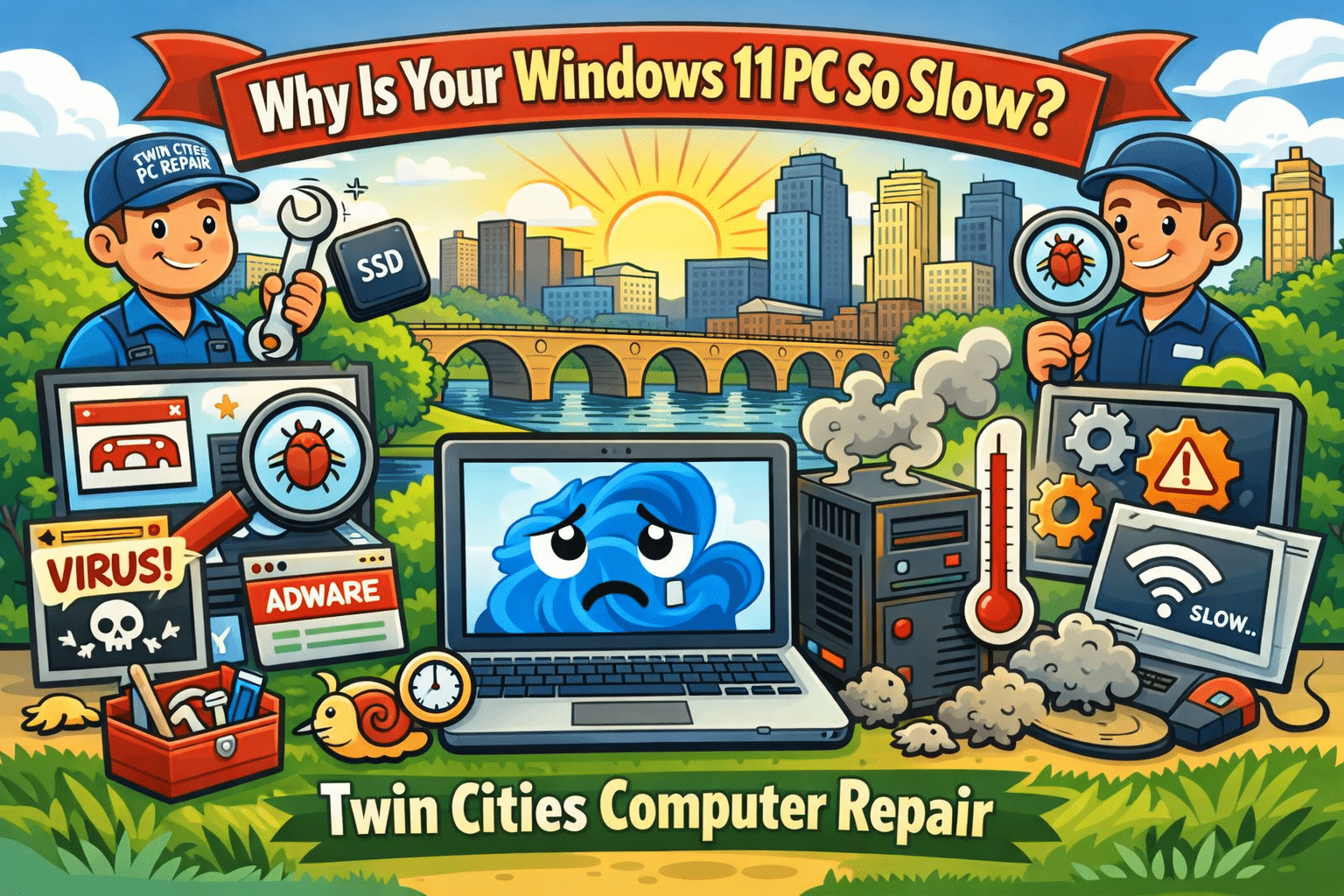
If your computer has felt slower than usual lately, you’re not imagining it. Across the Twin Cities, we’ve been seeing a surge of customers bringing in Windows 11 desktops and laptops that were “fine last month” but now take forever to boot, lag during simple tasks, or freeze when opening programs. This is one of the hottest and most current computer repair issues right now because it affects everyday users, students, and small businesses alike—especially after recent updates and background security changes.
At Twin Cities PC Repair, we help customers in Bloomington, Richfield, Edina, Burnsville, Eden Prairie, and the greater Minneapolis–St. Paul area get their systems running fast again without losing important files.
Why Your Windows 11 PC Is Slowing Down Right Now
There are a few common causes we’re seeing repeatedly in local repair appointments:
1. Background Updates and “Silent” Maintenance
Windows 11 updates don’t just install once and disappear. Many updates trigger background tasks like indexing, system cleanup, security scans, and driver updates. On older PCs (or even newer ones with limited storage), this can cause random slowdowns, high CPU usage, and long boot times.
2. SSD Storage Filling Up
A PC with a 256GB or 500GB SSD can feel blazing fast—until it hits a storage wall. When your drive gets close to full, Windows struggles to manage temporary files, paging, and system processes. We commonly see machines with less than 10–15% free space, and that alone can make the system feel “broken.”
3. Startup Programs Taking Over
Many popular apps install auto-start services that run the second you turn on your PC. Some are helpful. Many are not. The result is a computer that takes 5–10 minutes to become usable after booting. This is extremely common with systems that have been used for a couple years without a tune-up.
4. Malware and Browser Hijackers (Still a Big Problem)
Even in 2026, malware hasn’t gone away—it’s just gotten sneakier. We’re seeing more cases of:
Fake “Microsoft support” pop-ups
Browser redirects and unwanted extensions
Credential-stealing spyware
Adware that slows everything down
These threats can make your PC crawl, even if you have antivirus installed.
5. Overheating and Dust Buildup
Minnesota weather swings are rough on electronics—especially if a PC is kept near a vent, heater, or dusty area. Over time, dust blocks airflow and your CPU overheats. When that happens, the computer “throttles” performance to prevent damage, causing lag and stuttering.
Quick Fixes You Can Try at Home (Before You Bring It In)
If your computer is still usable, try these steps:
Restart the PC (not shut down—restart forces updates and memory cleanup)
Check storage space and delete large files or uninstall unused apps
Run Windows Security scan and remove suspicious browser extensions
Update drivers (especially graphics + Wi-Fi)
Make sure your PC is ventilated and not clogged with dust
If these don’t help, it may be time for a professional diagnosis.
When It’s Time for a Repair Shop Instead of DIY
Some slowdowns are caused by deeper issues that require hands-on troubleshooting, such as:
A failing SSD or hard drive
Corrupted Windows system files
Bad RAM (random freezes and crashes)
Overheating requiring internal cleaning and new thermal paste
Virus infections that keep coming back
A proper computer tune-up can often restore performance without replacing the whole machine.
Local Computer Repair You Can Trust in the Twin Cities
If you’re tired of guessing, Twin Cities PC Repair can help. We specialize in:
Windows 11 performance tune-ups
Virus and malware removal
SSD upgrades and data transfers
Laptop and desktop diagnostics
Custom PC builds and upgrades
Whether you’re in Bloomington, Minneapolis, St. Paul, Edina, Richfield, Burnsville, or Eagan, we’re here to get your computer running fast again—without the big-box runaround.
If your PC is slow, freezing, or acting weird, don’t wait until it won’t boot at all. Getting it checked early can save your files and prevent bigger repair costs later.
We use cookies to ensure that we give you the best experience on our website. If you continue to use this site we will assume that you are happy with it.

Recent Comments