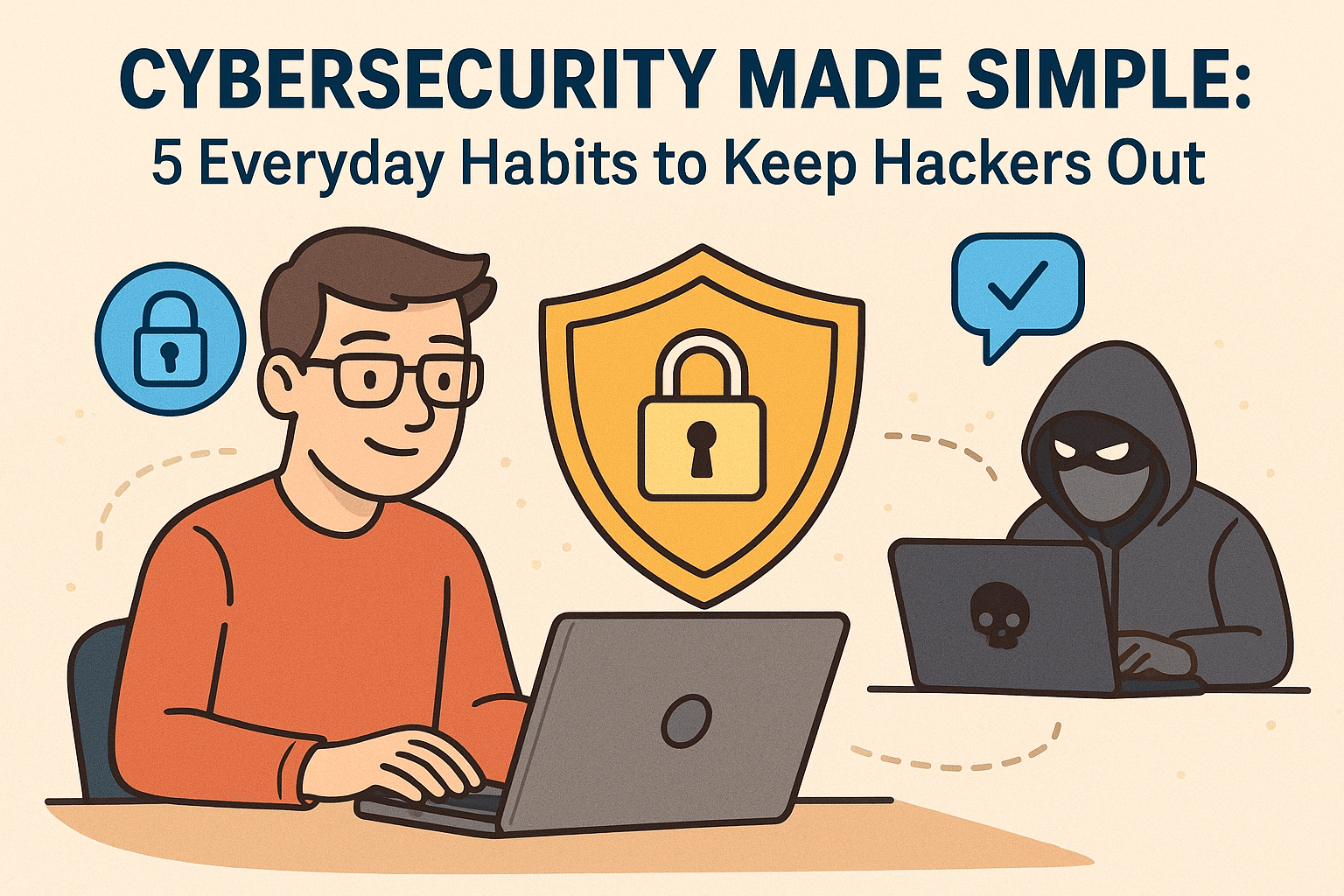
🛡️ Cybersecurity Made Simple: 5 Everyday Habits to Keep Hackers Out
Patrick Jensen (Owner)
By Patrick Jensen, Owner of Twin Cities PC Repair
October is Cybersecurity Awareness Month, and I want to take a moment to talk about something that affects all of us — keeping your computer and personal information safe online. You don’t have to be a large company to be a target. In fact, small businesses and everyday users are often the easiest ones for hackers to exploit. But here’s the good news — a few simple habits can make all the difference.
I’ve worked on countless computers that were infected with ransomware, malware, or phishing scams, and in most cases, these problems could have been prevented with a few small changes. So here are five cybersecurity habits I recommend to every customer.
1. Keep Your Software and Operating System Updated
I know those update reminders can be annoying — but they’re there for a reason. Updates often fix security holes that hackers love to take advantage of. If your computer is still running an older version of Windows, it may already be missing key protections. I can help you check your system to make sure it’s fully updated and running as securely as possible.
2. Use Strong, Unique Passwords (and a Password Manager)
One of the most common security mistakes I see is using the same password for multiple accounts. If one site gets hacked, cybercriminals can access everything. That’s why I always recommend using a password manager like Bitwarden, Dashlane, or 1Password. They generate and safely store complex passwords for you, so you don’t have to remember them all.
3. Turn On Two-Factor Authentication (2FA)
Even if your password gets stolen, two-factor authentication can stop hackers in their tracks. It adds a second layer of protection — usually a code sent to your phone or generated by an app. Most major sites now support 2FA, and it only takes a minute to set up. It’s one of the easiest and most effective ways to protect yourself.
4. Watch Out for Phishing Scams
Phishing emails are getting more realistic all the time. They might look like they’re from your bank, a friend, or even a delivery company. Always double-check the sender’s email address, and don’t click on links or open attachments unless you’re sure they’re legitimate. When in doubt, go directly to the company’s official website or give them a call.
5. Back Up Your Important Files
No matter how careful you are, there’s always a risk of malware or hardware failure. That’s why I tell every customer — always back up your data. Use an external hard drive or a secure cloud backup service, and make it a habit to back up your files weekly. If something goes wrong, you’ll still have your important photos, documents, and work safely stored.
💬 Need Help Staying Secure?
If your computer has been acting strange, showing pop-ups, or running slower than usual, it might be infected with malware. I can run a full security checkup, remove any hidden threats, and make sure your system is locked down tight.
Cybersecurity doesn’t have to be complicated — it just takes a little consistency and awareness. And if you ever need help, I’m here for you.
— Patrick Jensen Owner, Twin Cities PC Repair Serving the Twin Cities with honest, affordable computer service and support.
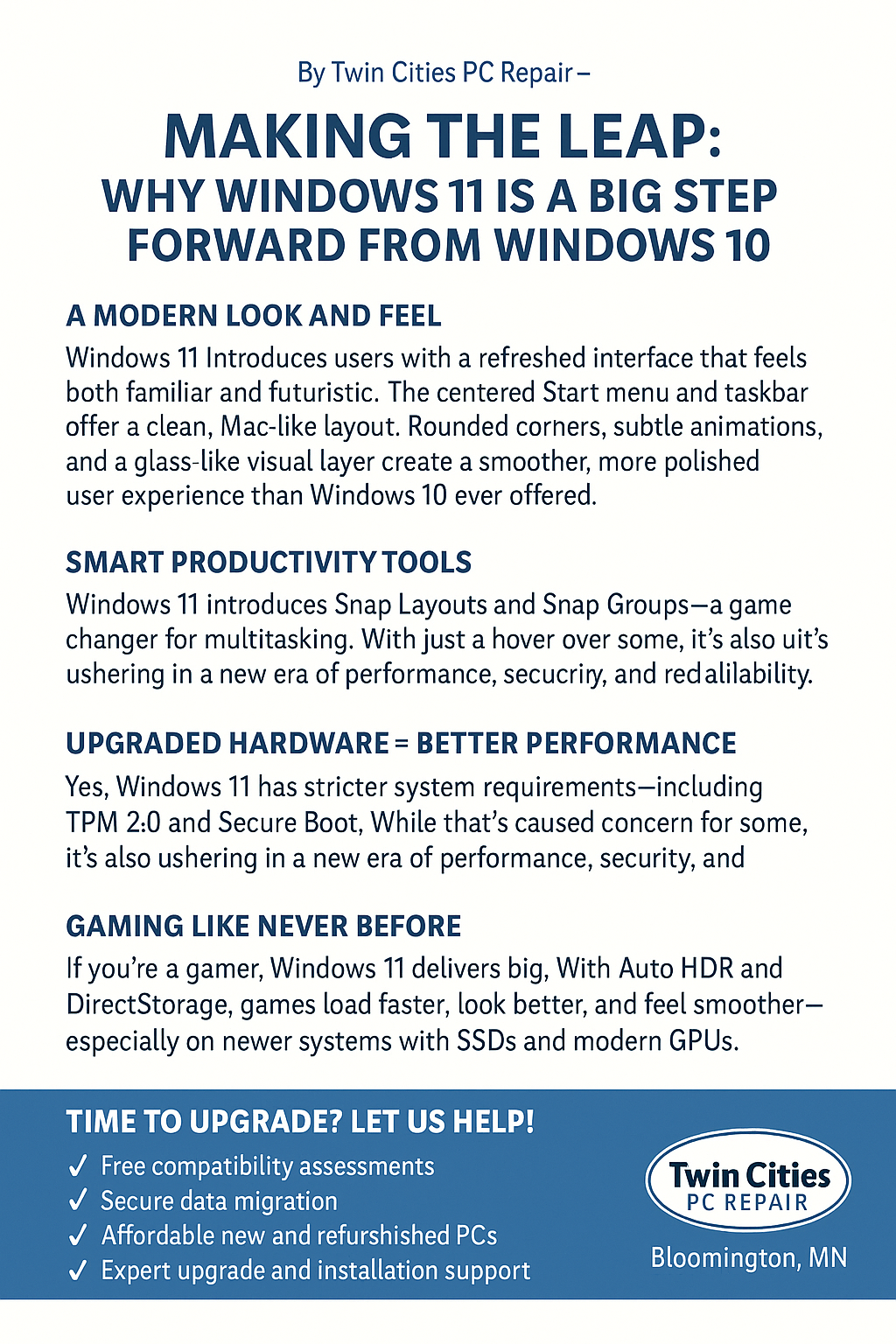
Making the Leap: Why Windows 11 is a Big Step Forward from Windows 10, By Twin Cities PC Repair – Bloomington, MN 🌐www.twincitiespcrepair.com
A Modern Look and Feel
Windows 11 welcomes users with a refreshed interface that feels both familiar and futuristic. The centered Start menu and taskbar offer a clean, Mac-like layout that reduces clutter and improves focus. Rounded corners, subtle animations, and a glass-like visual layer create a smoother, more polished user experience than Windows 10 ever offered.
Smart Productivity Tools
Windows 11 introduces Snap Layouts and Snap Groups—a game changer for multitasking. With just a hover over the maximize button, you can quickly arrange open apps into organized grids across one or multiple displays. It’s a powerful tool for professionals and students alike.
Upgraded Hardware = Better Performance
Yes, Windows 11 has stricter system requirements, including TPM 2.0 and Secure Boot. While that’s caused concern for some, it’s also ushering in a new era of performance, security, and reliability. These features help prevent firmware attacks and protect against ransomware—something Windows 10 wasn’t built to handle as effectively.
Gaming Like Never Before
If you’re a gamer, Windows 11 delivers big. With Auto HDR and DirectStorage, games load faster, look better, and feel smoother—especially on newer systems with SSDs and modern GPUs. These features bring console-level performance to PC.
Built-in Microsoft Teams Chat
Staying connected is easier than ever. Microsoft Teams Chat is now integrated directly into the taskbar, allowing instant video calls, messages, and file sharing—without launching a separate app.
Time to Upgrade? Let Us Help!
The future of Windows is here, and it’s called Windows 11. If your system can’t run it, don’t worry. Twin Cities PC Repair in Bloomington, MN offers:
✅ Free compatibility assessments ✅ Secure data migration ✅ Affordable new and refurbished PCs ✅ Expert upgrade and installation support
Call us today or visit us online to make the move from Windows 10 to 11 as smooth as possible.
We use cookies to ensure that we give you the best experience on our website. If you continue to use this site we will assume that you are happy with it.

Recent Comments