
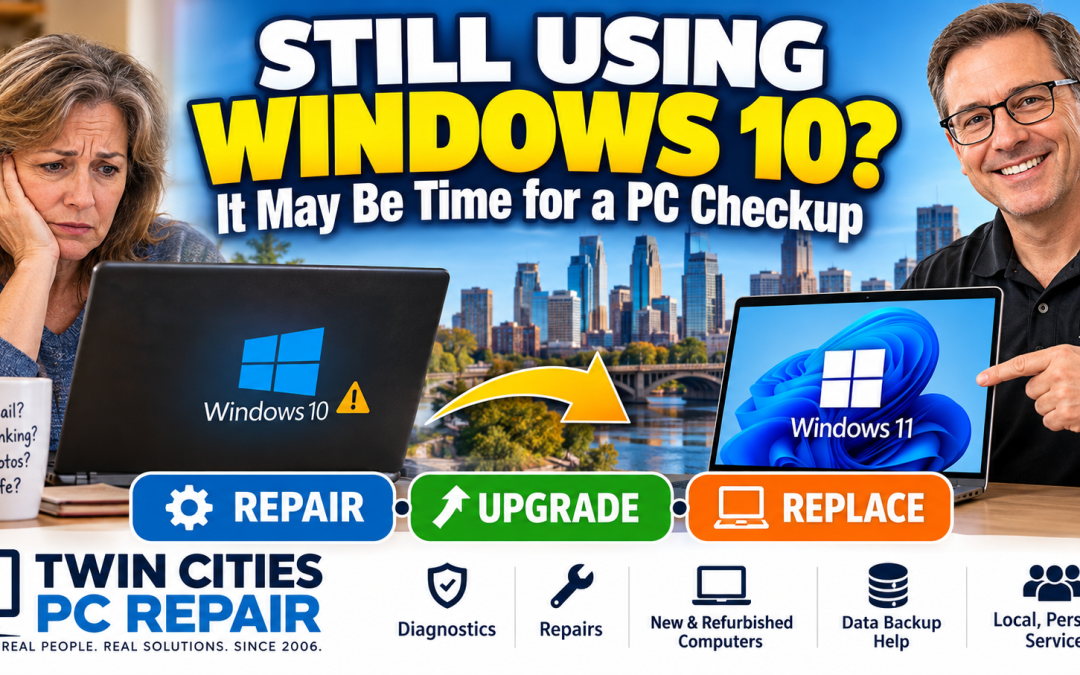
 Your Windows 10 PC Still Works—But Is It Still Safe?
What Twin Cities Computer Owners Need to Know in 2026
If you're still using a Windows 10 computer, you're definitely not alone. I still see plenty of Windows 10 desktops and laptops come through Twin Cities PC Repair here in Bloomington, Minnesota.
And there's something important I want computer owners to understand:
Just because your computer still turns on and seems to work normally doesn't necessarily mean everything is okay.
Microsoft officially ended standard support for Windows 10 on October 14, 2025. That means Windows 10 no longer receives the normal free security updates, software updates, fixes, and Microsoft technical support it once did.
Now that we're well into 2026, it's a good time to take another look at that older computer and decide what makes the most sense: upgrade it, protect it temporarily, repair it, or replace it.
The good news? You may have more options than you think.
Windows 10 Didn't Suddenly Stop Working
One of the biggest misconceptions about the Windows 10 end-of-support deadline was that computers would suddenly stop working.
They didn't.
Your Windows 10 computer may still start normally. Your browser may work. Your printer may print. Your email may open.
The issue is what's happening behind the scenes.
According to Microsoft's explanation of what happens when Windows is no longer supported, unsupported versions of Windows no longer receive the regular software and security updates designed to protect computers against newly discovered threats.
That's especially important if you use your computer for online banking, shopping, email, taxes, medical portals, financial records, or storing important personal information.
The longer an unsupported operating system is used without appropriate security measures, the more important it becomes to have a plan for moving forward.
"My Computer Says It Can't Run Windows 11." Is That the End of the Story?
Not necessarily.
This is one reason I recommend having an older computer evaluated before immediately spending money on a replacement.
Windows 11 has specific hardware and security requirements. Some older computers genuinely aren't supported, while other systems may require configuration changes or further evaluation before determining their upgrade options.
If you aren't sure what your computer can handle, don't guess.
Bring it to Twin Cities PC Repair, and I'll evaluate the hardware, overall condition, performance, storage health, and Windows compatibility.
Then we can answer the question that actually matters:
Does it make more sense to repair or upgrade this computer—or put that money toward a replacement?
I don't want you spending $1,000 or more on a new computer if a much less expensive solution will meet your needs.
But the opposite is also true. I don't want you putting hundreds of dollars into an aging computer that's nearing the end of its useful life.
The goal is to find the solution that makes sense for your computer, your needs, and your budget.
There's Still a Temporary Windows 10 Option
For eligible computers, Microsoft also offers the Windows 10 Extended Security Updates (ESU) program.
ESU provides critical and important security updates for enrolled Windows 10 computers after normal support has ended.
But there's an important distinction:
ESU is a bridge—not a permanent solution.
It doesn't turn Windows 10 back into a fully supported operating system or add new Windows features. It's designed to provide additional security protection while users transition to Windows 11 or another computer.
If you're confused about Windows 10 ESU, Windows 11 compatibility, or whether it's simply time to replace the computer, I can help you sort through those options.
Maybe Your Computer Doesn't Need to Be Replaced at All
Windows compatibility isn't the only reason people replace computers prematurely.
Does any of this sound familiar?
- Your computer takes forever to start.
- Programs are becoming sluggish.
- The computer freezes or crashes.
- You're constantly running out of storage.
- Your laptop gets extremely hot.
- Windows Update keeps failing.
- You're getting strange errors or pop-ups.
- Your Wi-Fi has become unreliable.
- The computer makes unusual noises.
- You're worried that the SSD or hard drive may be failing.
Those problems don't automatically mean you need a new computer.
A memory upgrade, SSD replacement, cooling-system cleaning, Windows repair, malware cleanup, or general PC tune-up can sometimes make a dramatic difference.
Twin Cities PC Repair provides professional computer diagnostics from my Bloomington location.
Most diagnostic evaluations take approximately 2–5 business days. Once the diagnostic process is complete, you'll receive a repair estimate so you can make an informed decision before proceeding.
If It's Time for a New Computer, I Can Help With That Too
This is where working with a local computer technician has another advantage.
You don't have to walk into a big-box store and pick a computer based on whichever model happens to have the biggest SALE sign that week.
Instead, tell me what you actually do with your computer.
Do you primarily browse the web and use email?
Work from home?
Use Microsoft Office?
Edit photographs?
Run bookkeeping software?
Store thousands of family photos?
Play PC games?
Need a large amount of storage?
I can help you choose a computer with the right processor, memory, storage, and other hardware for your actual needs without unnecessarily paying for features you'll never use.
Twin Cities PC Repair sells both new and certified refurbished computers, and I can also help with transferring your files and getting your replacement computer set up properly.
Before Anything Else, Think About Your Data
Whether you decide to repair, upgrade, or replace your computer, there's another question I want you to ask yourself:
If this computer died tonight, what would I lose?
Think about everything stored on it:
Family photos. Documents. Tax records. Videos. Business files. Financial information. Email archives. Years—or even decades—of digital memories.
I've dealt with enough failed drives and data recovery situations to know that the best time to think about your backup is before you need data recovery.
Microsoft also recommends backing up your files and data when preparing for a Windows 11 upgrade.
If you don't know whether your important files are properly backed up, that's something we can evaluate too.
Want Ongoing Computer Help? Check Out Home Tech
I've also recently introduced Residential Prepaid Support Hours for customers who want an easier way to get ongoing computer help.
You can purchase Home Tech prepaid computer support packages directly through the Twin Cities PC Repair online store.
Home Tech packages are available in:
3 Hours | 5 Hours | 10 Hours | 20 Hours
These prepaid hours can be used for eligible in-shop and remote computer support, making them a great option for people who regularly need help with their computers and technology.
They're also great for parents, grandparents, remote workers, or anyone who would rather have a technician available than spend Saturday afternoon searching Google for why their computer suddenly stopped doing something it did perfectly fine yesterday.
Local Computer Repair in Bloomington, MN
Twin Cities PC Repair is conveniently located in Bloomington, Minnesota, serving residential computer users throughout Bloomington and the surrounding Twin Cities communities.
I've been helping Minnesota computer users since 2006, and when you bring your computer to Twin Cities PC Repair, you're working with a local, independent computer repair shop—not a national big-box repair counter.
You'll work directly with me from diagnosis through repair.
That means straightforward answers, practical recommendations, and personalized service.
Don't Wait Until Your Computer Decides for You
If you're still using Windows 10, your computer has become painfully slow, you're getting strange errors, or you're simply wondering whether your current PC is worth keeping, now is a great time to have it checked.
You don't need to diagnose it yourself.
You don't need to understand TPM, Secure Boot, SSD health, memory timings, or Windows compatibility.
That's my job.
I'll evaluate what you have and help you determine the practical next step:
Repair it. Upgrade it. Protect it. Or replace it.
Ready to get your computer checked?
Visit Twin Cities PC Repair to learn more or arrange your computer drop-off.
Twin Cities PC Repair
Residential Sales & Support
7900 International Dr., Suite 300
Bloomington, MN 55425
(651) 456-8655
Serving Bloomington and communities throughout the Minneapolis–St. Paul Twin Cities metro area.
Don't wait for an aging computer to make the decision for you. Let's find out what you've got—and whether it's worth repairing, upgrading, or replacing.