This Week at Twin Cities PC Repair: Tips, Tales & Tech Insights – 9/29/2025
Welcome Note
Hello, Twin Cities community! We hope your week has been smooth (at least until your computer gave you headaches). Here at Twin Cities PC Repair, we believe in keeping you informed, empowered, and (fingers crossed) error-free. Below are what’s happening this week, along with a few tips and insights for your tech.
🖥️ Featured Tip of the Week
Back Up Before You Crack (Open the Case, That Is)
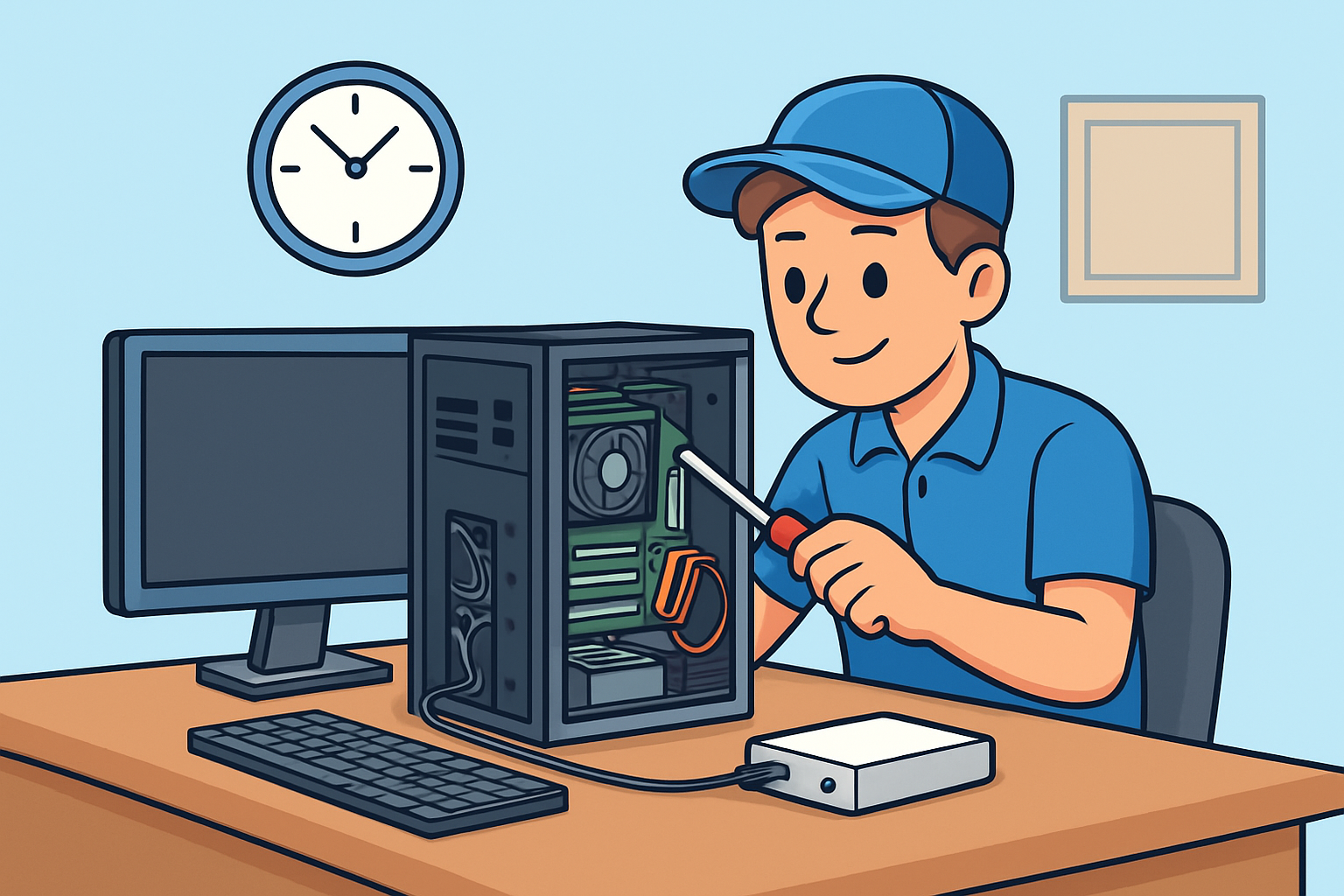
One thing we can’t stress enough: always back up your data before doing any hardware changes or repairs. Whether it’s a hard drive swap, SSD upgrade, or cleaning internal components, unexpected failures can happen. Use an external drive, cloud backup, or network storage to keep your photos, documents, and important files safe.
Bonus tip: verify your backup by opening a few files from it occasionally — you don’t want to discover it’s corrupt when you really need it.
🔍 Recent Highlights from the Shop
Client Spotlight – SSD Upgrade for Speed
This week, we upgraded a local small business owner’s aging laptop from a 5400 RPM HDD to a 1TB NVMe SSD. The end result? Boot times dropped from ~60 seconds to ~10 seconds. The client was stunned — “I didn’t know my machine could be this fast,” they said.
Fun (but stressful) Recovery
We had a case where someone accidentally spilled coffee on their desktop. Thankfully, the client shut off the PC immediately, brought it in, and we managed to salvage the motherboard and data. A reminder: always power off and unplug first if liquid gets in.
Network Troubles
A customer’s home WiFi was dropping repeatedly. After diagnostics, we found a failing router and interference from a new neighbor’s network. Swapping to a dual-band mesh system and choosing less crowded channels solved the problem.
💡 Tech Insight of the Week: Why Your PC Slows Over Time
Over months and years, many things accumulate to slow your machine:
Bloatware and unwanted software installed in the background
Fragmented storage (especially on traditional hard drives)
Dust and heat buildup in key components
Outdated drivers or firmware
Operating system updates not optimized
If you’ve noticed your PC dragging lately, come by and we’ll run a “speed-revival” tune-up — cleaning, updates, optimizations, and hardware checks.
✅ Quick Checklist for Your PC This Week
Check your backups — make sure they are working.
Delete programs you no longer need.
Clean dust out of fans, vents, and intakes (when safe and powered off).
Update your OS, drivers, and key software.
Monitor your disk usage; a nearly full drive often slows things down.
Thanks for reading! If you’re in the Twin Cities area and your computer’s acting up, feel free to book a device drop-off or drop by. We’d be happy to help.
Have a great (and glitch-free) week ahead,
Twin Cities PC Repair
Keep Your Computer Running Like New This Fall – 9/26/2025
As the seasons change, so do the demands we place on our technology. Whether you’re running a business, managing school projects, or just staying connected with family and friends, your computer is at the center of it all. At Twin Cities PC Repair, we believe your computer should make your life easier—not harder. That’s why this month, we’re focusing on simple but powerful ways to keep your system in peak condition.
Why Maintenance Matters
Your computer works hard every day. Over time, it collects temporary files, dust, and even minor software issues that can slow things down. Just like you’d take your car in for an oil change, your computer benefits from regular checkups, too. Without maintenance, small issues can snowball into costly repairs—or worse, data loss.
Some common warning signs your computer may need attention:
Sluggish startup or frequent freezing
Unusual error messages or pop-ups
Loud fan noise or overheating
Running out of storage space faster than expected
Unexpected restarts or blue screen errors
If you’re noticing any of these symptoms, now is the perfect time to act.
Seasonal Computer Tune-Up
Fall is an excellent reminder to give your devices some extra care. Our Seasonal Computer Tune-Up service includes:
Deep system cleaning: Removing dust from fans and vents to prevent overheating.
Performance optimization: Clearing junk files, updating software, and improving speed.
Virus and malware scan: Ensuring your system stays safe from online threats.
Hardware health check: Testing memory, storage, and other key components.
Backup solutions: Helping you protect photos, documents, and important data.
Think of it as a wellness check for your PC. A tune-up can extend the lifespan of your computer, save you money in the long run, and make your day-to-day use smoother and stress-free.
Security Spotlight: Protect Your Data
Cybersecurity threats are constantly evolving. With so much of our lives online, it’s important to stay protected. At Twin Cities PC Repair, we recommend:
Using strong, unique passwords (a password manager can help).
Keeping your operating system and programs up to date.
Installing a trusted antivirus program and running regular scans.
Being cautious with email attachments and links.
If you’re not sure whether your system is secure, bring it to us for a quick check. A small step today can prevent big headaches tomorrow.
Why Choose Twin Cities PC Repair?
We’re not just another tech shop—we’re your local partner for reliable, honest, and affordable computer services. Whether it’s a quick repair, a custom-built PC, or long-term maintenance, our goal is to keep your technology working the way you need it to.
Our technicians are friendly, approachable, and take the time to explain things in plain language. We know that tech problems can be stressful, and we pride ourselves on making the process as smooth and easy as possible.
Special Offer
This month only, mention this newsletter and get 10% off a Seasonal Computer Tune-Up. It’s our way of saying thank you for trusting us with your technology needs.
Final Thoughts
Your computer is one of your most important tools. With a little care and regular maintenance, you can avoid frustration, extend its life, and keep it running like new. Let Twin Cities PC Repair help you take the stress out of tech and keep things running smoothly.
Why Computer Tune-Ups Save You Money (and Headaches) in the Long Run – 9/15/2025 Twin Cities PC Repair Weekly Tech-Tips
When it comes to computers, most people wait until something goes wrong before calling for help. By the time you see the dreaded blue screen, hear grinding noises from the hard drive, or notice your laptop takes five minutes just to start up, the damage is often done—and the repair costs can be much higher than expected.
That’s where regular computer tune-ups come in. Just like cars, computers run better, last longer, and cost less to maintain when they’re serviced on a routine basis. A tune-up isn’t just about cleaning up files; it’s about protecting your investment, keeping your system running smoothly, and avoiding major problems before they happen.
The True Cost of “Waiting Until It Breaks”
Many people think skipping maintenance saves money. In reality, it often does the opposite. Consider this:
A failing hard drive can sometimes be detected early during a routine check. If caught in time, you can back up your data and replace the drive affordably. If not, you could be facing a complete data recovery job—easily hundreds of dollars.
Out-of-date software leaves your computer open to viruses and malware. A tune-up ensures updates are installed, security settings are checked, and your system is protected. Cleaning up after an infection is always more expensive (and stressful) than preventing one.
Overheating and dust buildup inside your machine may not be noticeable right away. Left unchecked, they can permanently damage internal components. A quick cleaning during a tune-up keeps fans running efficiently and avoids costly replacements.
What’s Included in a Computer Tune-Up?
Every computer repair shop has its own process, but a professional tune-up usually includes:
System performance checks and startup optimization
Removal of junk files, bloatware, and hidden background programs
Virus and malware scans with removal if needed
Security and update verification
Hardware inspection, including fans, drives, and memory
Cleaning dust from inside the case or laptop vents
The result? A computer that runs faster, stays more secure, and lasts longer—without the constant frustration of slowdowns and glitches.
Small Investment, Big Savings
Think about it this way: would you rather spend a little now, or a lot later? A tune-up is a small investment compared to the cost of:
Data recovery after a hard drive crash
Malware cleanup from a ransomware attack
Replacing an entire computer sooner than necessary
Even better, regular maintenance extends the life of your machine. Instead of replacing a laptop every 3–4 years, you could comfortably use it for 5–6 years with proper care. That’s hundreds of dollars saved just by taking preventive action.
How We Make It Easy
We know life is busy, which is why we offer maintenance plans and block labor hour packages. That means you don’t have to wait until disaster strikes—you can schedule regular tune-ups at a discounted rate and know your computer is always being looked after.
With prepaid labor blocks, you save money up front and can use the hours for any service you need: tune-ups, virus removal, upgrades, or troubleshooting. It’s flexible, affordable, and ensures your technology is always in top shape.
Don’t Wait Until It’s Too Late
Your computer is one of the most important tools you use every day. Whether it’s for work, school, or keeping in touch with loved ones, it deserves the same kind of routine care you’d give your car or your health.
A tune-up today can save you from a major repair tomorrow—and give you peace of mind knowing your files, photos, and data are safe.
👉 Click below to schedule your computer tune-up or ask about our block labor hour packages. It’s the easiest way to save money, avoid headaches, and keep your tech running like new.
Book a drop-off, click HERE
Book remote support, click HERE Contact me, click HERE
Your Twin Cities Source for PC Sales, Speed, Safety & Support
1. SSD Upgrade vs. HDD Replacement: Speed, Durability & Energy Efficiency
Speed: SSDs can be up to 100× faster than HDDs, resulting in lightning-fast boot times, application launches, and data access—perfect for both everyday users and professionals.(Kingston Technology Company)
Durability: Solid-state drives are more resilient—no moving parts means less risk of physical failure and quieter operation.(Crucial, Avast)
Energy Efficiency: SSDs consume less power and generate less heat—ideal for laptops and energy-conscious desktops.(Crucial, primetechsupport.com)
HDD Still Useful: Traditional hard drives remain the most cost-effective option for high-capacity storage needs.(Crucial, Avast)
Planning an Upgrade? Consider this thorough migration guide for Windows 11 users—covers backup, cloning, BIOS settings, and verifying success.(IT Pro)
2. Cooling System Failures & Overheating Solutions
Why Overheating Happens: Dust, failing fans, dried-out thermal paste, and inadequate airflow are common offenders.(Avast)
Quick Fixes:
Shut down and let your system rest—sometimes, a cold reboot helps.(Avast)
Use compressed air to clear dust from fans, vents, and heatsinks.(Dr. Phone Fix)
Ensure proper airflow: keep desktops on flat, hard surfaces, laptops elevated and clear of soft surfaces.(Avast, Dr. Phone Fix)
Thermal Paste Tips: Apply a small, rice-grain-sized dot, then gently spread—avoid over-application. Improper application can worsen heat issues.(Instructables, Super User)
When to Call a Pro: If fans won’t spin, noises persist, or overheating continues, Twin Cities PC Repair can perform deep cleaning, fan replacement, and paste reapplication.
3. Data Recovery After a Crash: Best Practices & Tools
Crash Causes: Failures often result from wear and tear, mechanical faults, or logical errors—not necessarily malware or disasters.(Acronis)
DIY Tools:
TestDisk: Great for recovering lost partitions or repairing corrupted tables.(Wikipedia)
PhotoRec: Recovers a wide array of file types without writing to the damaged drive.(Wikipedia)
Other Tools: Try TestDisk and PhotoRec from a separate storage device to avoid overwriting data.(Salvation DATA)
When Professionals Are Needed: If hardware is damaged, or DIY tools fail, professional recovery can significantly improve success chances—especially when data is critical.(The Lab, Fields Data Recovery)
4. Windows 11 Compatibility & TPM 2.0 Support
TPM Requirement: Windows 11 requires TPM 2.0 (Trusted Platform Module) for enhanced security features like BitLocker and Windows Hello.(Microsoft Support, Lifewire)
How to Check:
In Windows Security: go to Settings → Update & Security → Device Security and verify the “Security processor” section.(Microsoft Support)
Or run tpm.msc from Run—check the Specification Version under TPM details.(Microsoft Support, NinjaOne)
Enabling TPM:
Reboot into UEFI/BIOS via Settings → Recovery → Advanced options → UEFI Firmware Settings.
Find TPM options (labels like “PTT”, “fTPM”, “Security Device”) in BIOS and enable. Then reboot and recheck.(Microsoft Support, NinjaOne)
Note: TPM via USB or external devices is not supported by Windows 11.(Microsoft Learn)
Benefits: Even older systems (post-2014) likely have TPM built-in; enabling it strengthens system security and future-proofs your machine.(Lifewire)
Additional Tools: If needed, guides exist to convert MBR to GPT and enable Secure Boot/TPM. Always backup before making firmware changes.(Windows Central)
AI-Capable PCs & Windows 10 Sunset: What It Means for You – 9/3/2025
Get Ready for the AI-Capable PC Revolution
The personal computer market is undergoing a fast-paced transformation—and for Twin Cities PC Repair, this moment holds tremendous opportunity. As AI-capable PCs surge in popularity and Windows 10 support winds down, savvy computer users need trusted experts to guide them through upgrades, services, and AI-ready hardware.
AI-Capable PCs Are Taking Off—Fast
Recent data shows AI-capable PCs are on track to account for 31% of global PC shipments by the end of 2025, poised to nearly double to 55% in 2026—a meteoric rise in just a year. Laptops currently dominate this segment, thanks to their convenience and affordability.
More consumers and businesses are realizing the benefit of having local AI processing power for productivity, content creation, and even cybersecurity. It’s no longer just about speed—it’s about intelligence built directly into the machine.
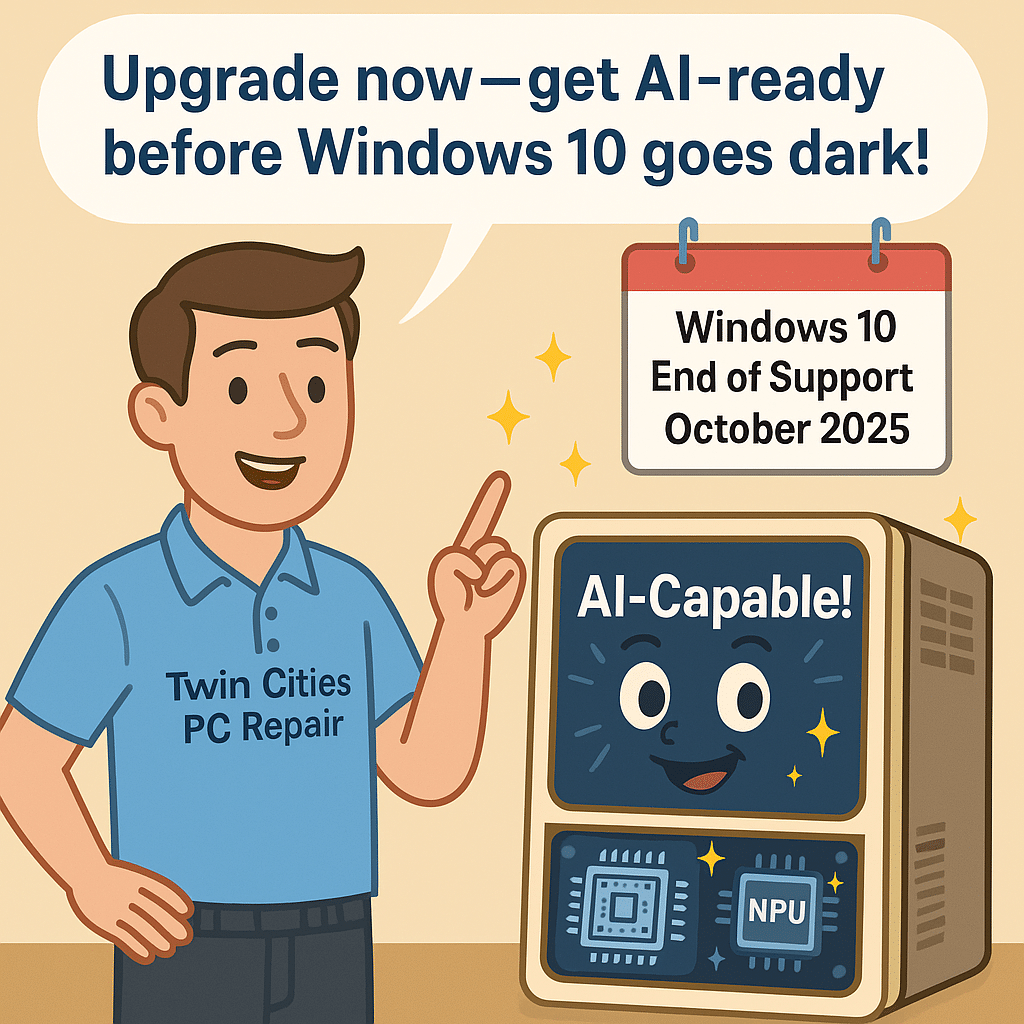
Windows 10 Support Ends October 2025
Adding fuel to the fire, Microsoft is set to end support for Windows 10 in October 2025. That means no more security updates, patches, or official support.
Many businesses and professionals need new machines now to avoid security risks and ensure continued compatibility with critical applications. This system refresh cycle is driving renewed demand for hardware—and repair services too.
Major Brands Already See Growth
Industry leaders are reaping the rewards. HP recently reported a 6% increase in personal systems revenue, driven by strong uptake of AI-enabled PCs. Dell also raised revenue forecasts, citing demand for both AI-ready laptops and servers.
These signals confirm that AI computing isn’t a passing fad—it’s the direction the entire industry is heading.
What This Means for You (and How We Can Help)
At Twin Cities PC Repair, we’re ready to guide you through this transition. Here’s how we can help:
Upgrade Services in High Demand Bring us your older PC and we’ll assess upgrade paths—whether that’s adding RAM, swapping in a fast SSD, or checking compatibility for Windows 11 and AI features.
Affordable Refurbished Models We offer tested, certified refurbished machines that are AI-ready—perfect if you want performance without breaking the bank.
Smart Stocking of Parts We keep the latest NVMe drives, RAM, and cooling solutions in stock so you don’t wait weeks for your upgrade.
Education & Guidance Confused about what “AI-capable” really means? We’ll explain the difference between CPUs, GPUs, and NPUs in plain language so you know exactly what you’re getting.
Long-Term Outlook: Bright for PC Owners
Analysts forecast 4%+ growth in PC shipments in 2025, spurred by AI adoption, hardware refresh cycles, and hybrid work. Combined with Windows 10’s sunset, this creates a once-in-a-decade chance to upgrade and secure your technology.
For Twin Cities PC Repair, it means more neighbors and businesses coming through our doors for trusted advice. For you, it means peace of mind knowing your systems are secure, powerful, and future-ready.
We use cookies to ensure that we give you the best experience on our website. If you continue to use this site we will assume that you are happy with it.



Recent Comments