The Hidden Cost of Ignoring Laptop Heat Problems – 6/24/2026
Many computer owners assume a warm laptop is normal. While some heat is expected, excessive heat can silently damage internal components, shorten the lifespan of your device, and lead to costly repairs.
At Twin Cities PC Repair, overheating remains one of the most common issues we see, especially during the summer months. Whether you’re working from home, gaming, streaming, or simply browsing the web, heat can become a serious problem if left unchecked.
Why Laptops Run Hot
Modern laptops pack powerful processors, memory, and storage devices into increasingly thin designs. To keep these components cool, manufacturers rely on small cooling fans and heatsinks that move heat away from critical hardware.
Over time, dust, pet hair, and debris build up inside the cooling system. This restricts airflow and forces the computer to operate at higher temperatures.
Common causes of overheating include:
Dust-clogged cooling vents
Failing cooling fans
Dried thermal paste
Using laptops on blankets or soft surfaces
Resource-intensive applications
Malware running in the background
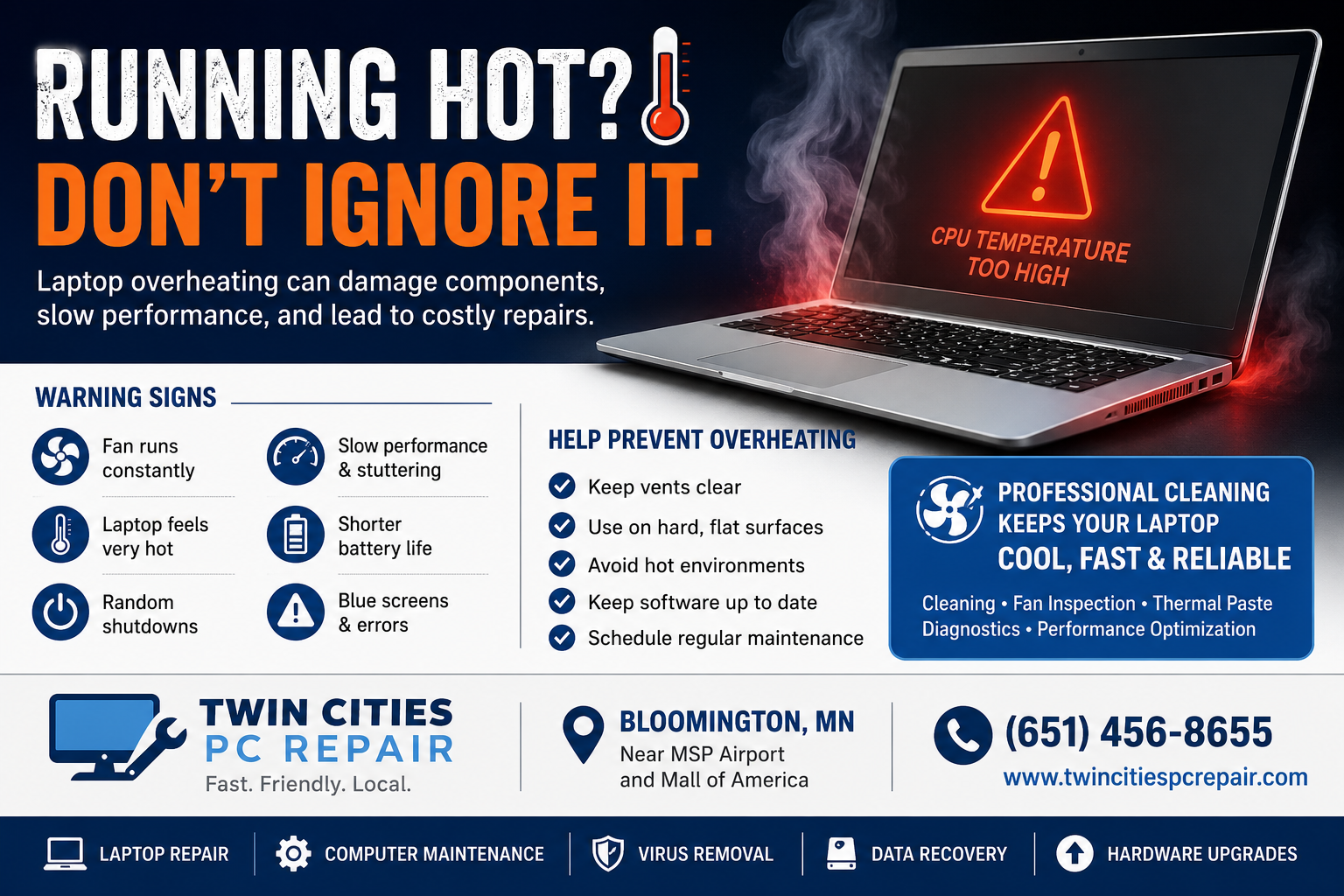
Warning Signs of Overheating
Your laptop may be overheating if you notice the following:
The fan running constantly
The bottom of the laptop becoming extremely hot
Random shutdowns or restarts
Slow performance while multitasking
Video stuttering or freezing
Blue screen errors
Battery life decreasing unexpectedly
Many people assume these symptoms indicate an aging computer when, in reality, a professional cleaning and maintenance service may solve the problem.
Heat Can Cause Permanent Damage
Excessive temperatures can affect nearly every component inside a computer.
Battery Damage
Heat is one of the leading causes of battery degradation. Prolonged exposure to high temperatures can reduce battery capacity and, in extreme cases, cause batteries to swell.
SSD and Storage Problems
Modern SSDs generate heat during operation. Elevated temperatures can impact performance and potentially shorten the lifespan of the drive.
Motherboard Failures
The motherboard contains thousands of tiny electronic connections. Repeated heating and cooling cycles can weaken solder joints and lead to intermittent failures that become increasingly difficult and expensive to repair.
Reduced Performance
Many modern processors automatically reduce their speed when temperatures become excessive. This process, known as thermal throttling, protects hardware but can make even a powerful computer feel sluggish.
Simple Steps to Reduce Laptop Heat
Fortunately, there are several ways to help your laptop stay cooler:
Keep air vents clear and unobstructed.
Use the laptop on a hard surface whenever possible.
Avoid leaving computers in hot vehicles.
Install operating system and driver updates.
Remove unnecessary startup programs.
Schedule regular maintenance and internal cleaning.
For heavy users, cooling pads can also help improve airflow.
Professional Laptop Cleaning and Maintenance
Many overheating problems cannot be solved by simply blowing compressed air into the vents. Dust often becomes trapped deep inside the cooling system, where it continues to restrict airflow.
Professional maintenance includes:
Internal cleaning
Fan inspection
Thermal paste replacement
Hardware diagnostics
Performance testing
Operating system optimization
These services can significantly improve cooling performance and extend the life of your computer.
If your laptop is running hot, shutting down unexpectedly, or becoming slower than usual, don’t ignore the warning signs. Early intervention can prevent expensive hardware failures and help keep your computer running reliably for years to come.
Twin Cities PC Repair has been serving Minnesota residents for nearly 20 years, providing laptop repair, computer maintenance, virus removal, hardware upgrades, and data recovery services.
Conveniently located near MSP Airport and the Mall of America in Bloomington, Minnesota, we also offer secure remote support for software-related issues throughout the United States.
If your computer is running hotter than it should, contact Twin Cities PC Repair today and let us help keep your technology running cool and reliable.
We use cookies to ensure that we give you the best experience on our website. If you continue to use this site we will assume that you are happy with it.